MailScope
Inside MailScope
Every detail, in view.
Explore the inbox, inspect an email, and see how MailScope fits into your workflow.
63 screenshots from the Mac app, using sample emails. Includes everyday workflows, settings, and warning states.
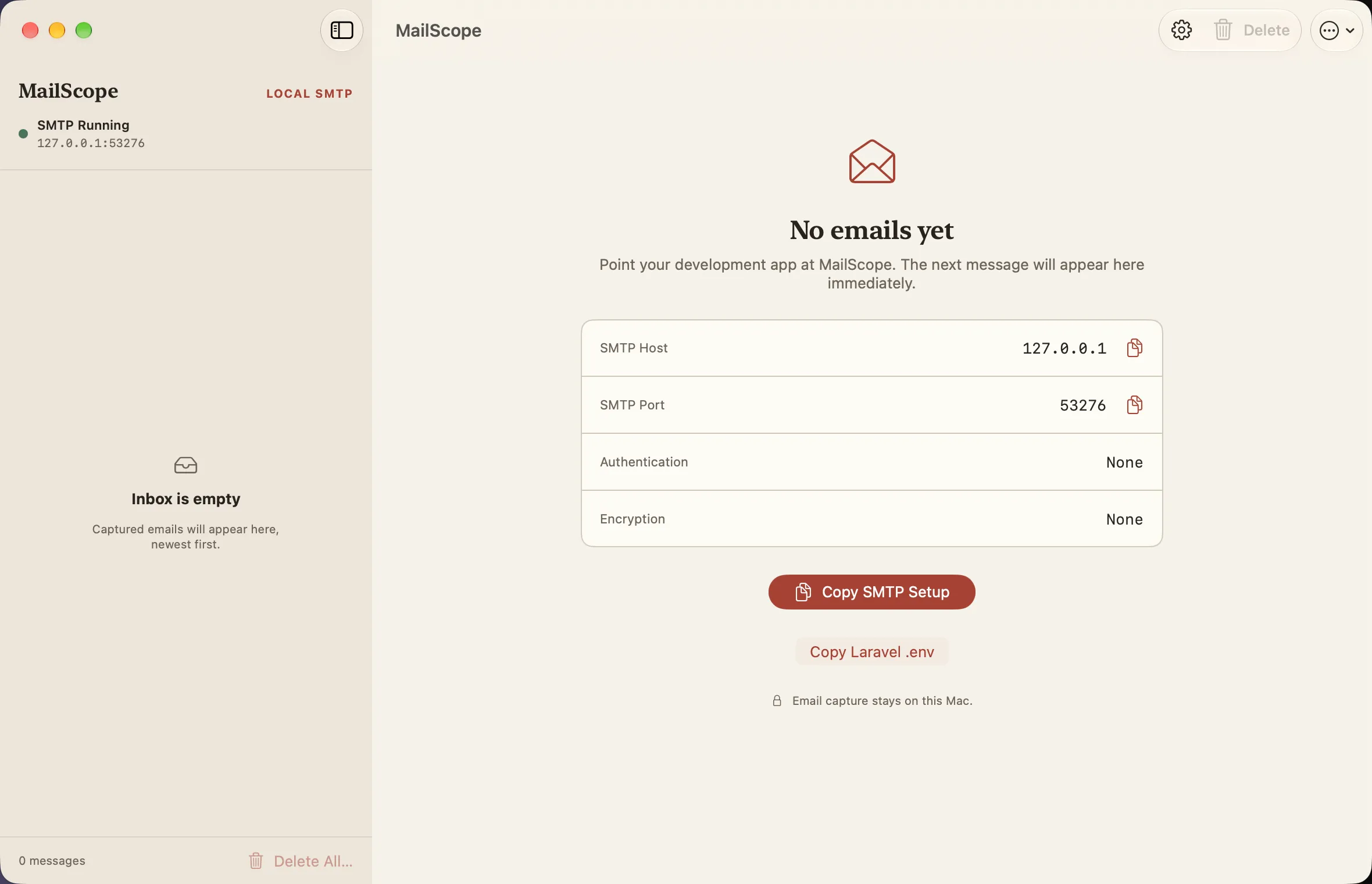
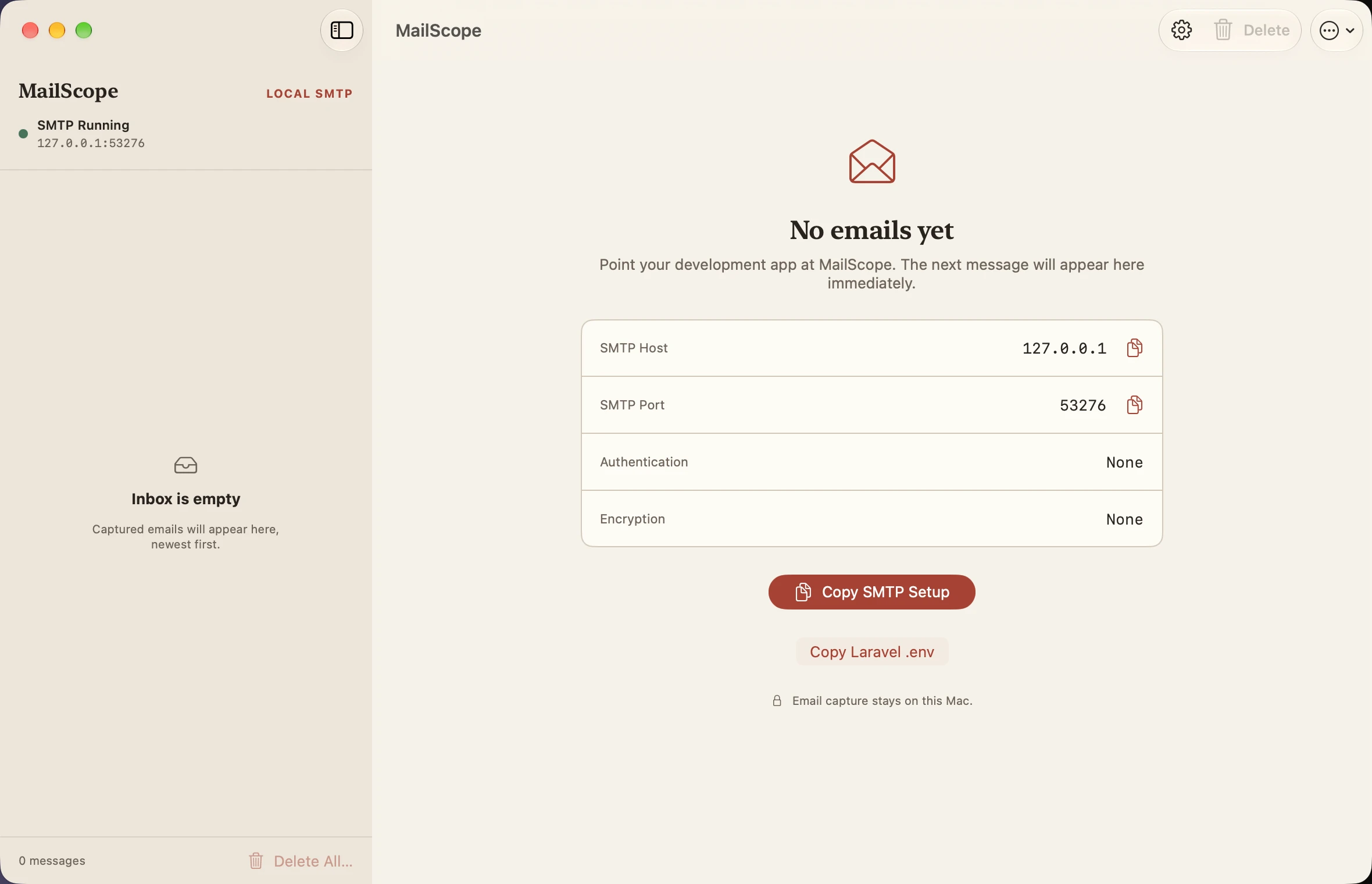
Empty inbox
Light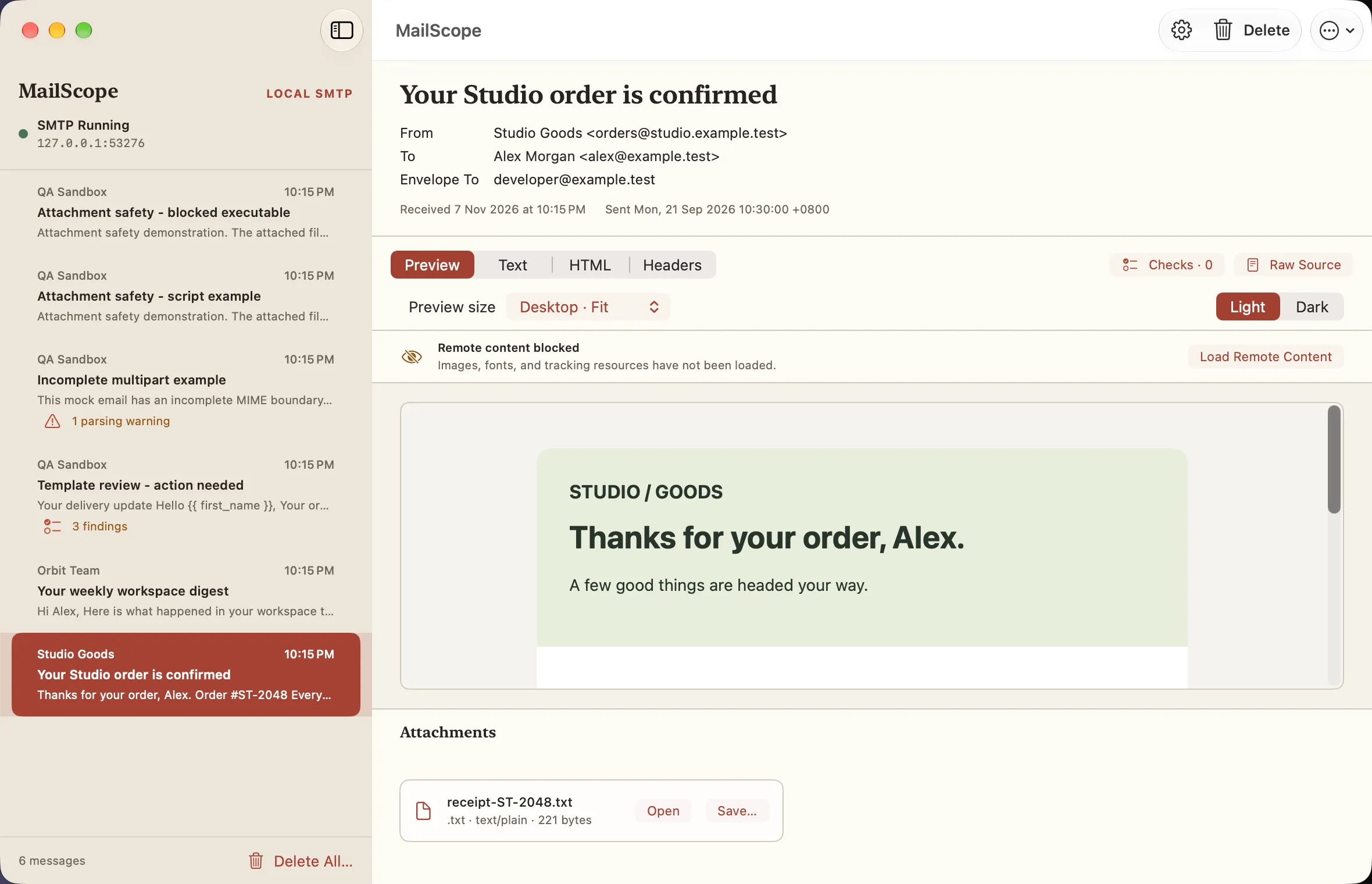
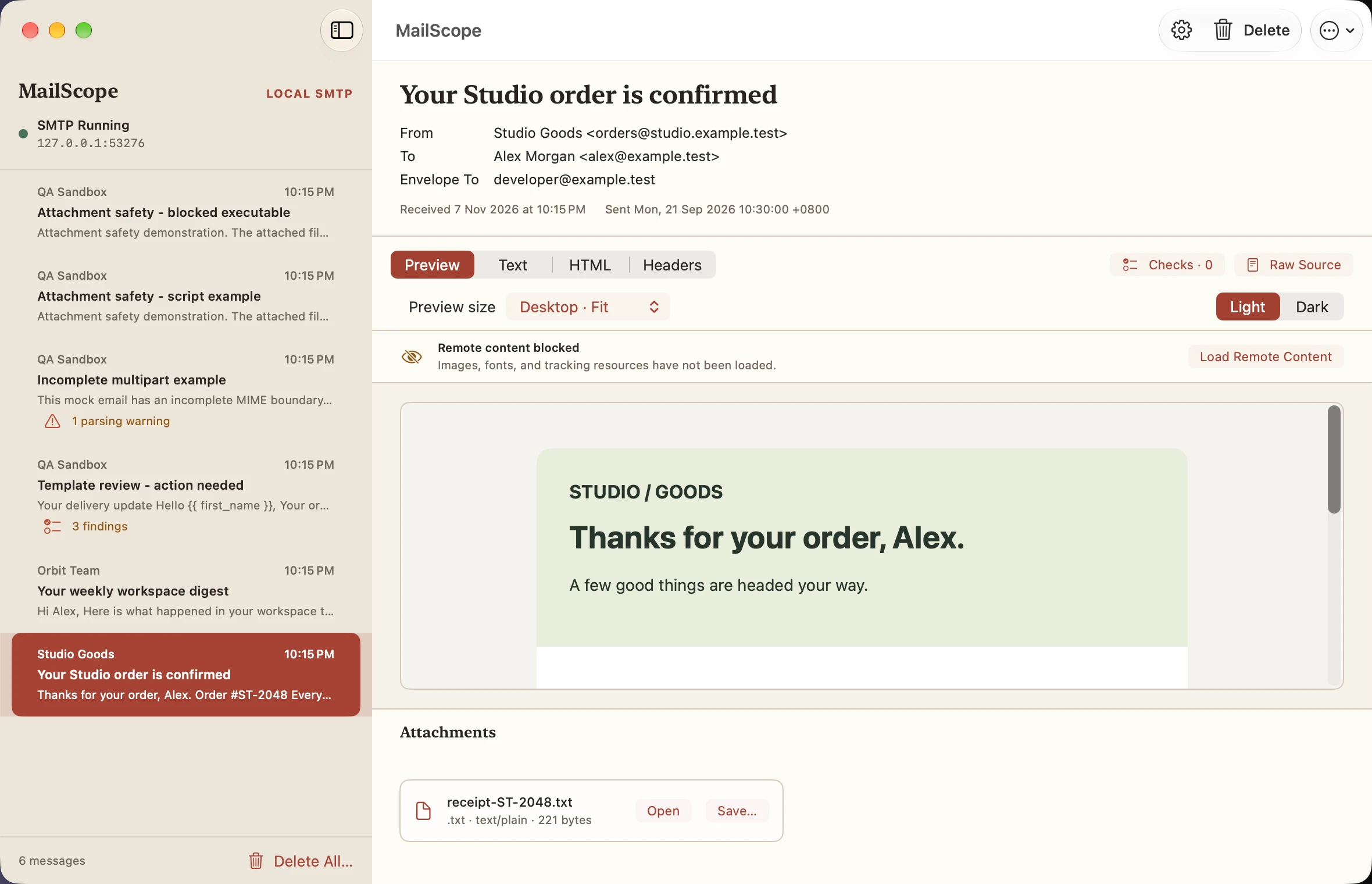
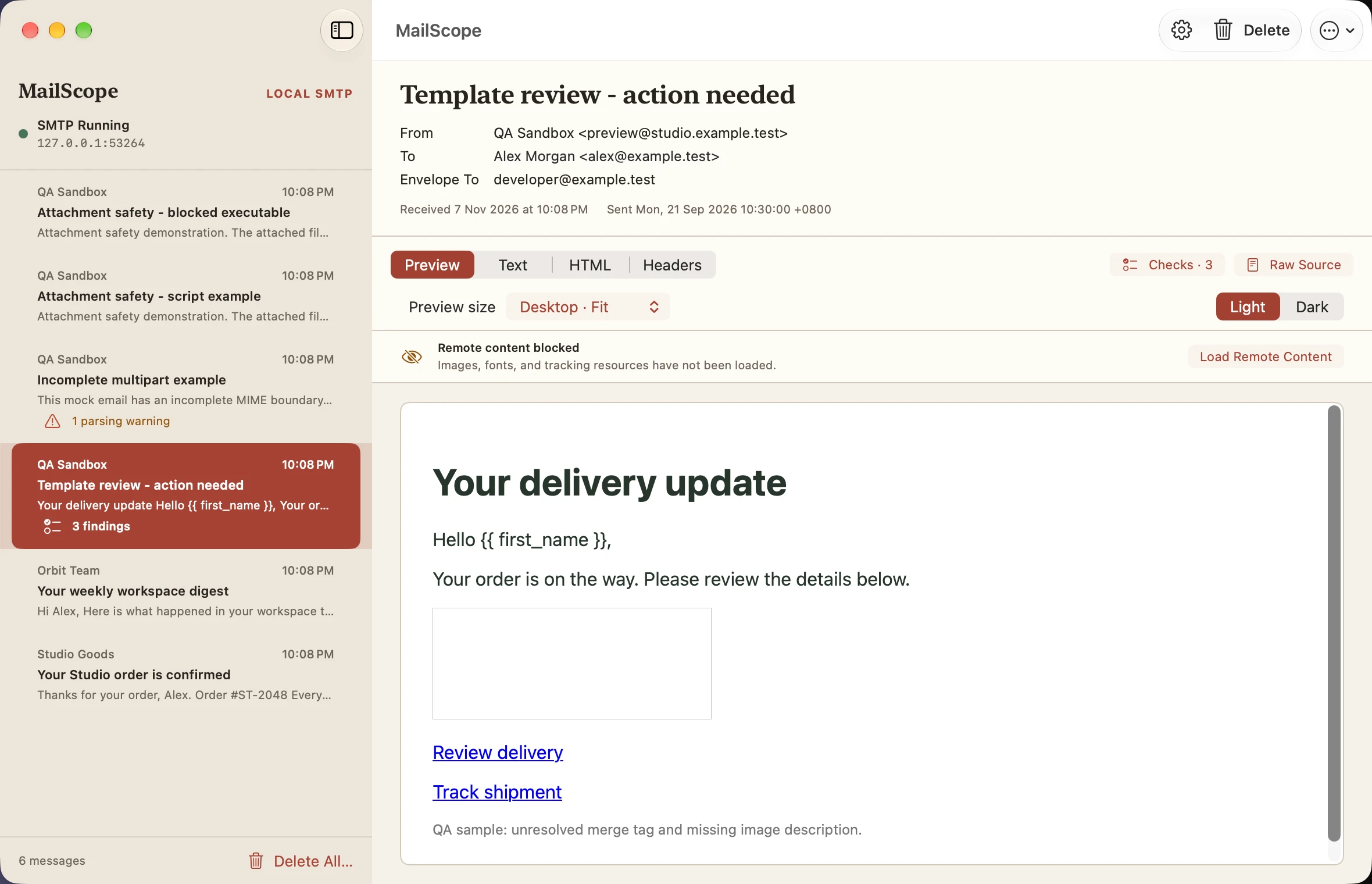
Inbox desktop preview
Light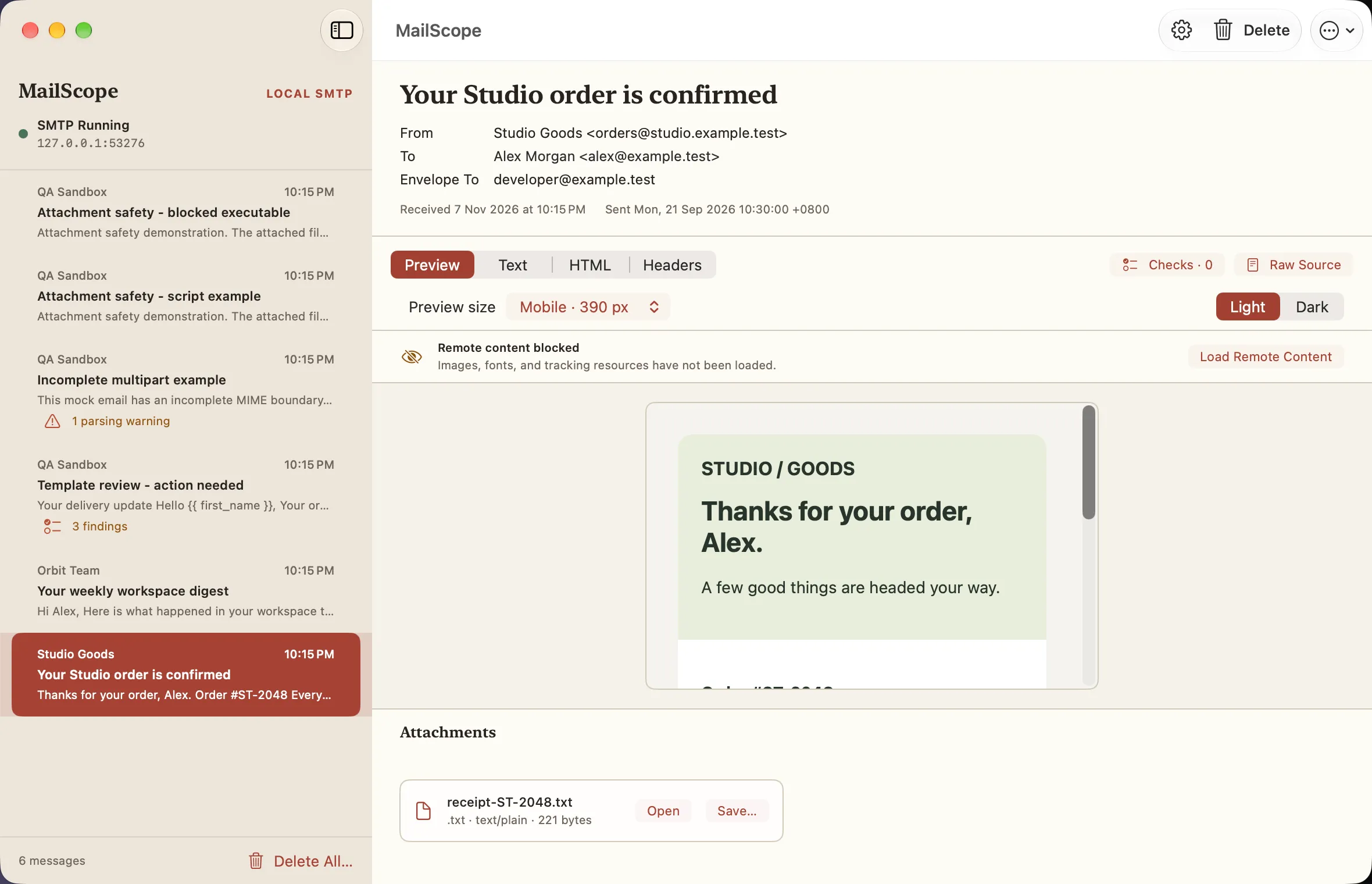
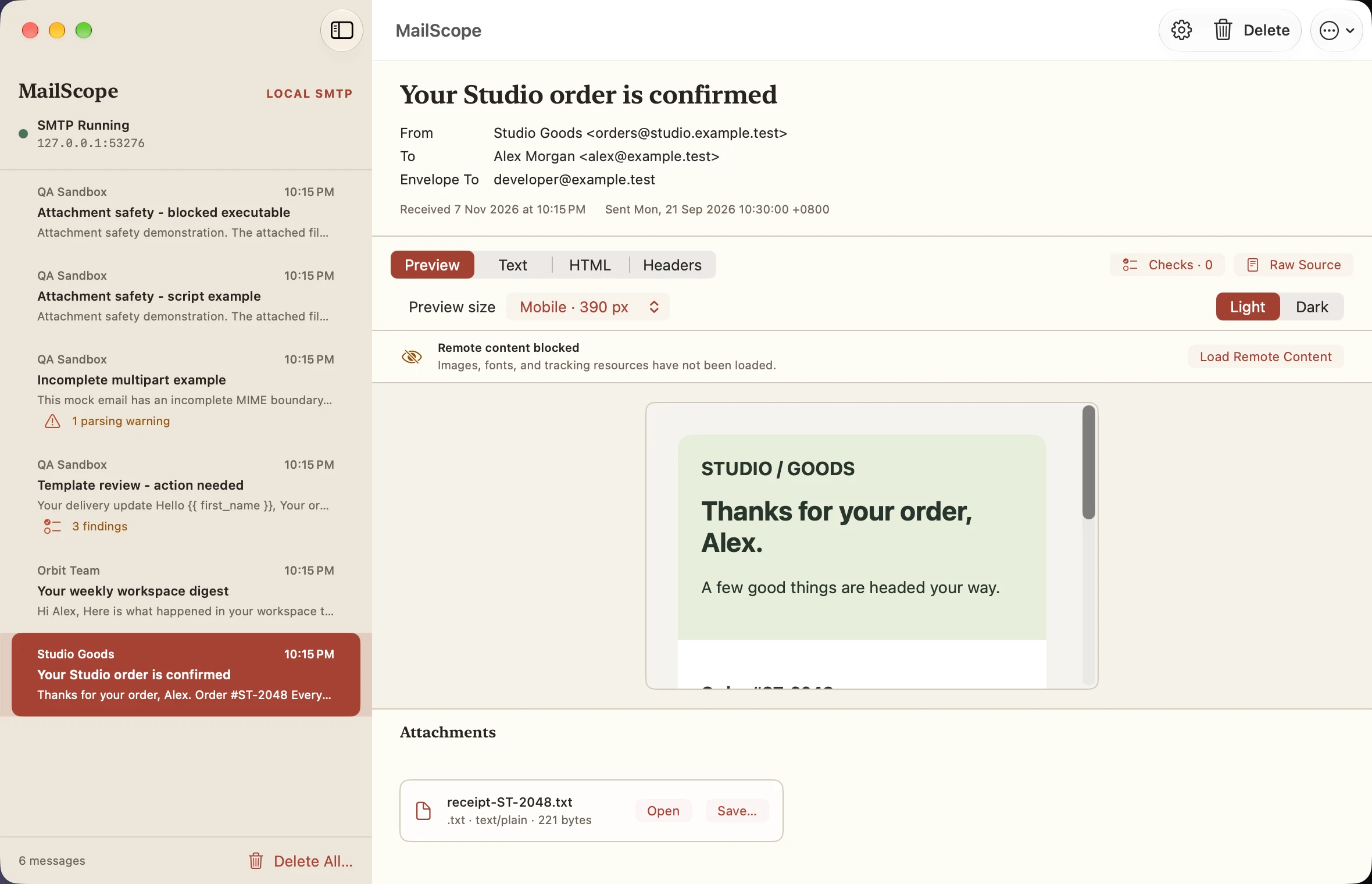
Mobile preview · 390 px
Light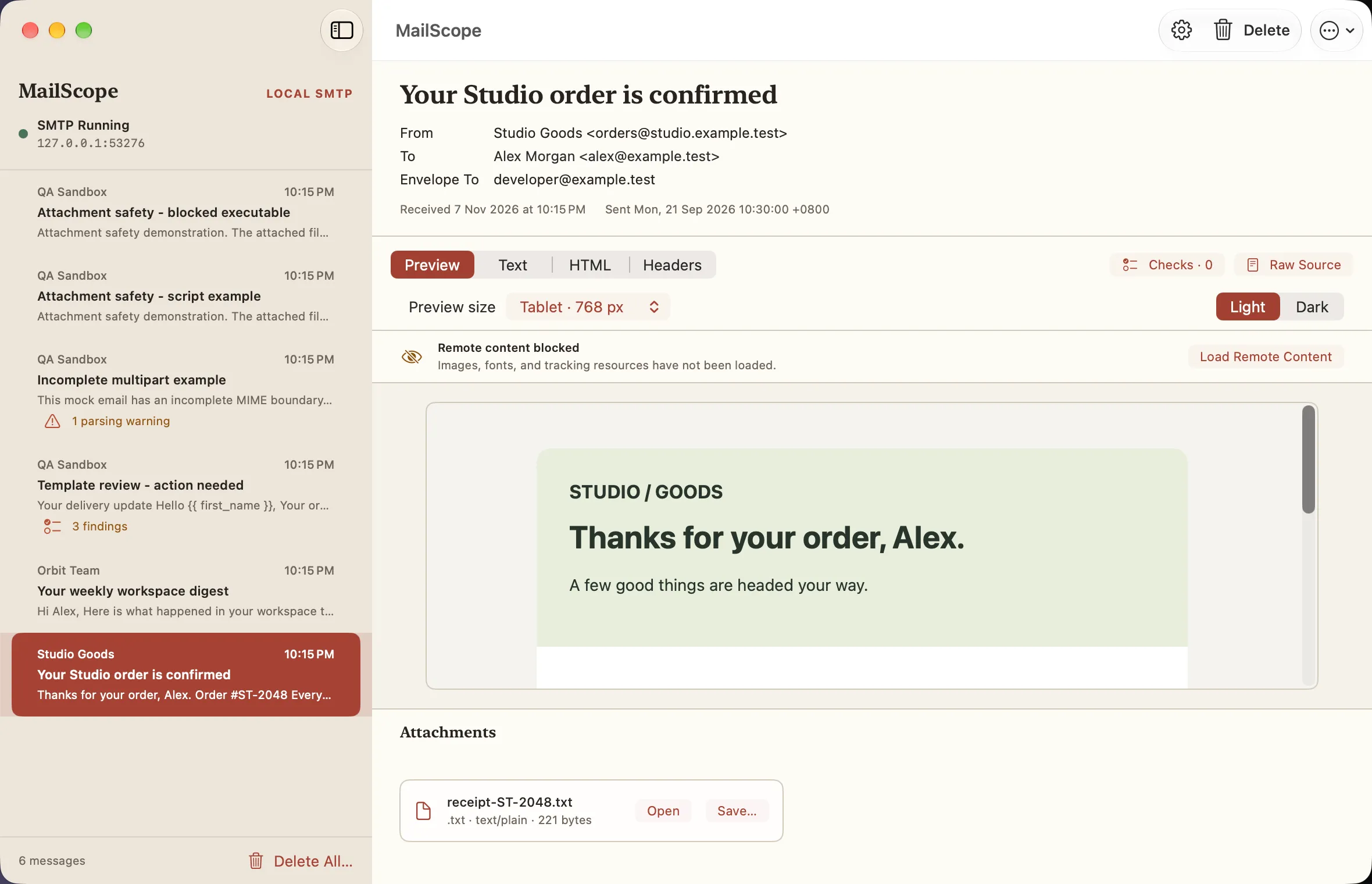
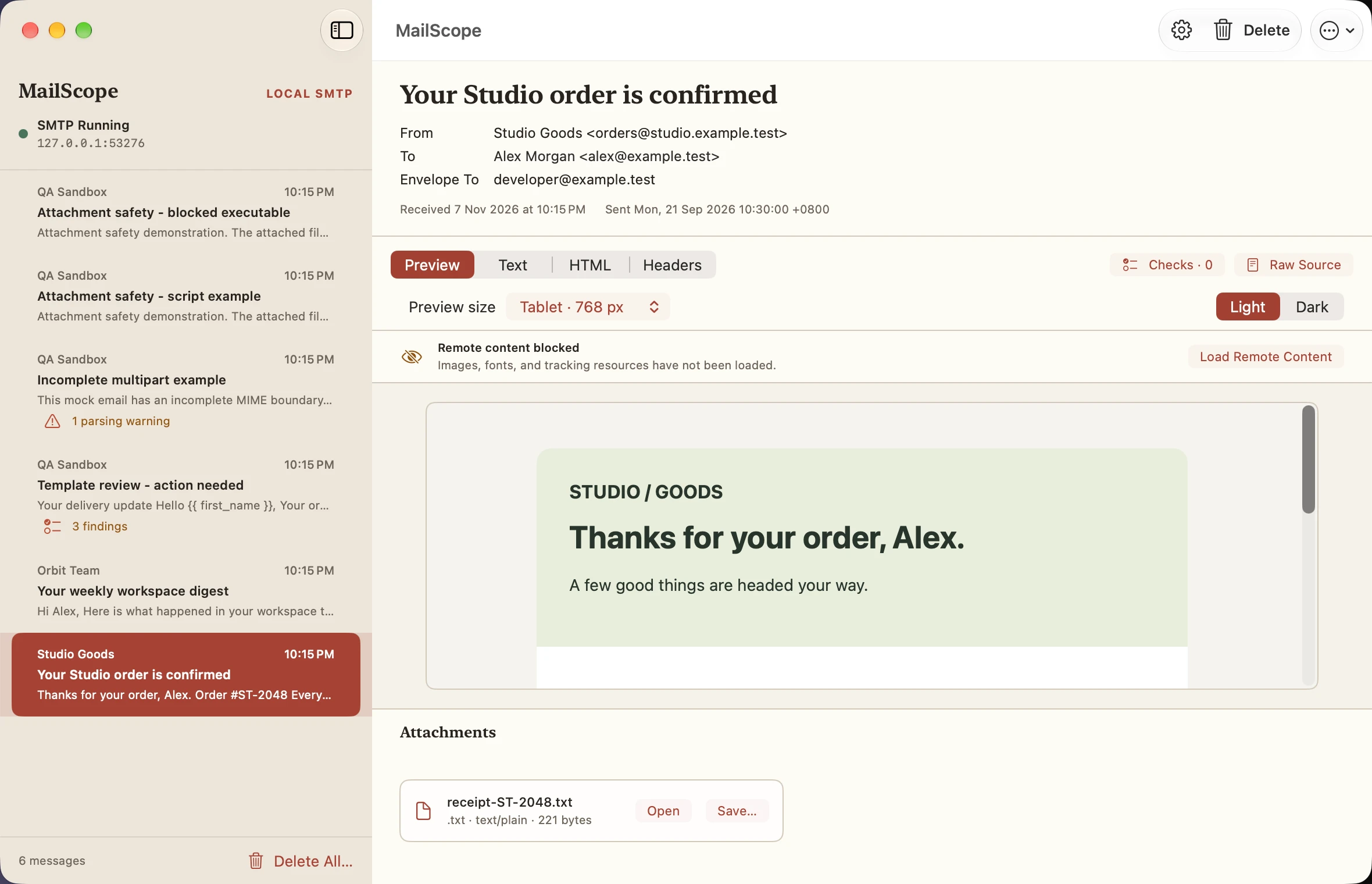
Tablet preview · 768 px
Light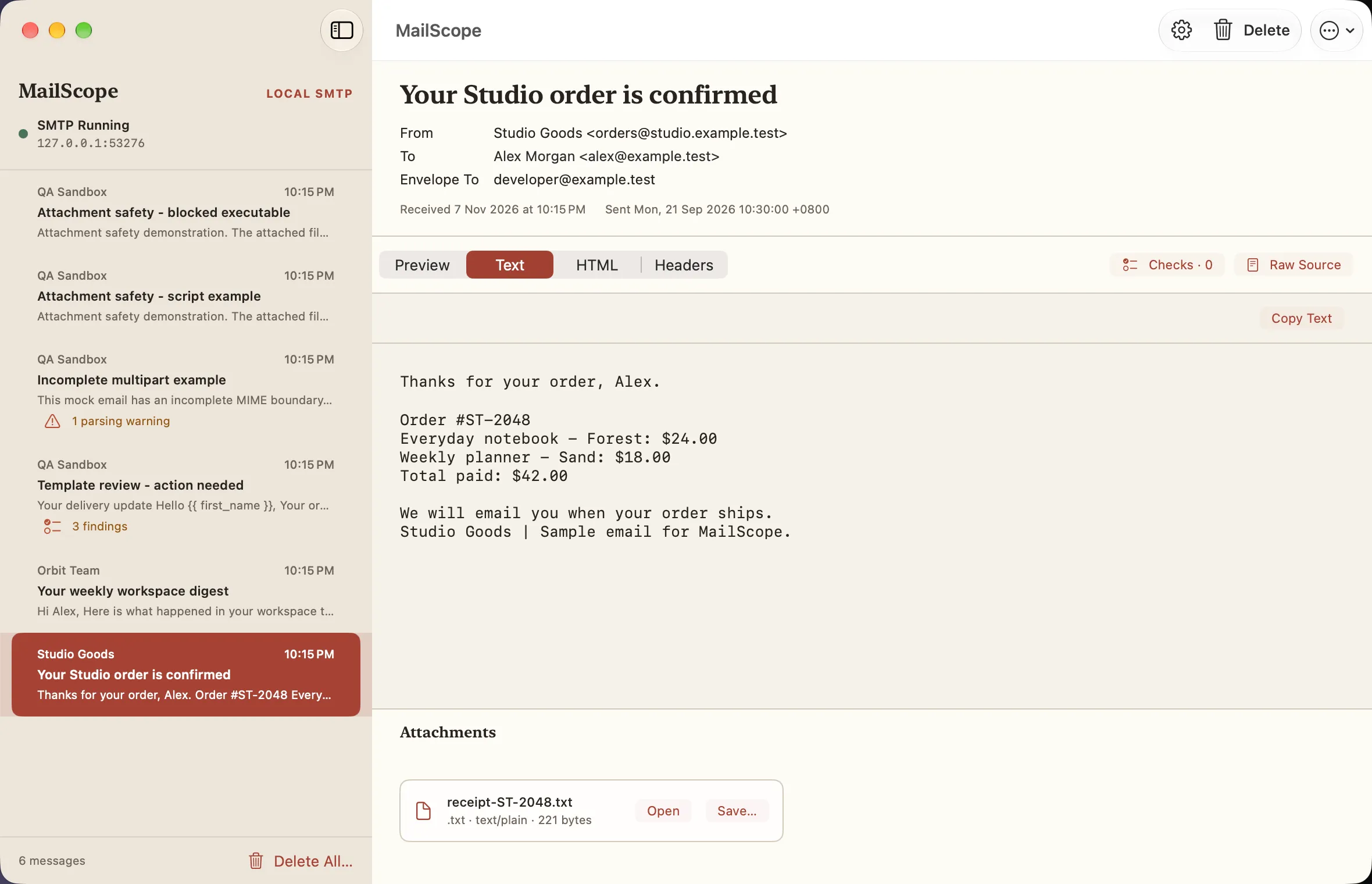
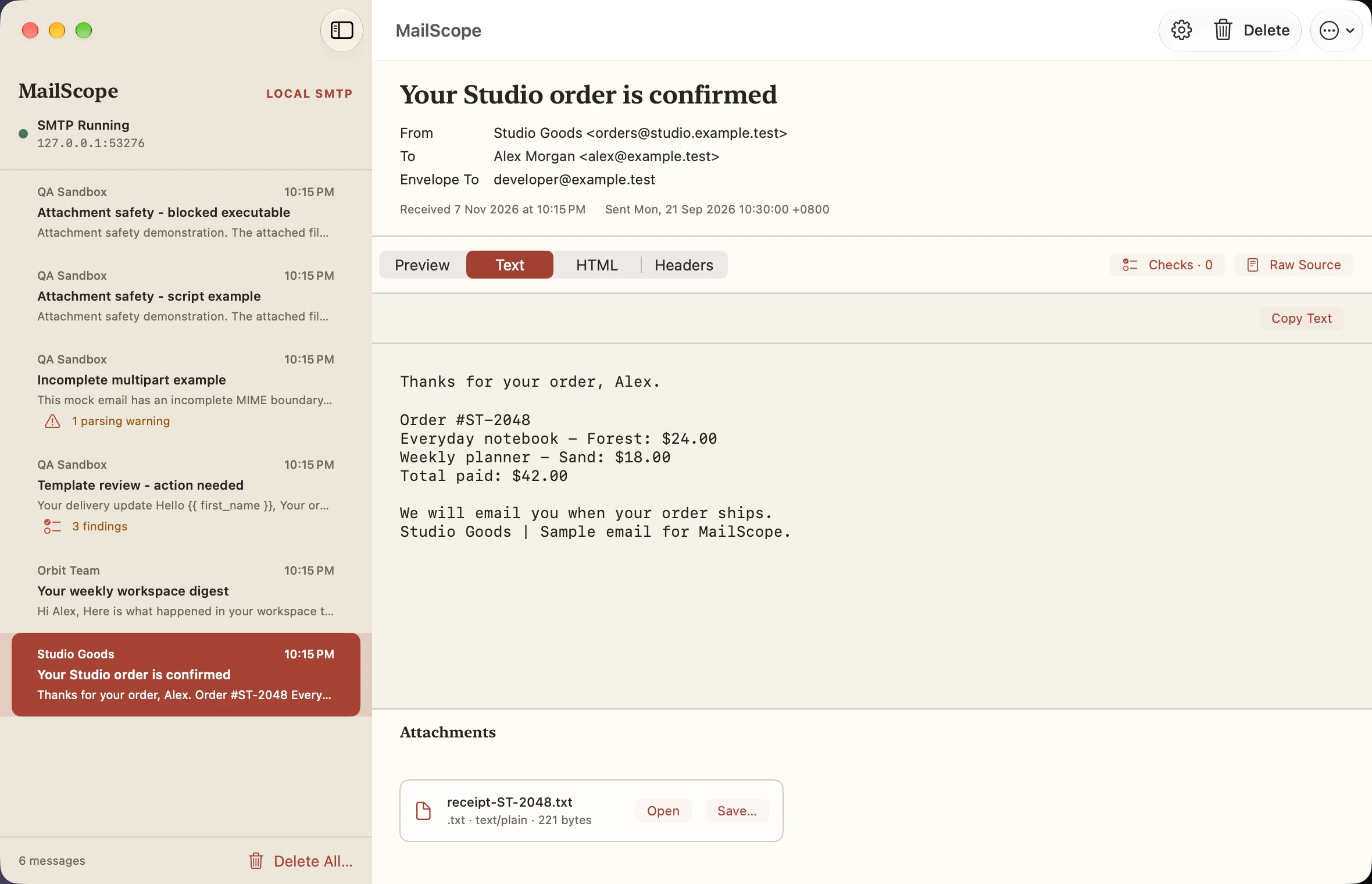
Plain text inspector
Light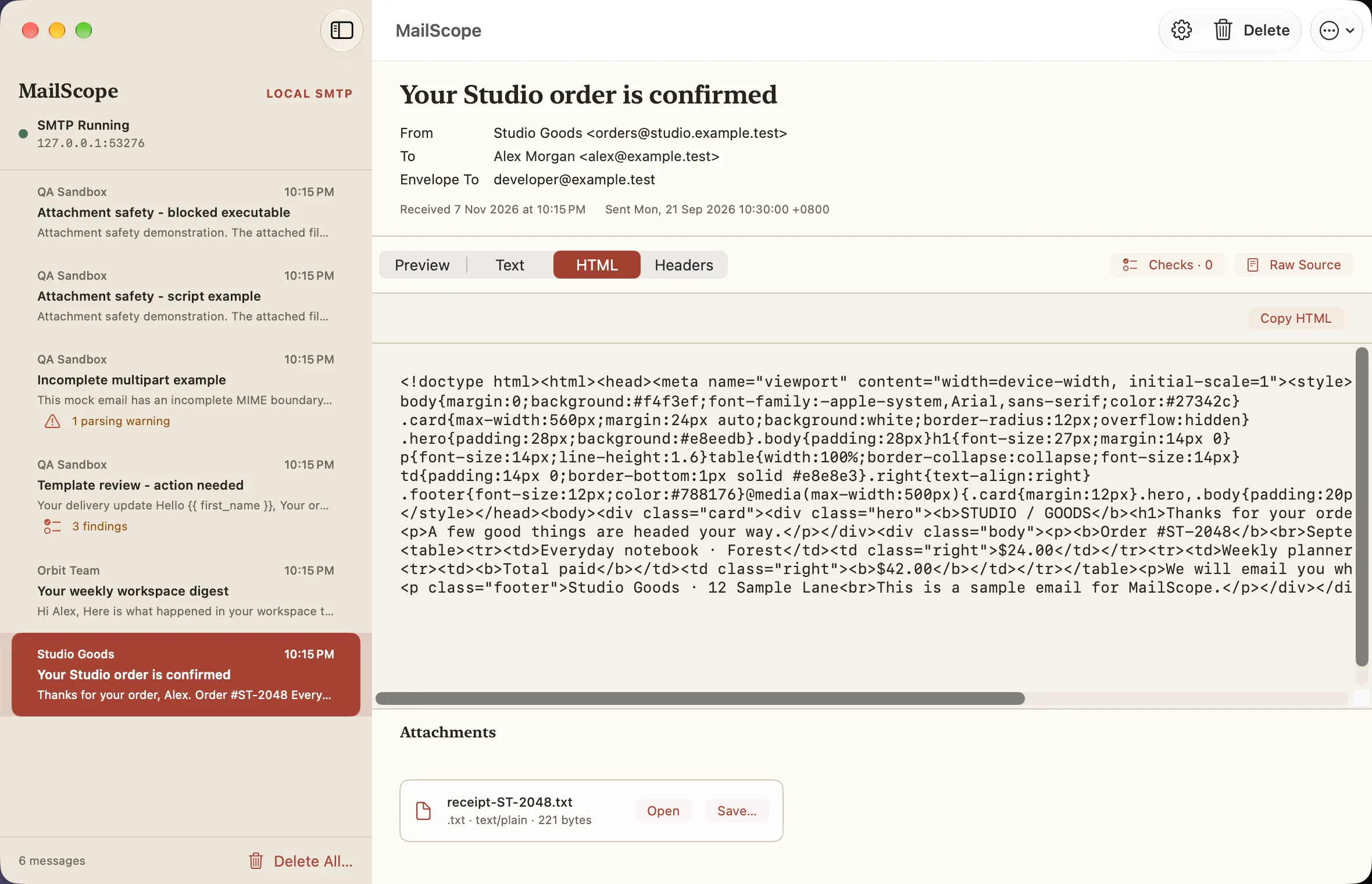
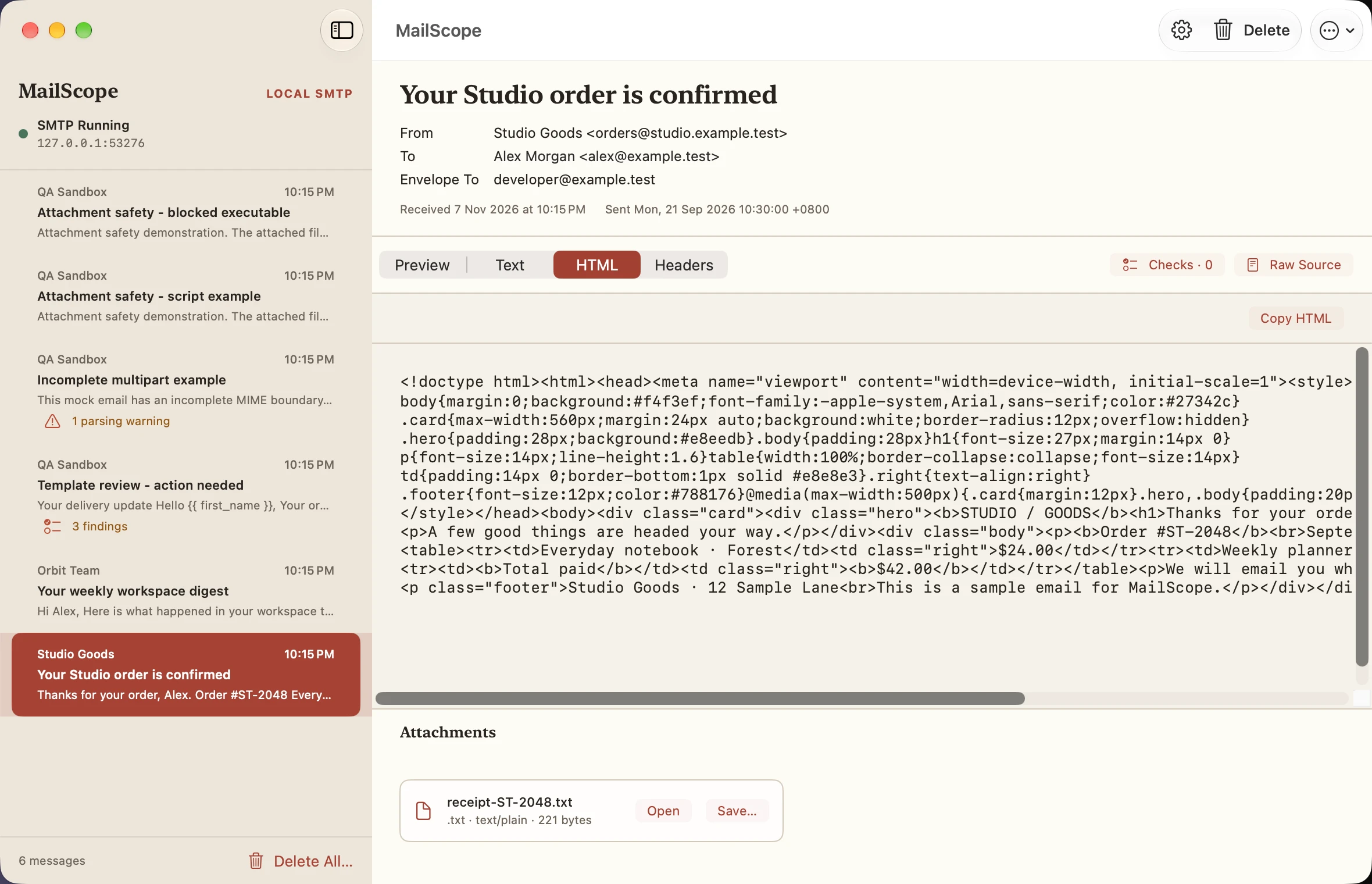
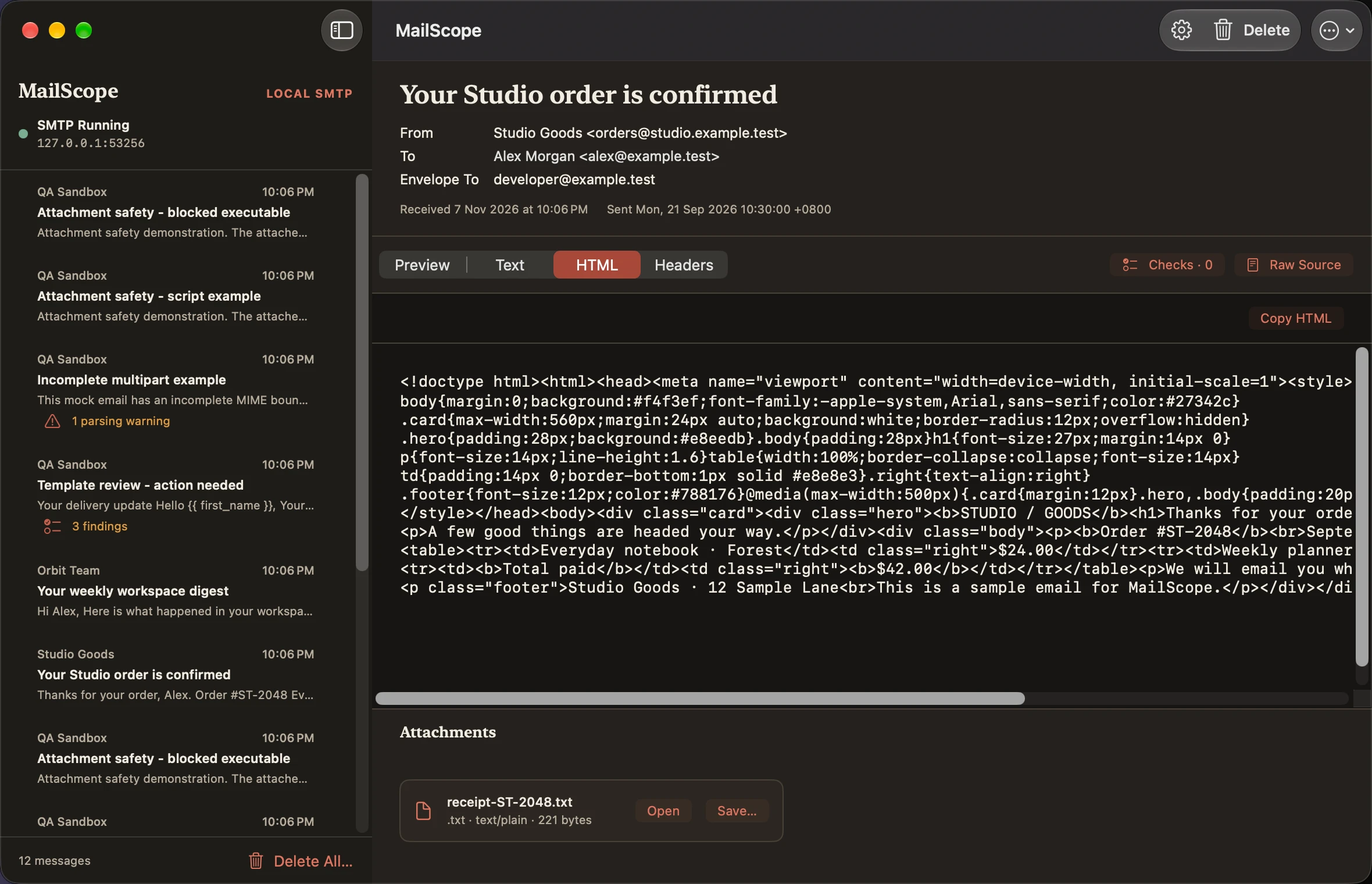
HTML source inspector
Light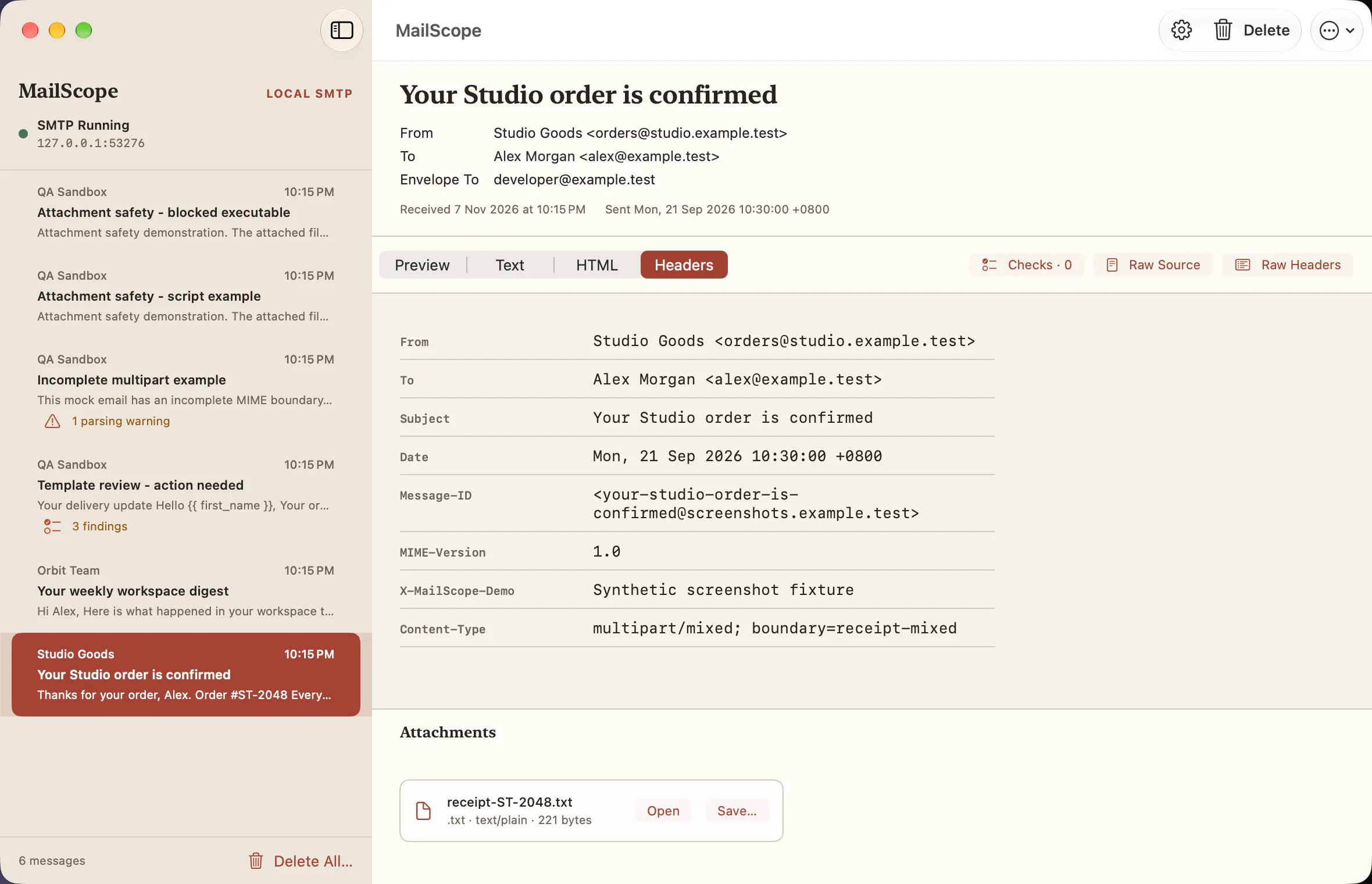
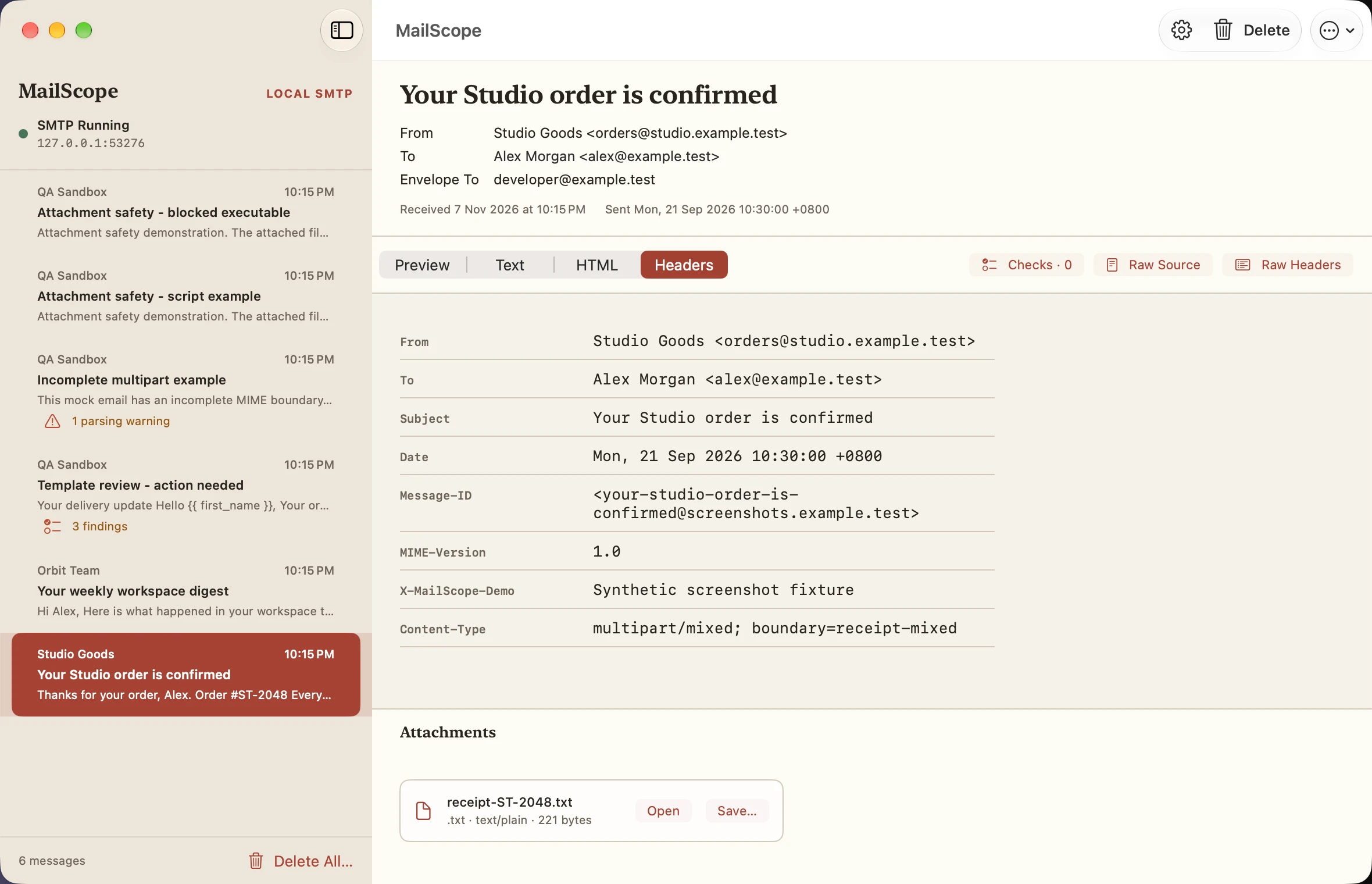
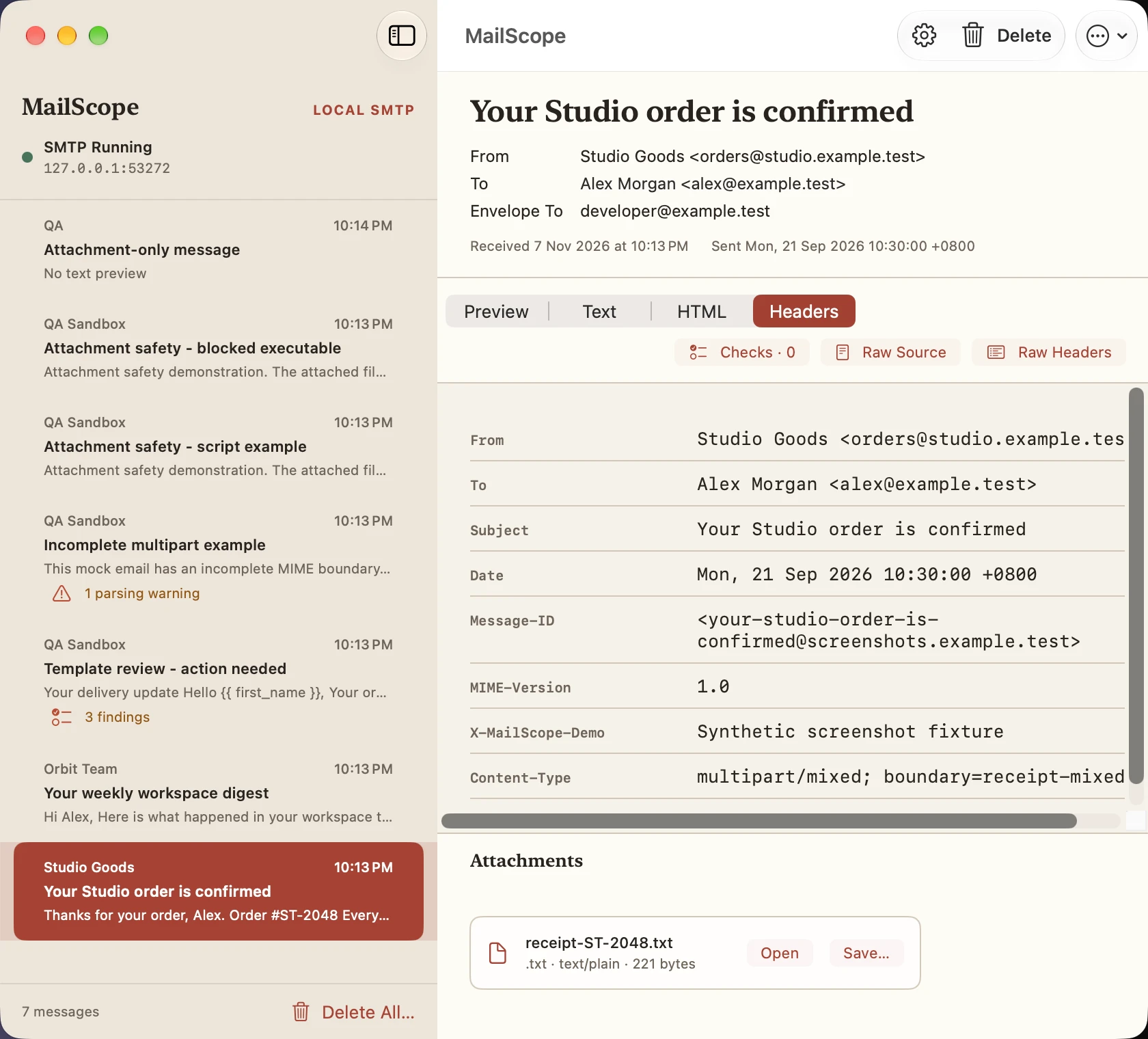
Decoded headers
Light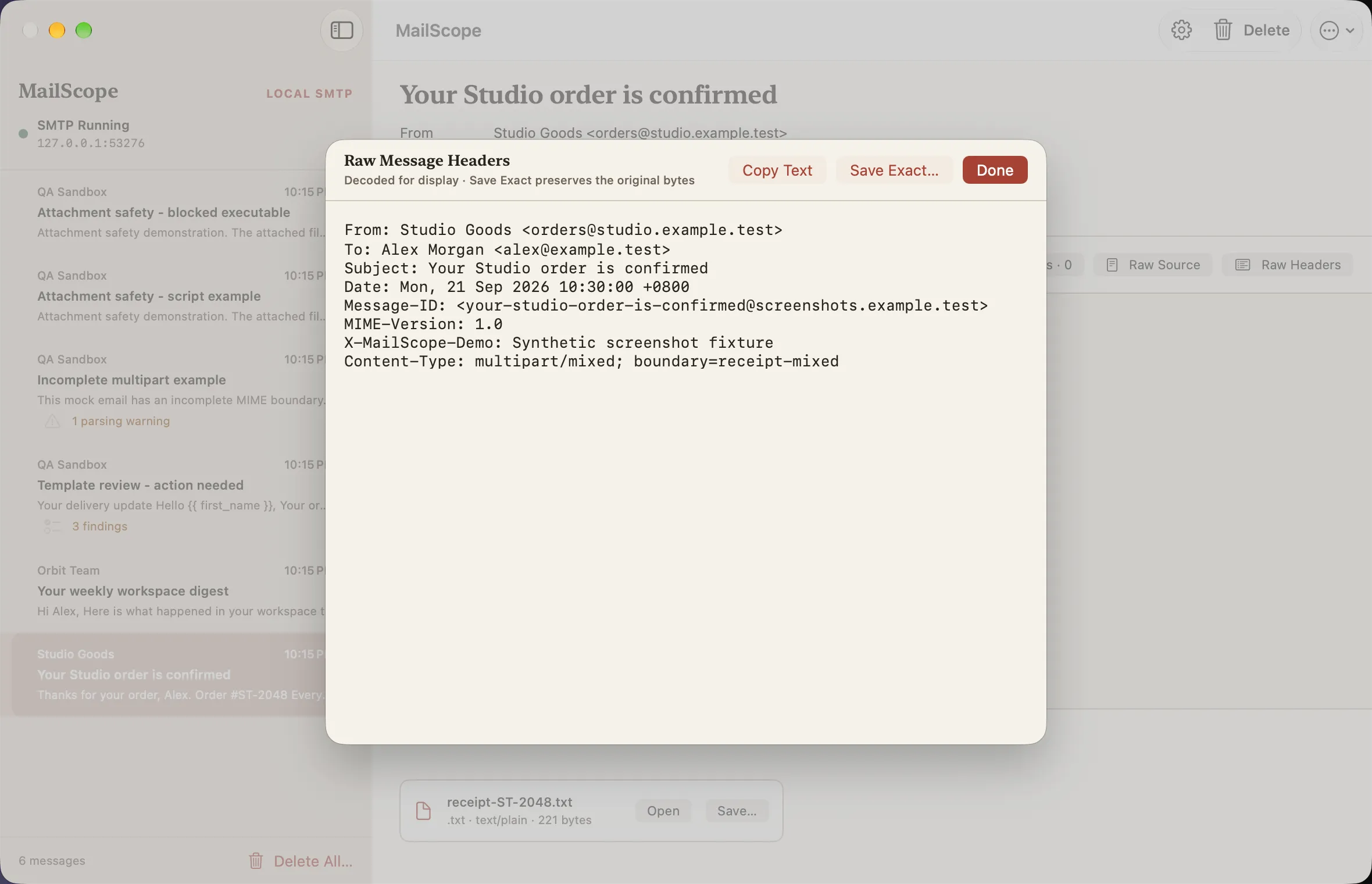
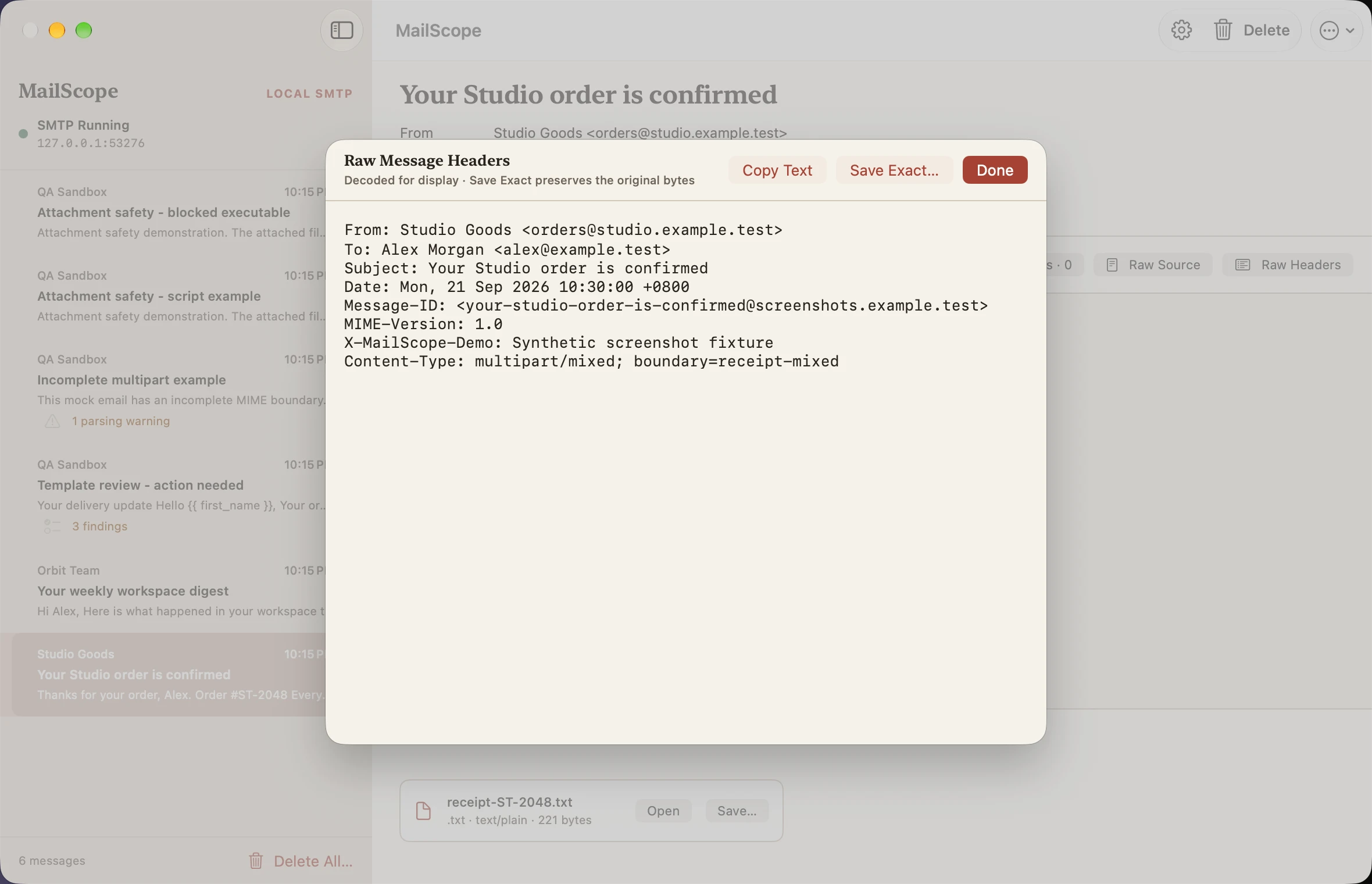
Raw headers sheet
Light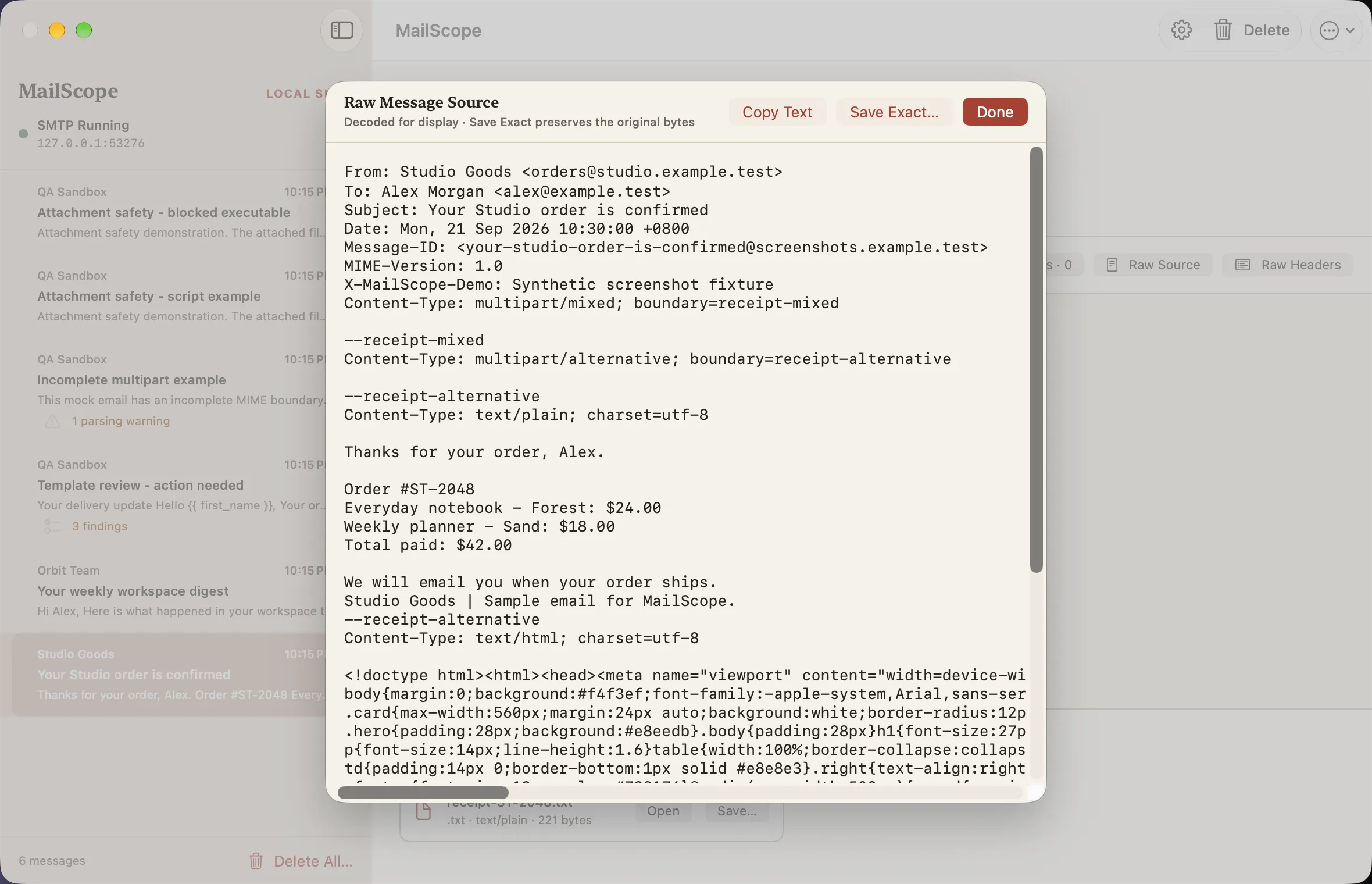
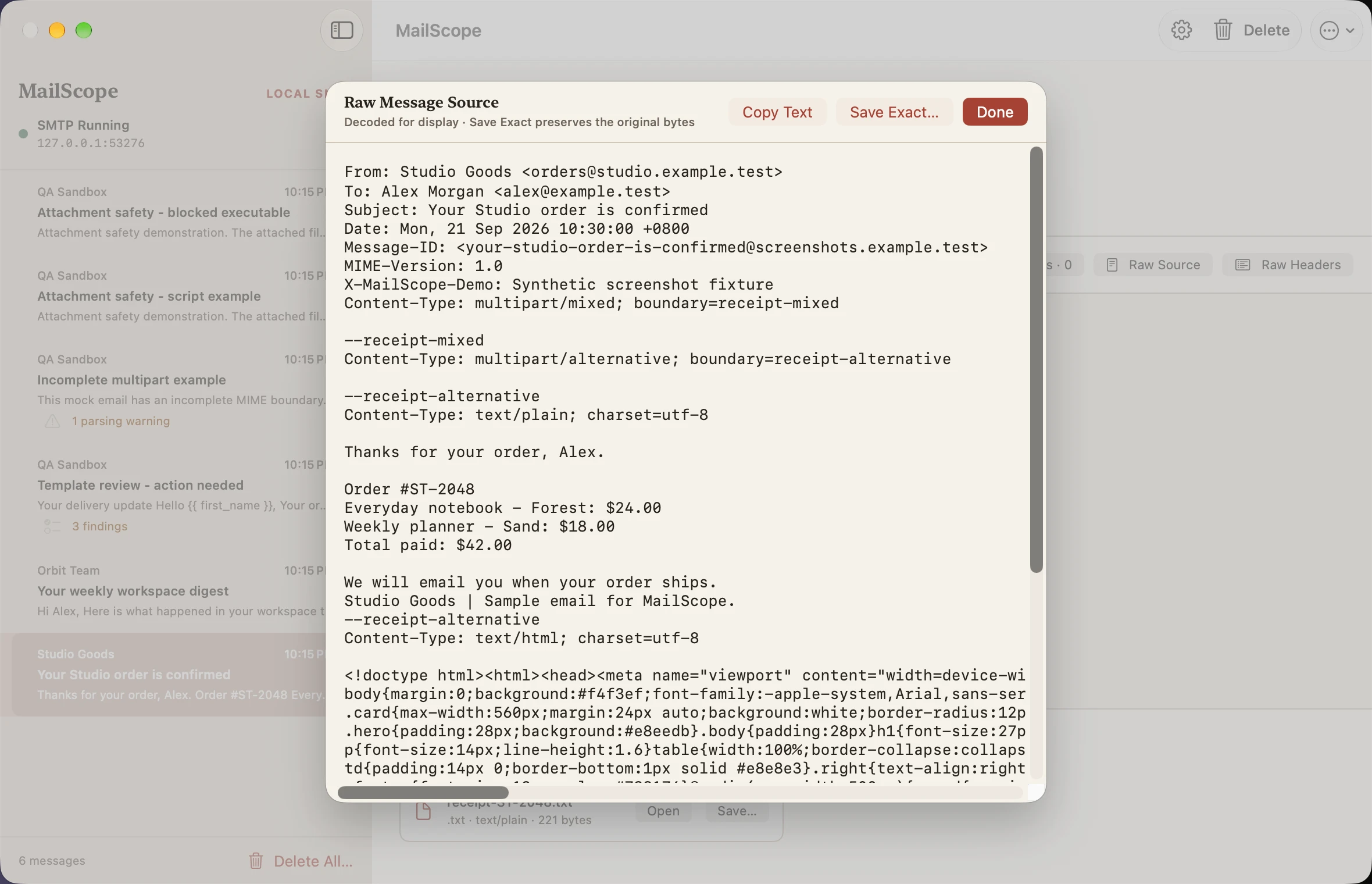
Raw message source sheet
Light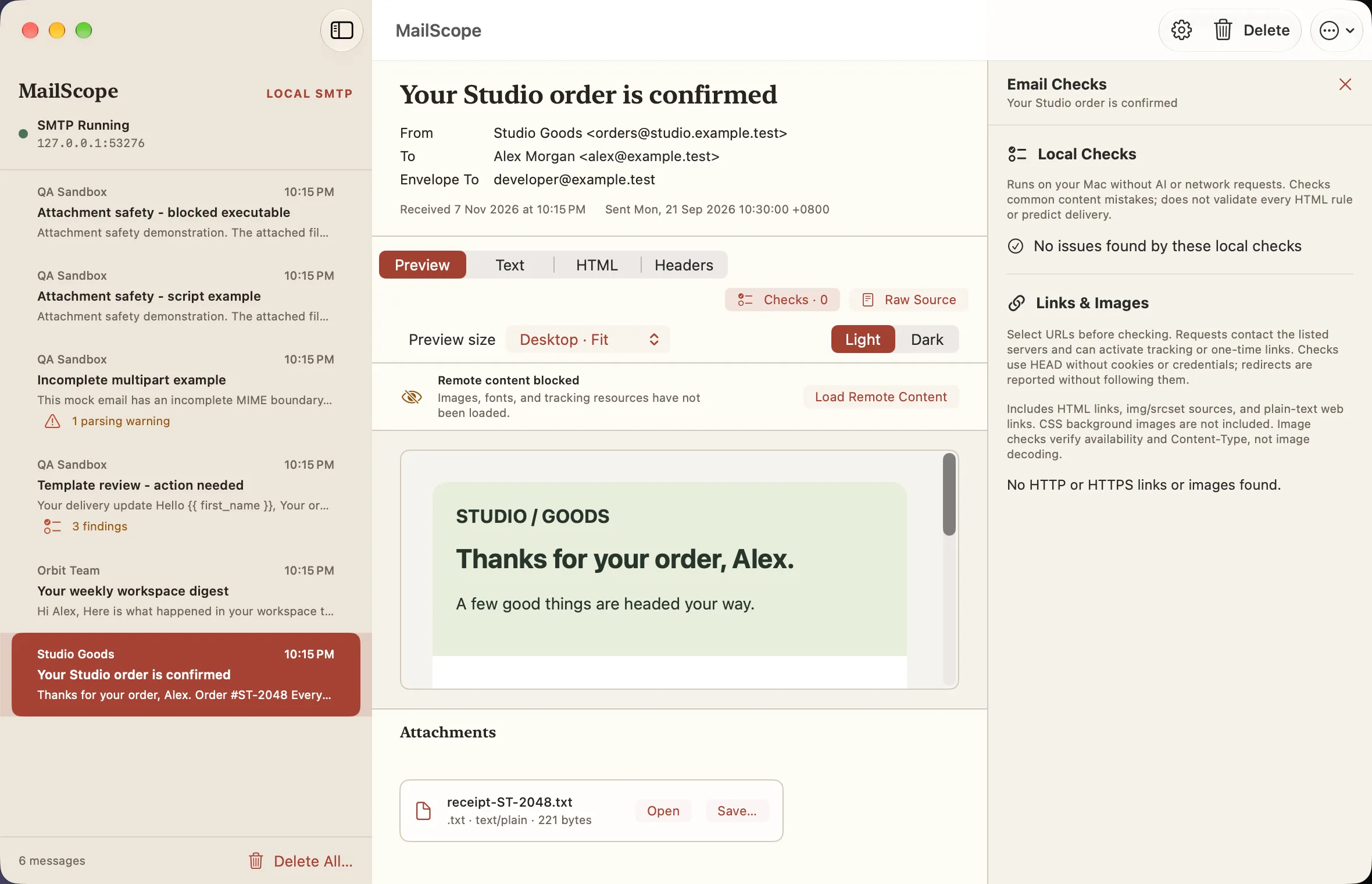
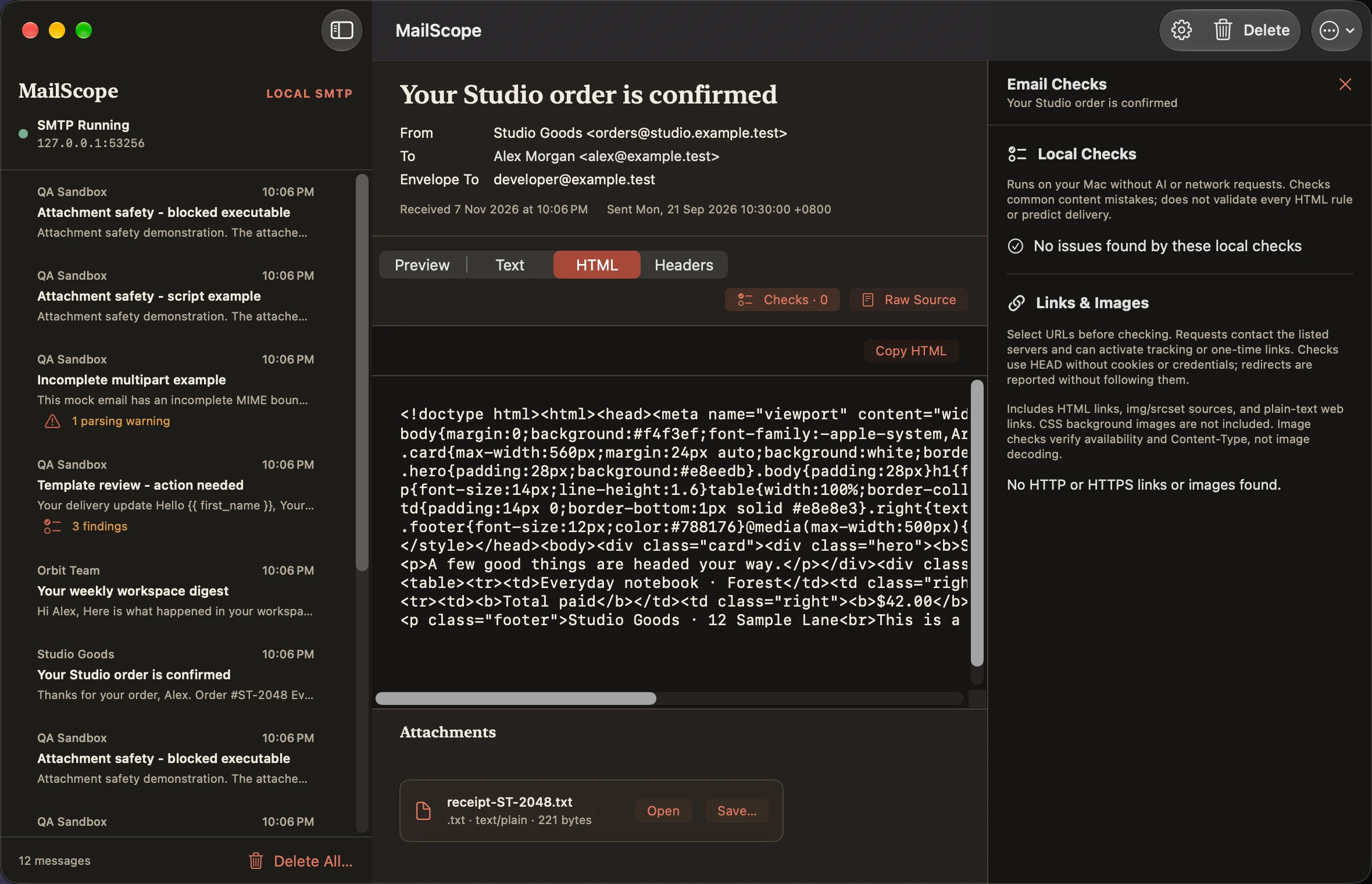
Local checks clean
Light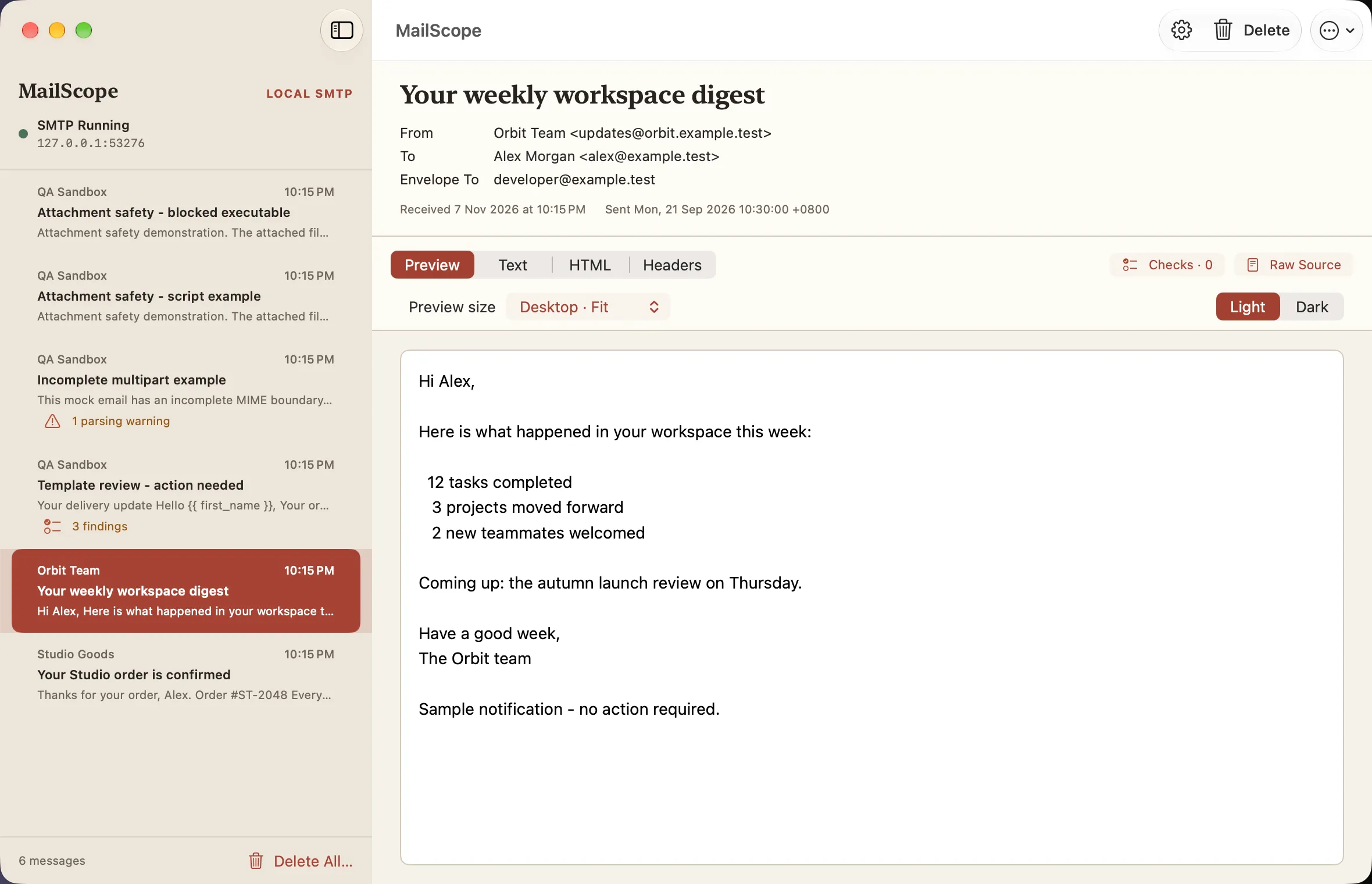
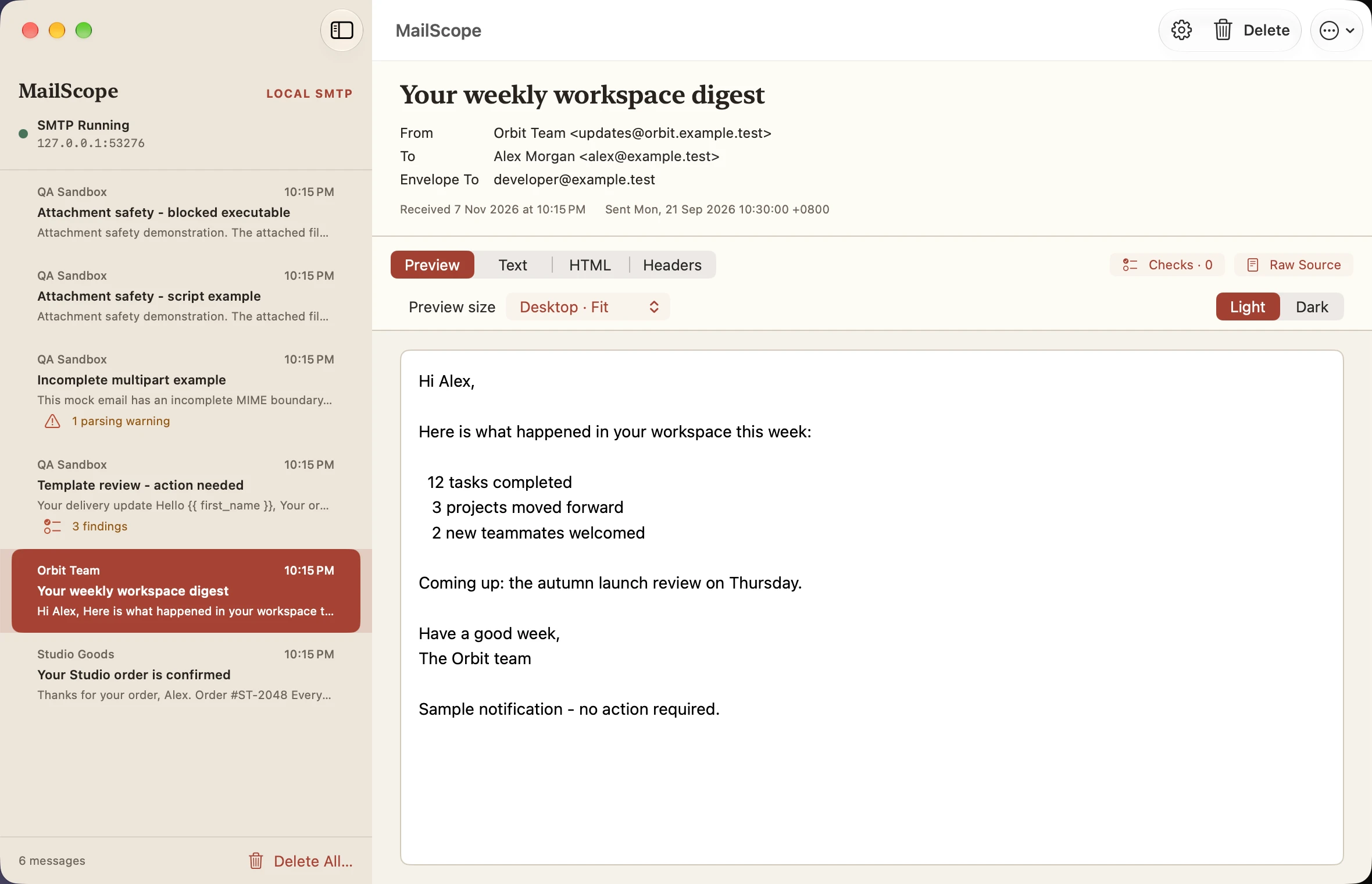
Plain text preview
Light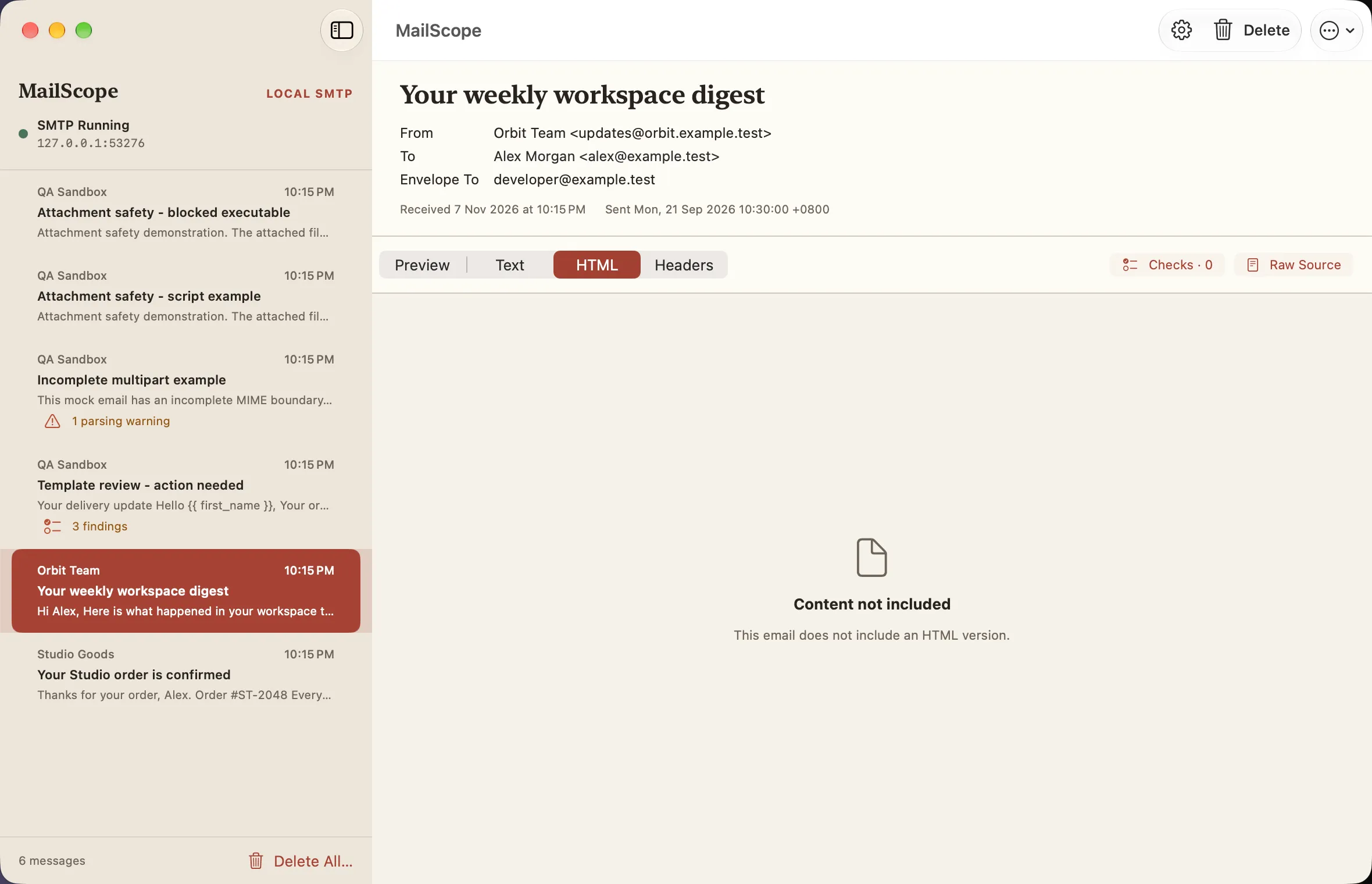
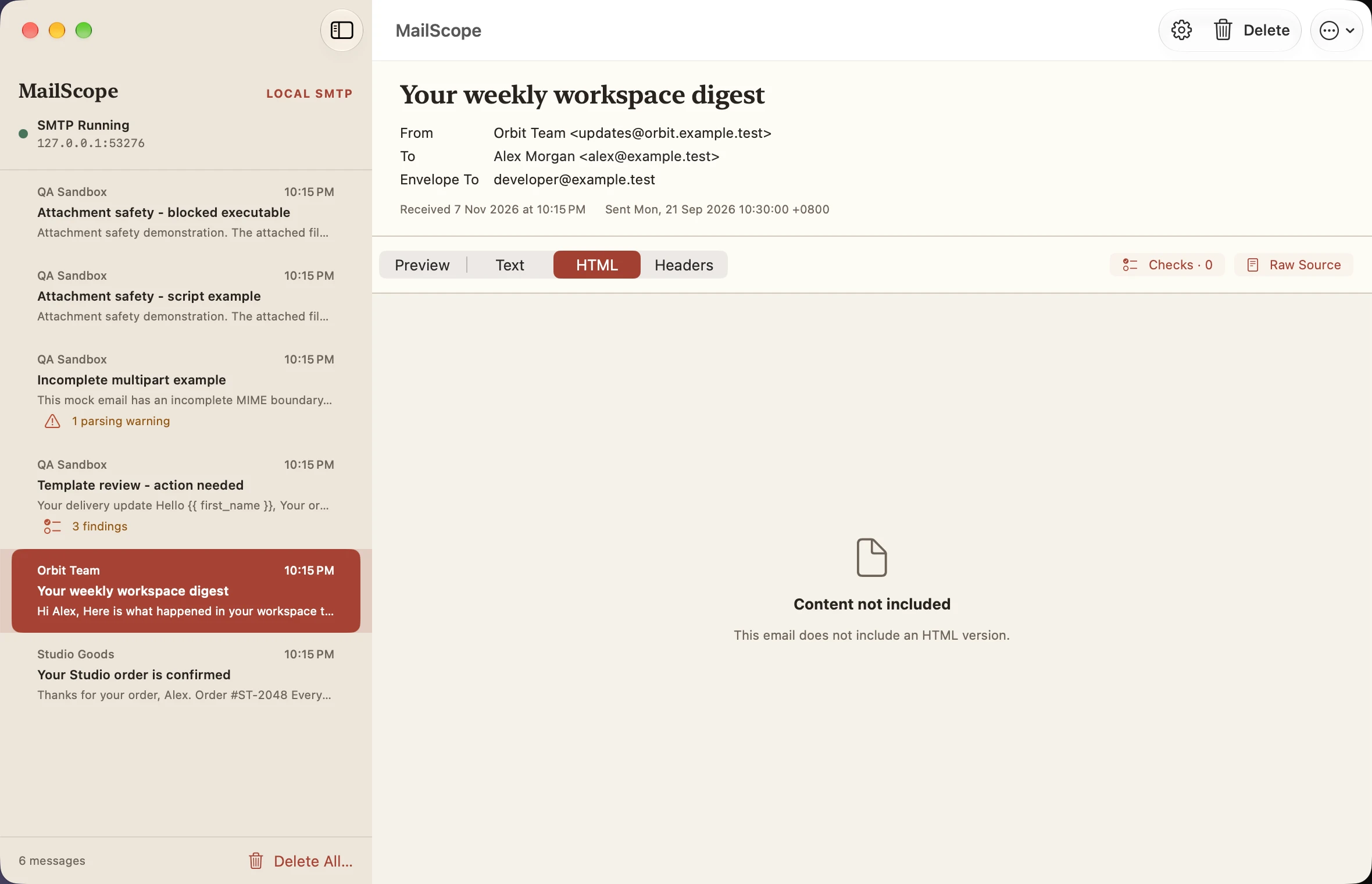
HTML unavailable
Light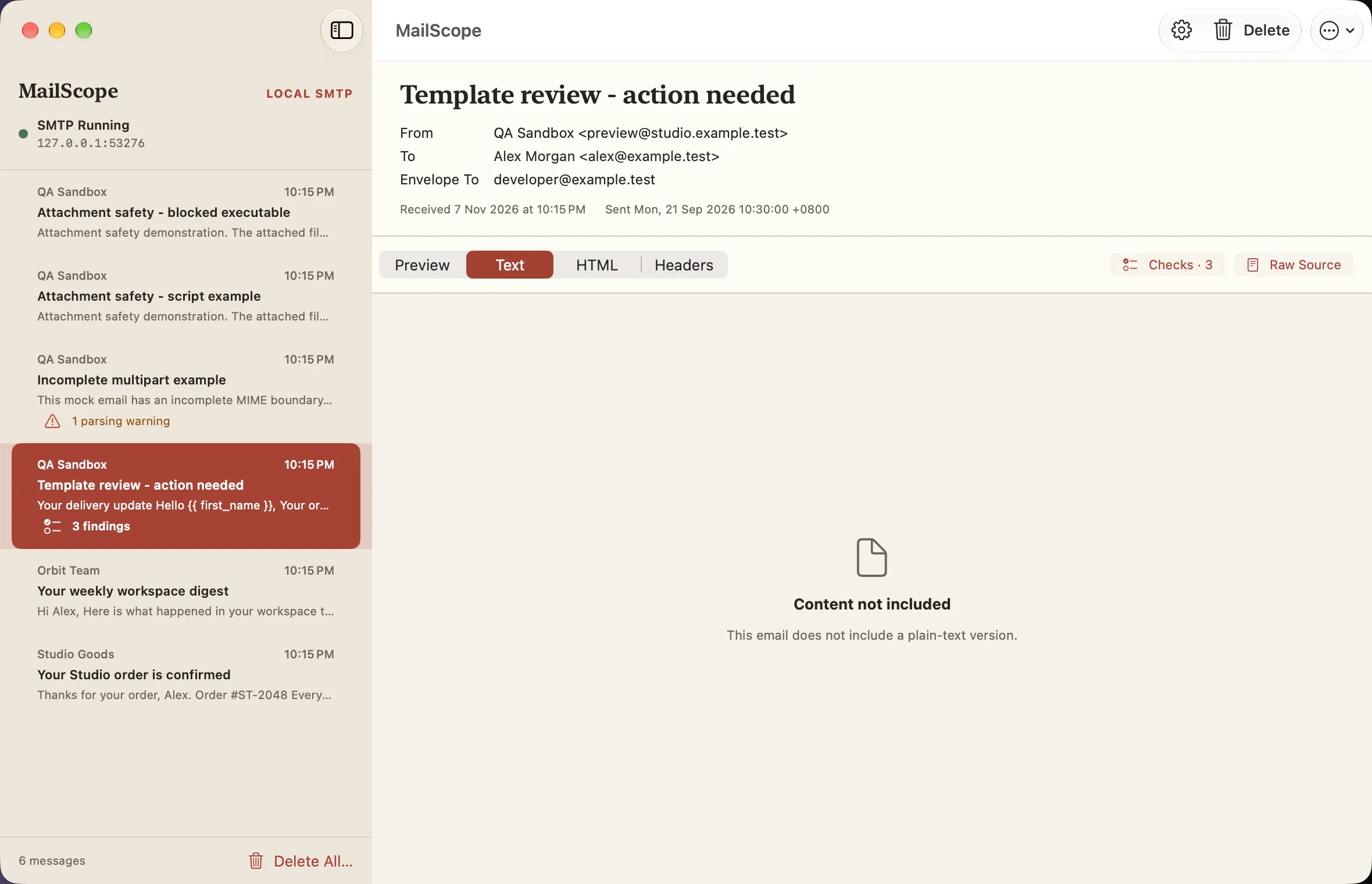
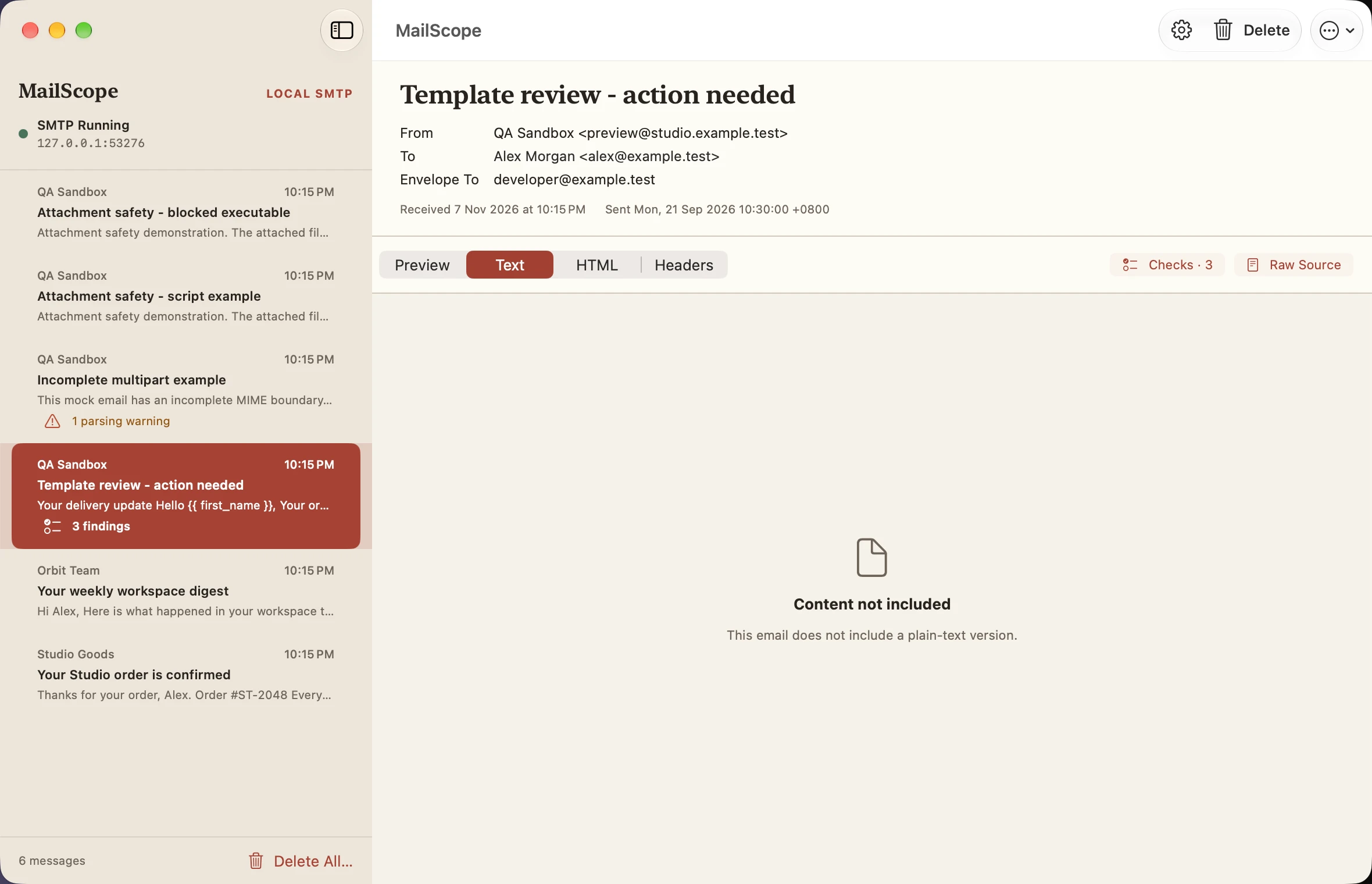
Plain text unavailable
Light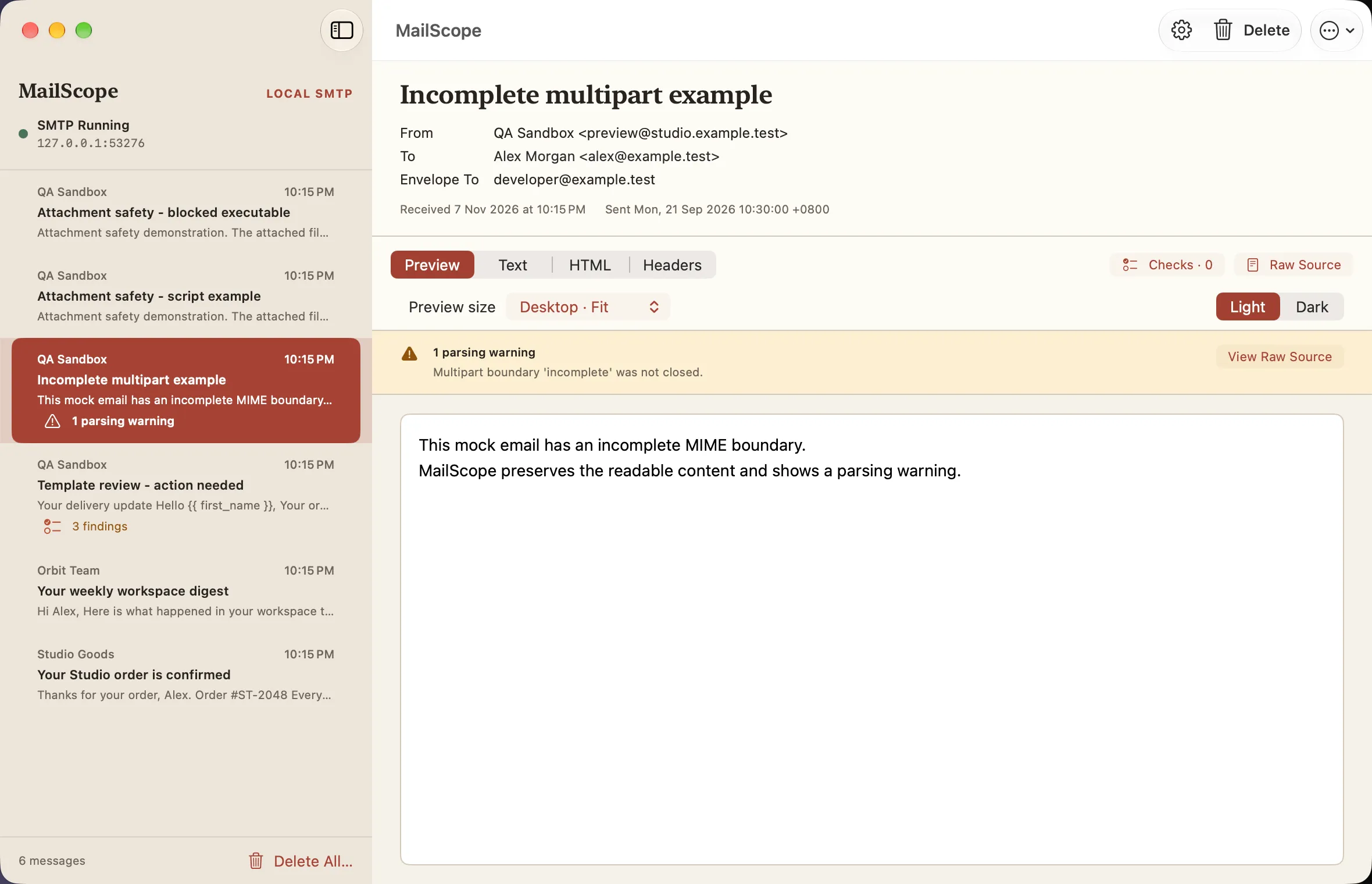
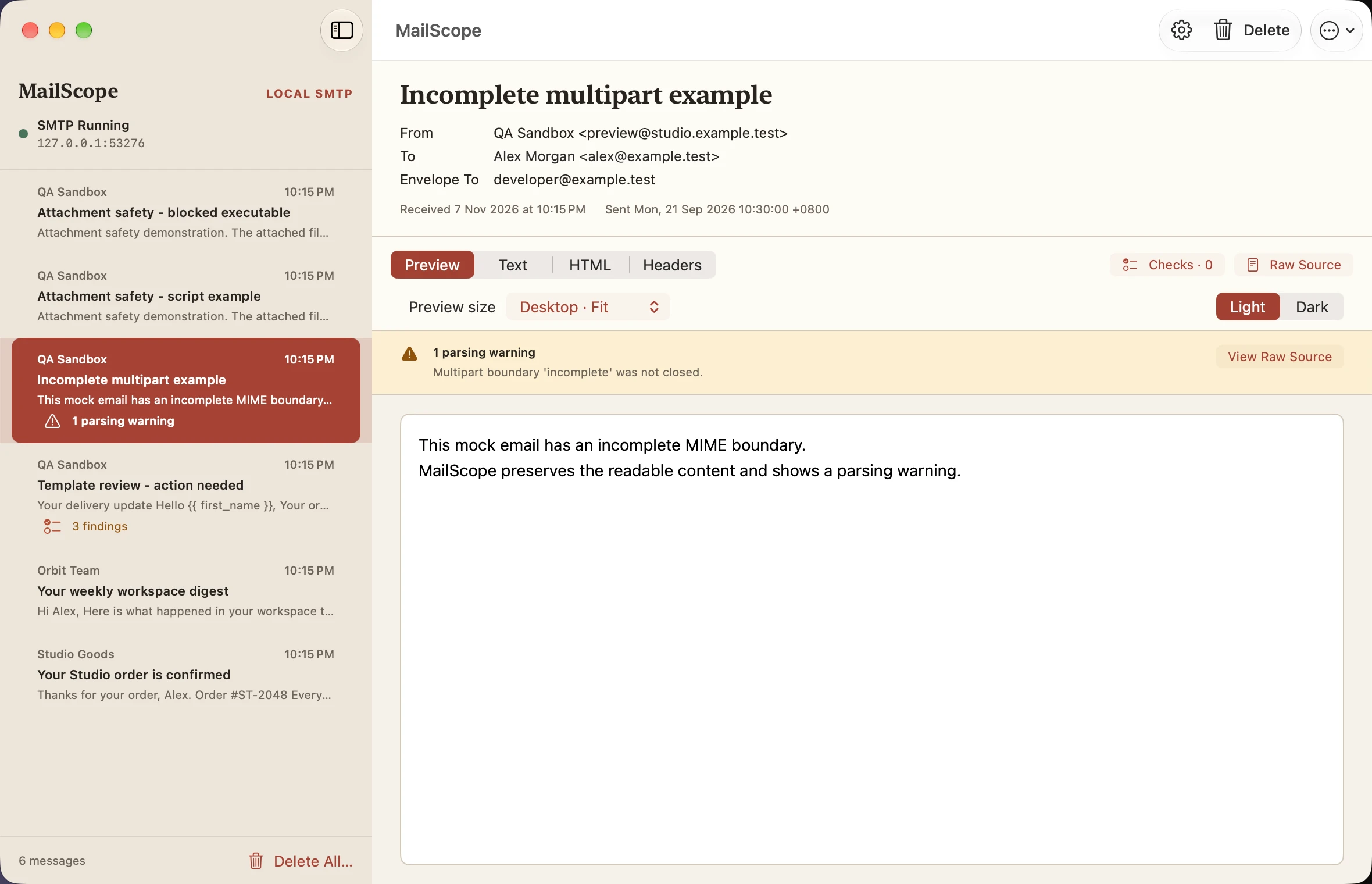
MIME parsing warning
Light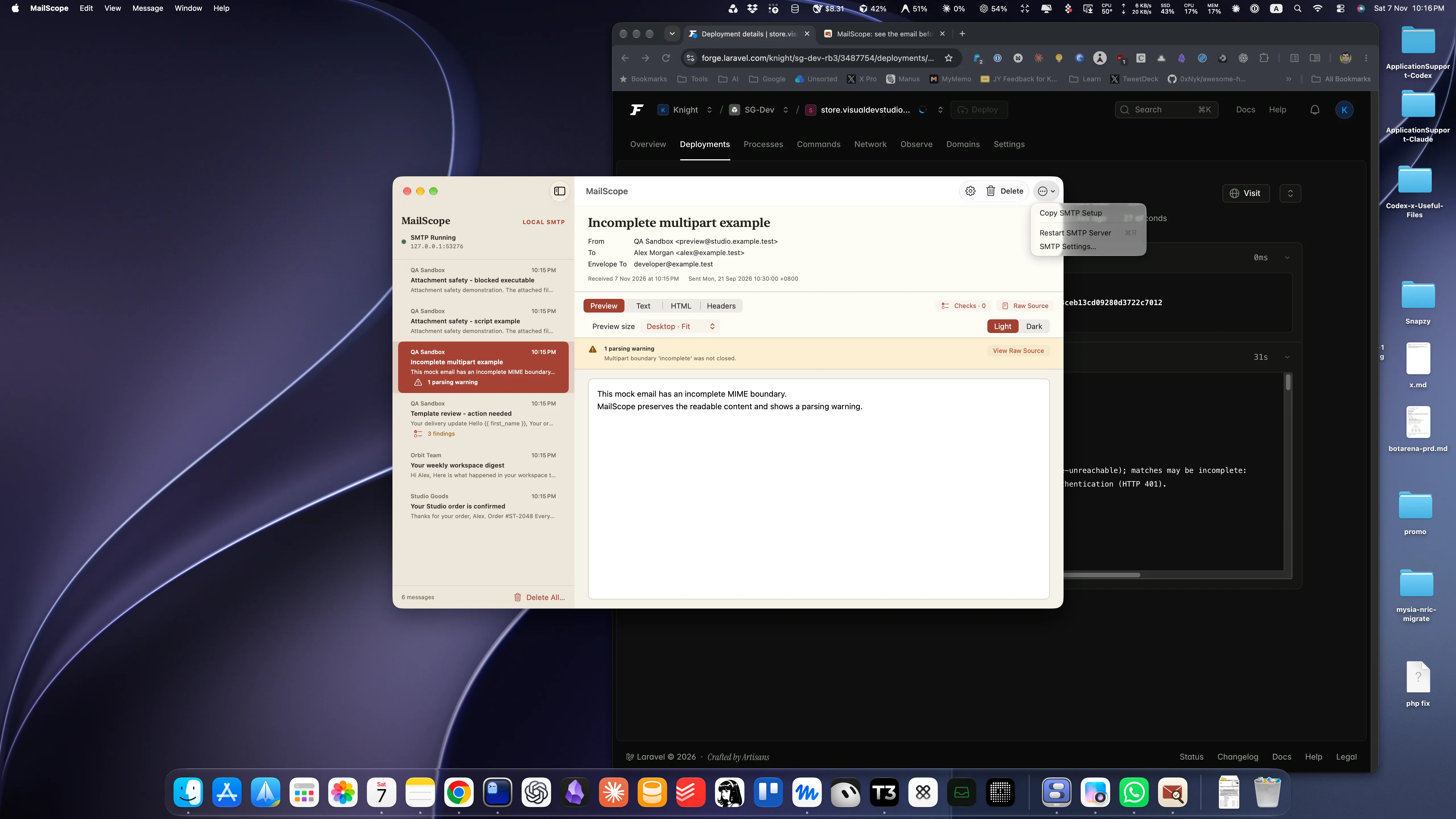
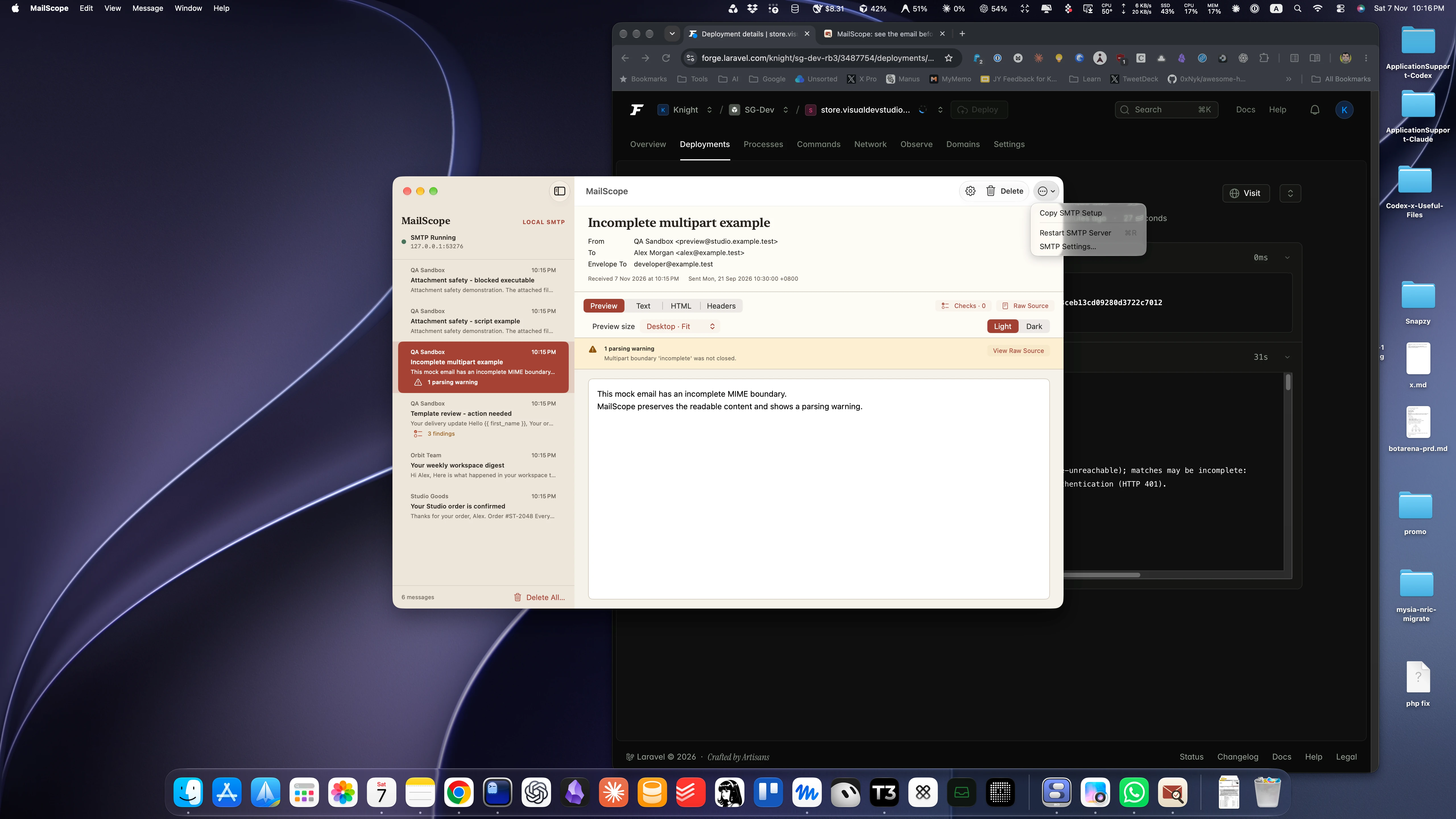
Inbox actions menu
Light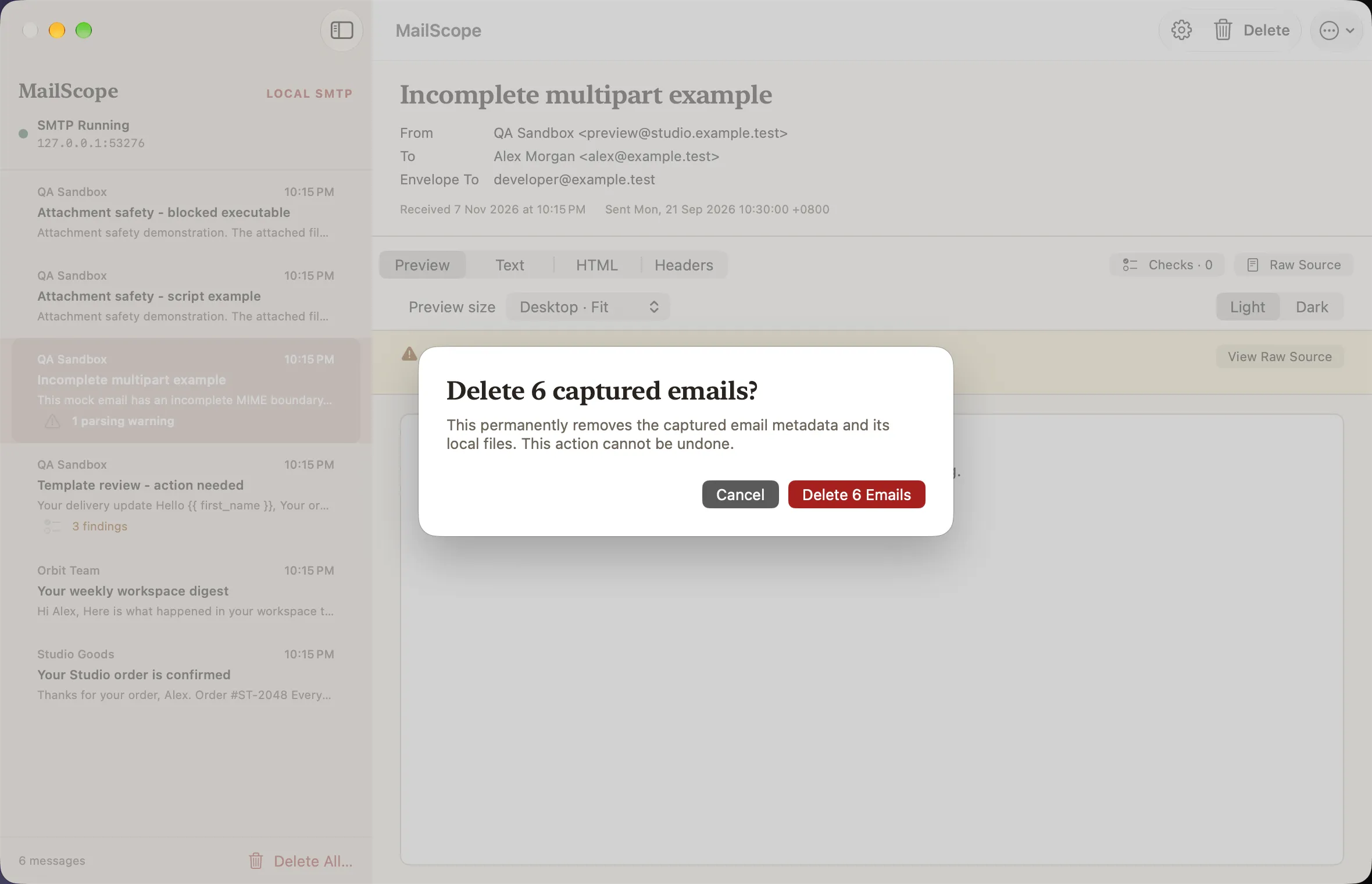
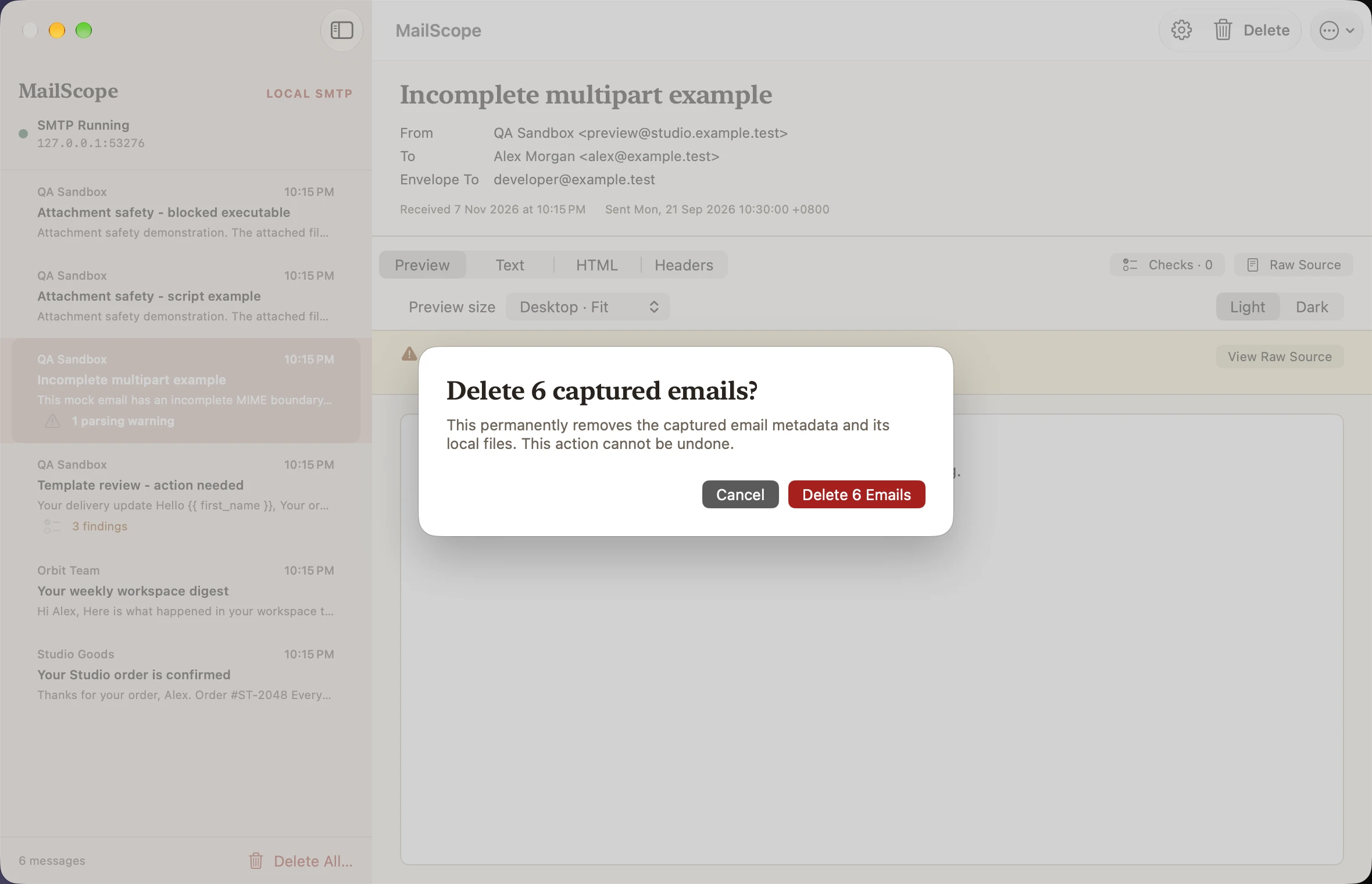
Delete all confirmation
Light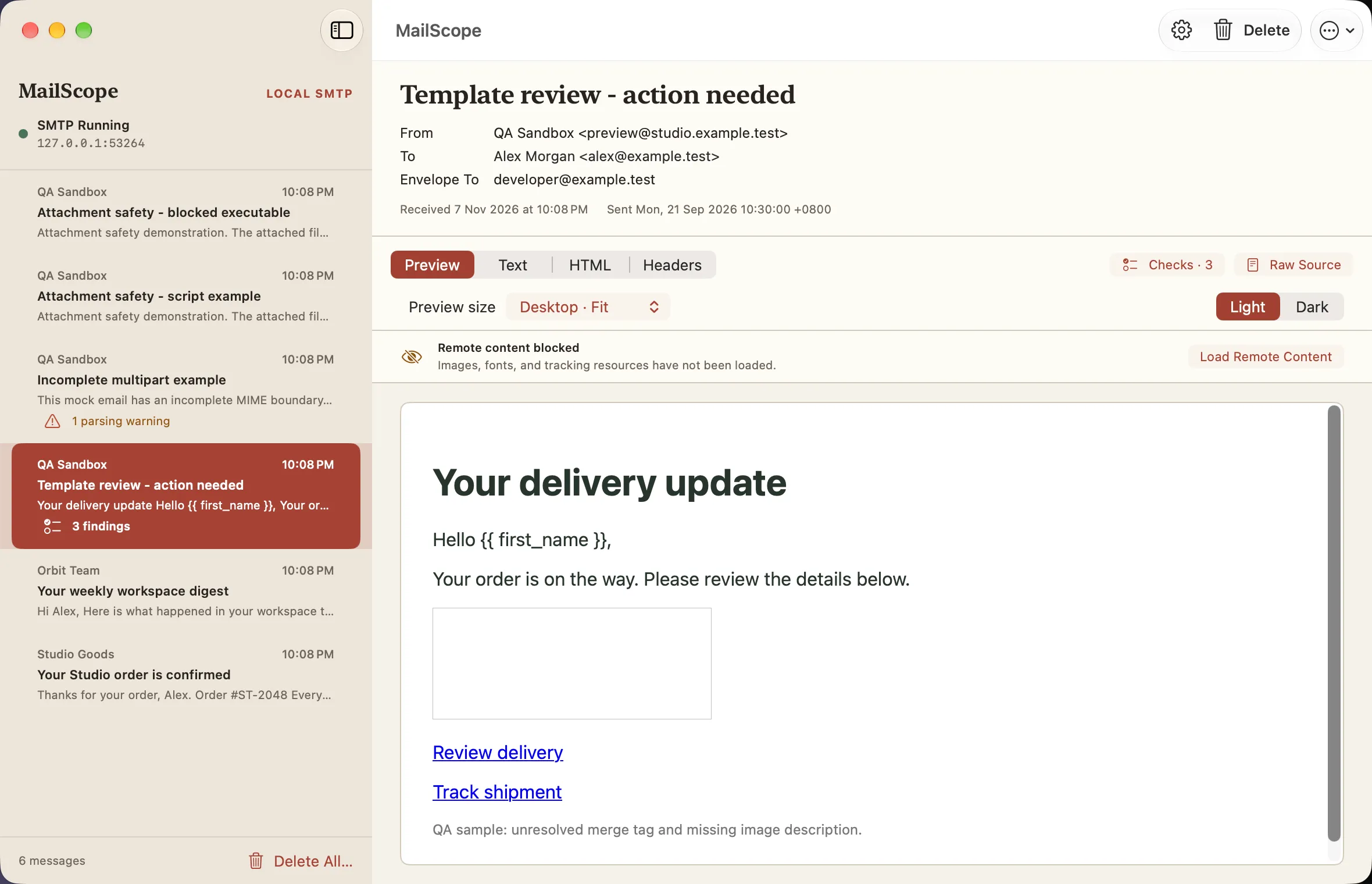
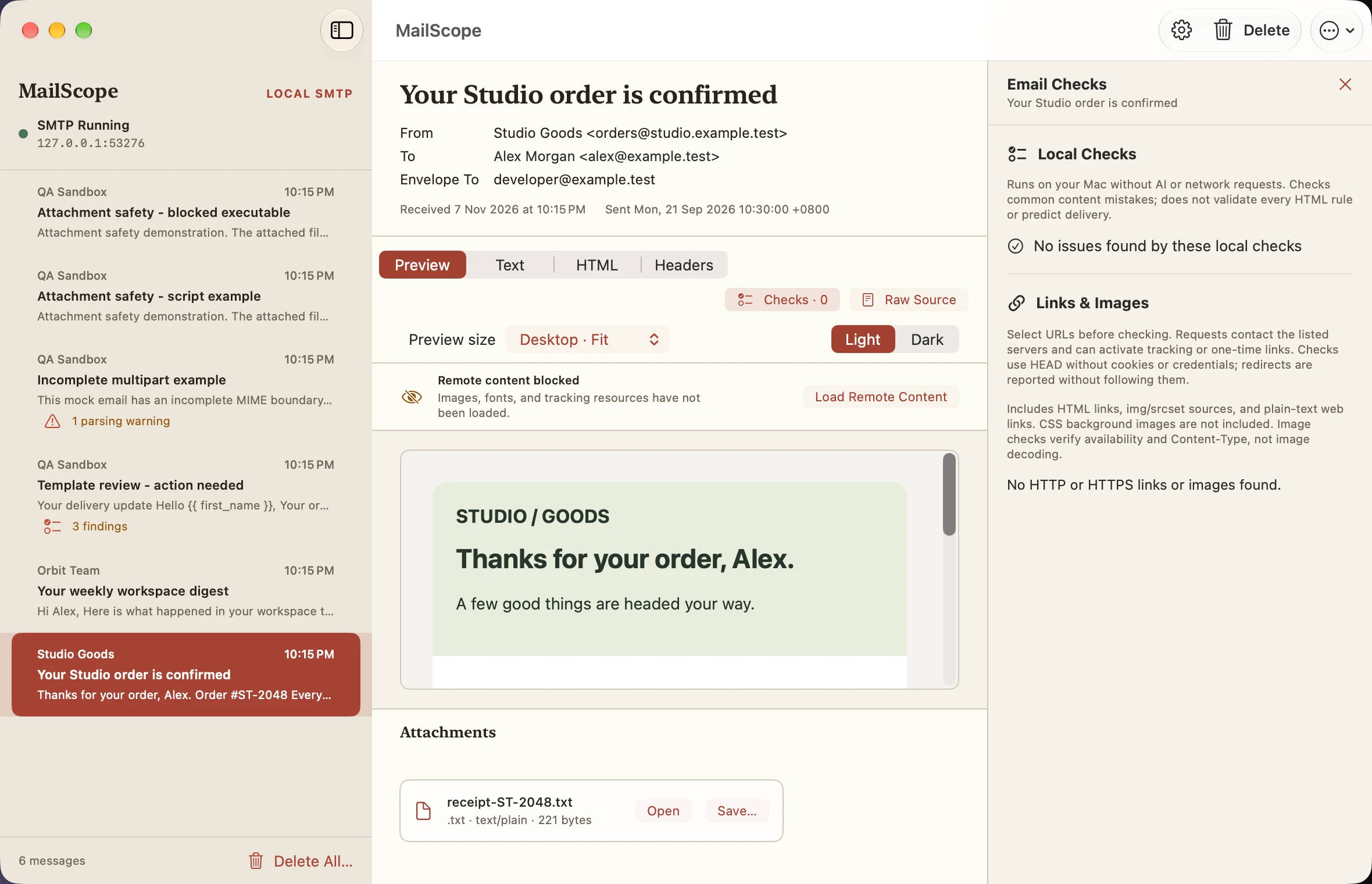
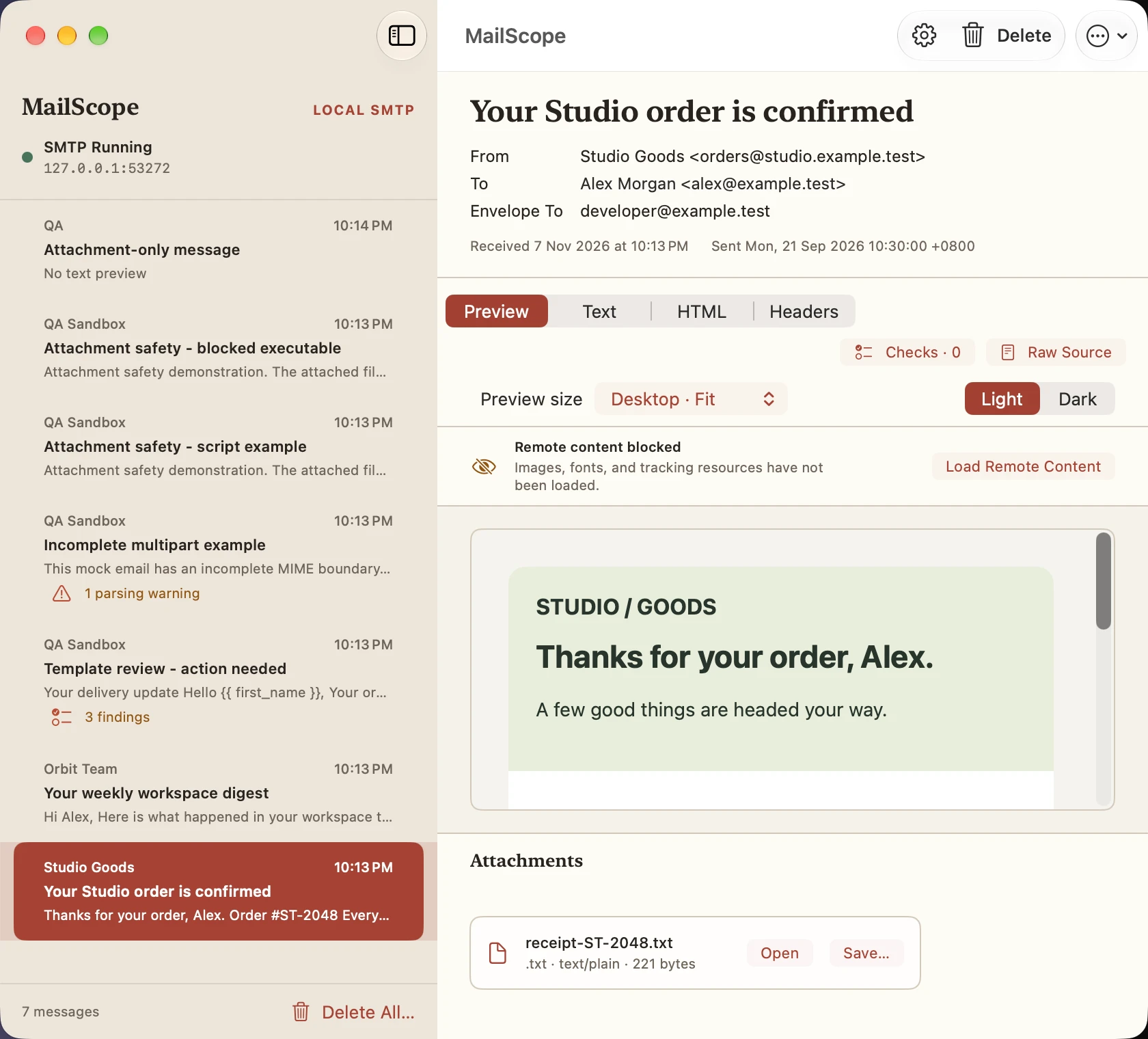
Remote content blocked
Light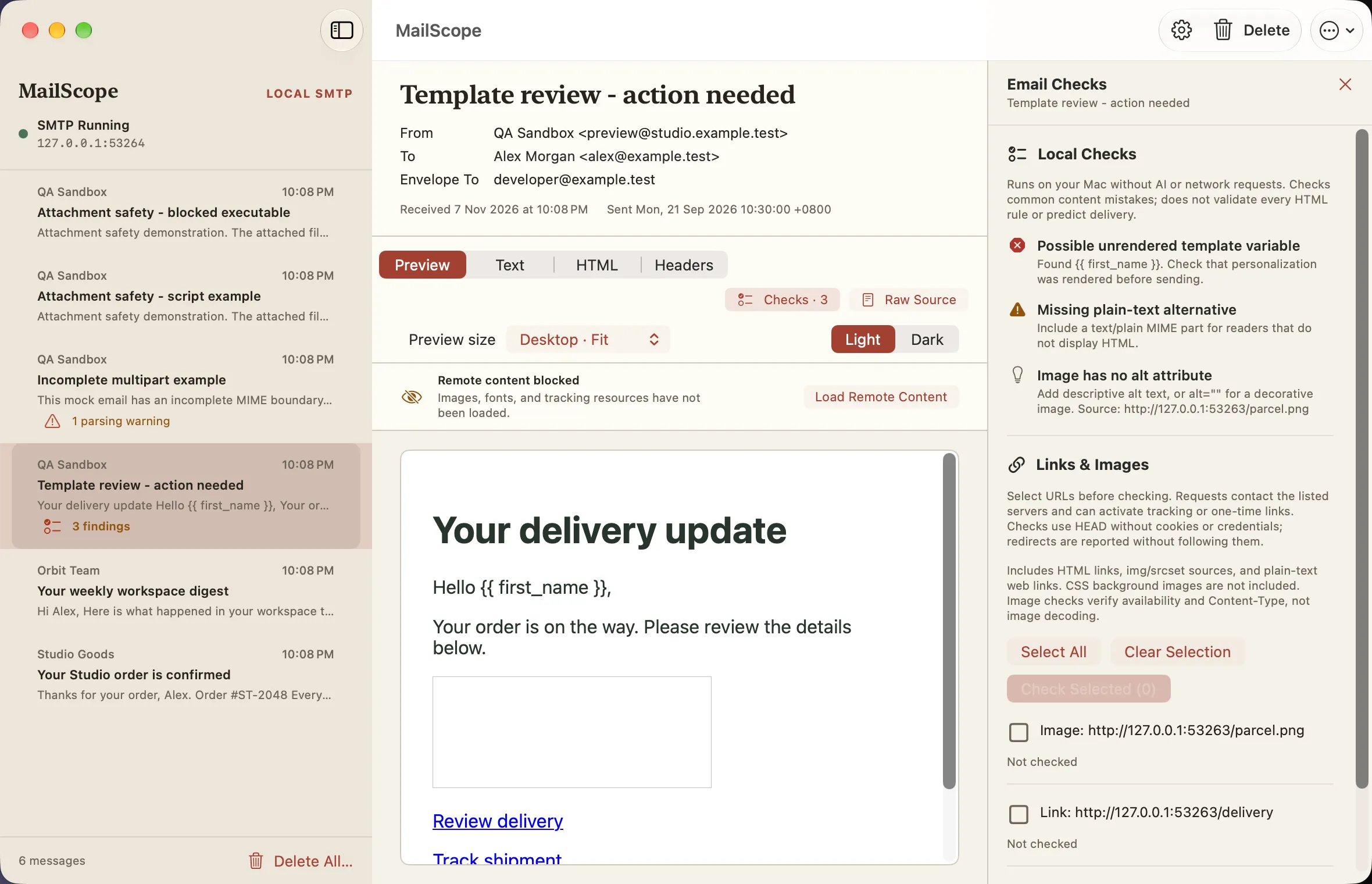
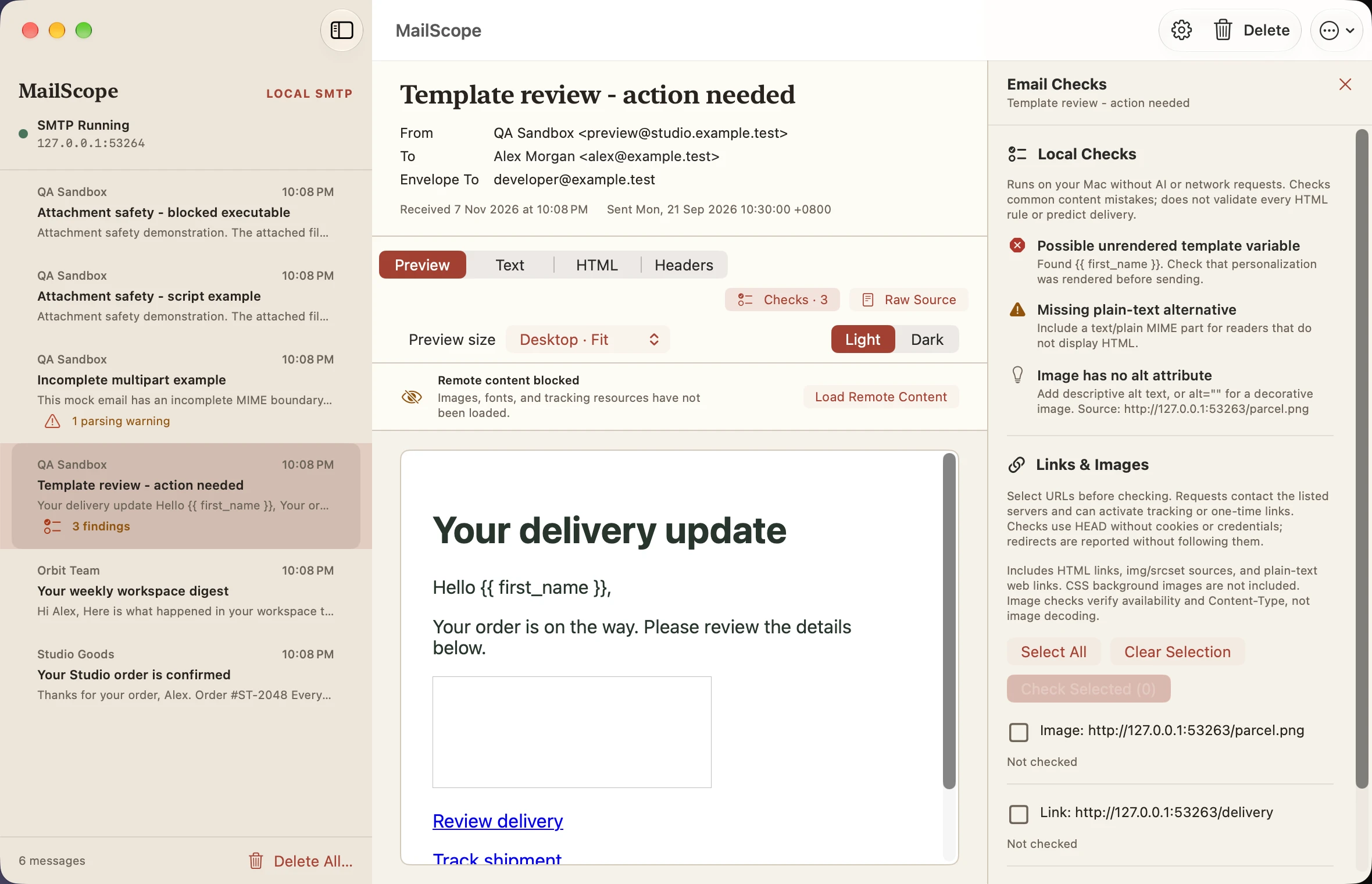
Local checks findings
Light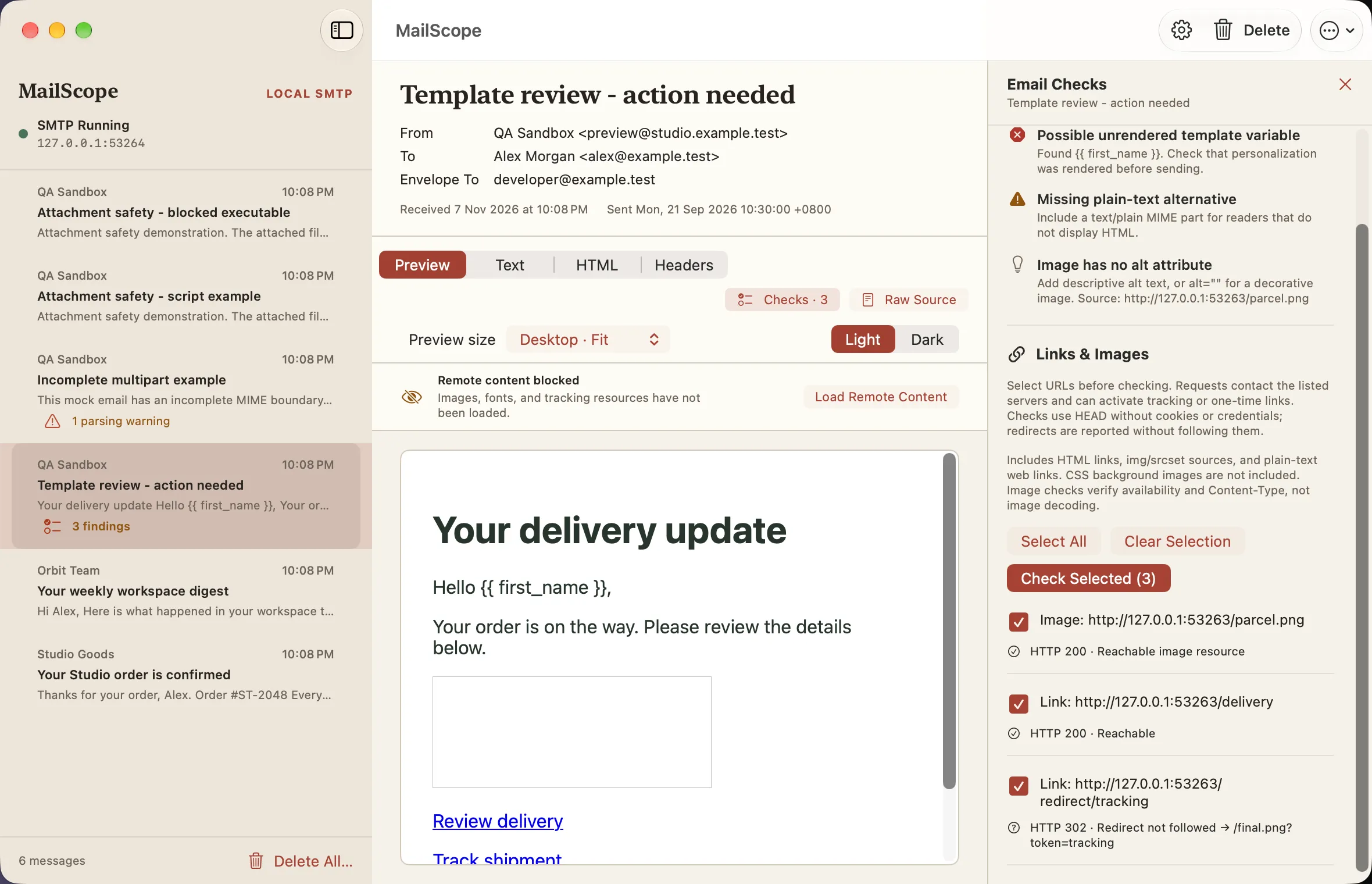
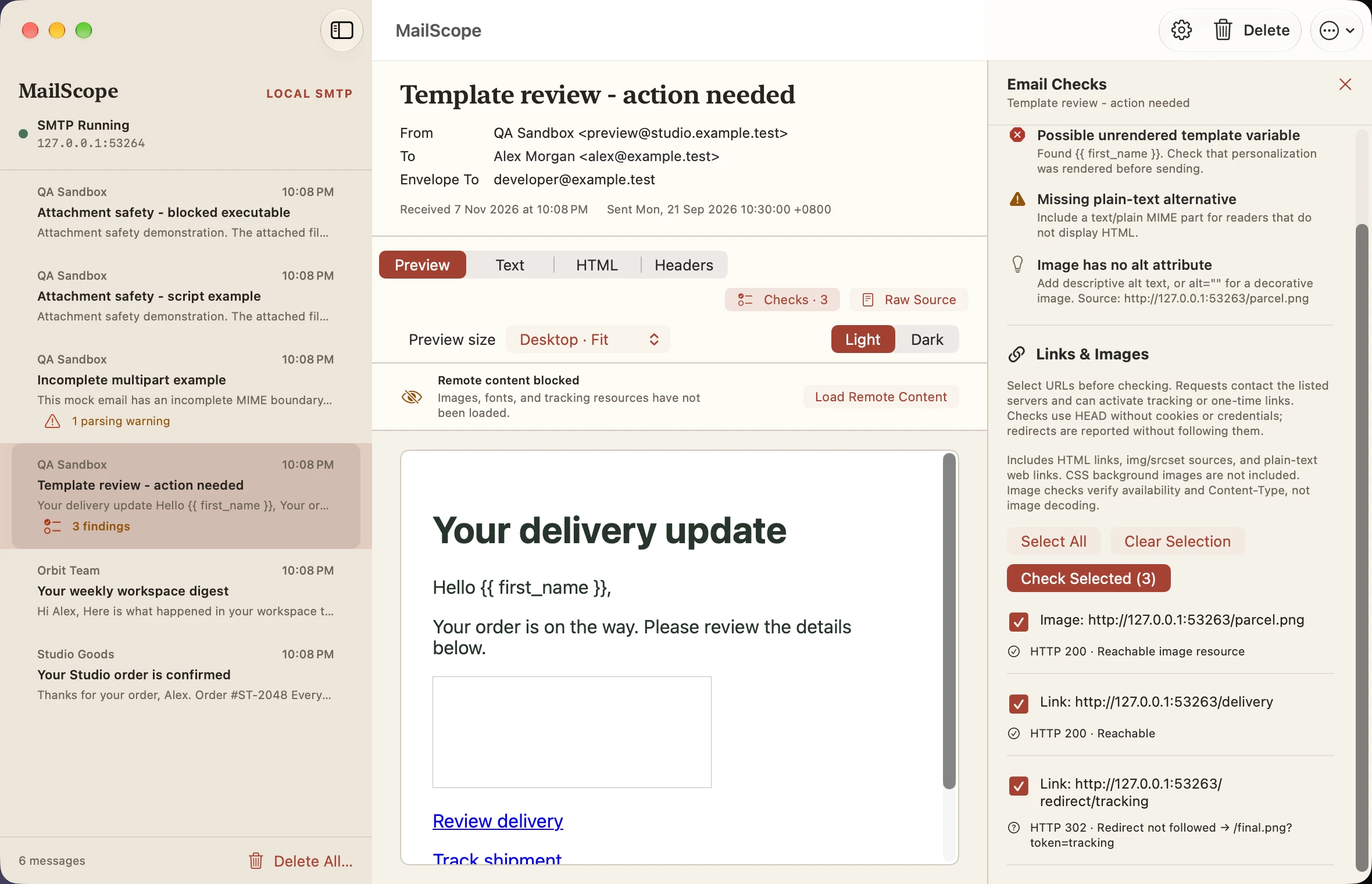
Link and image check results
Light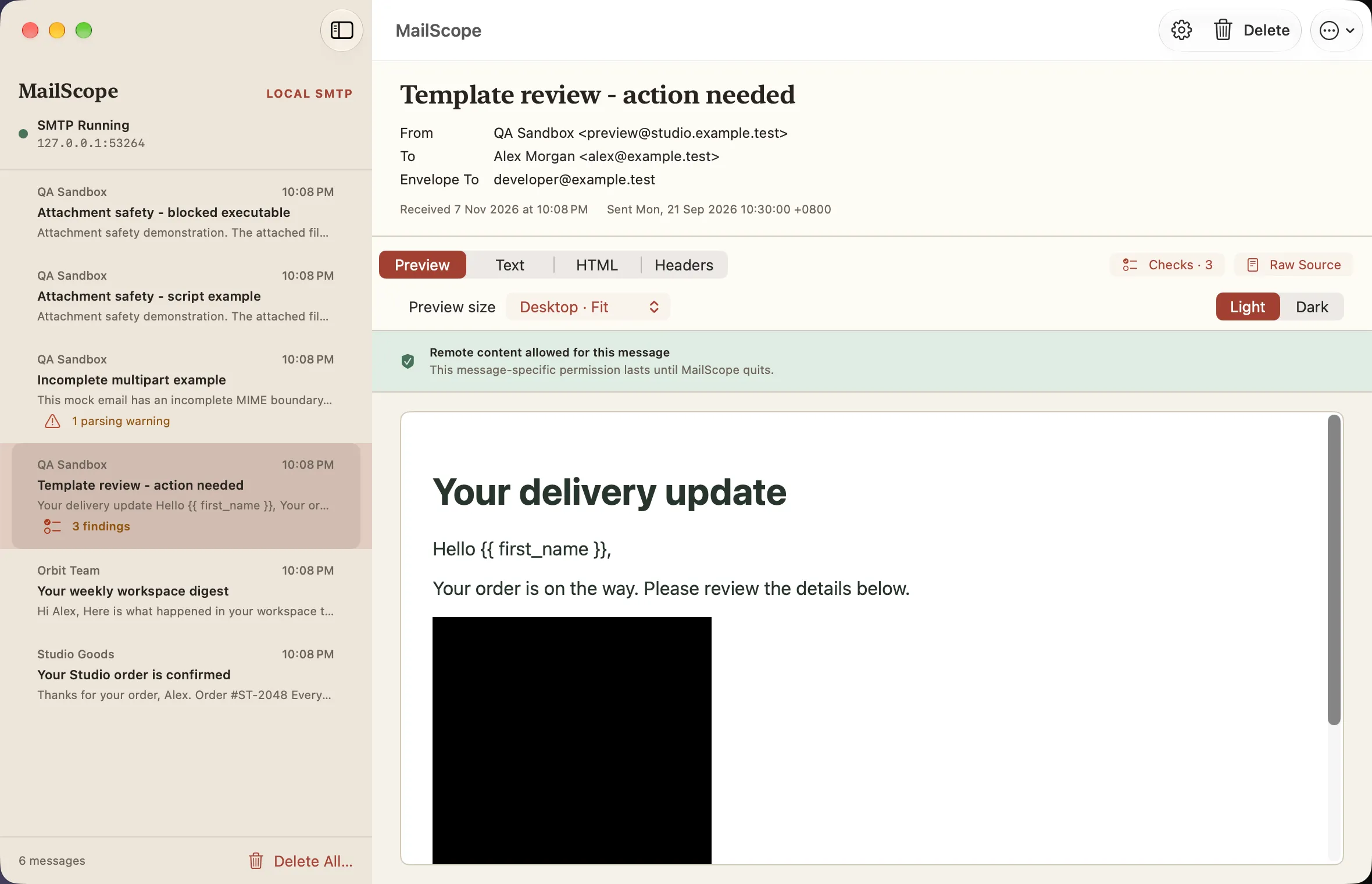
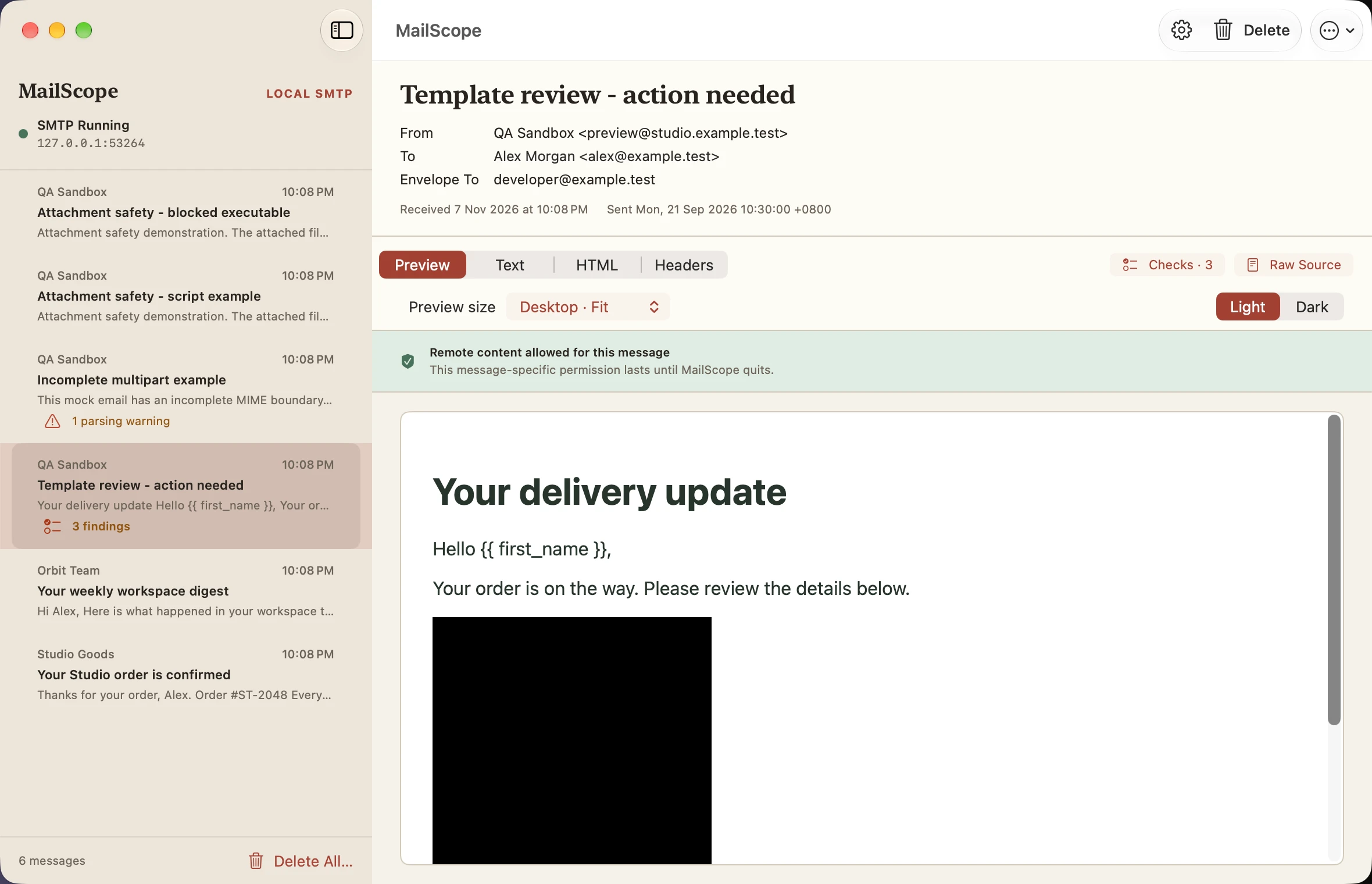
Remote content allowed
Light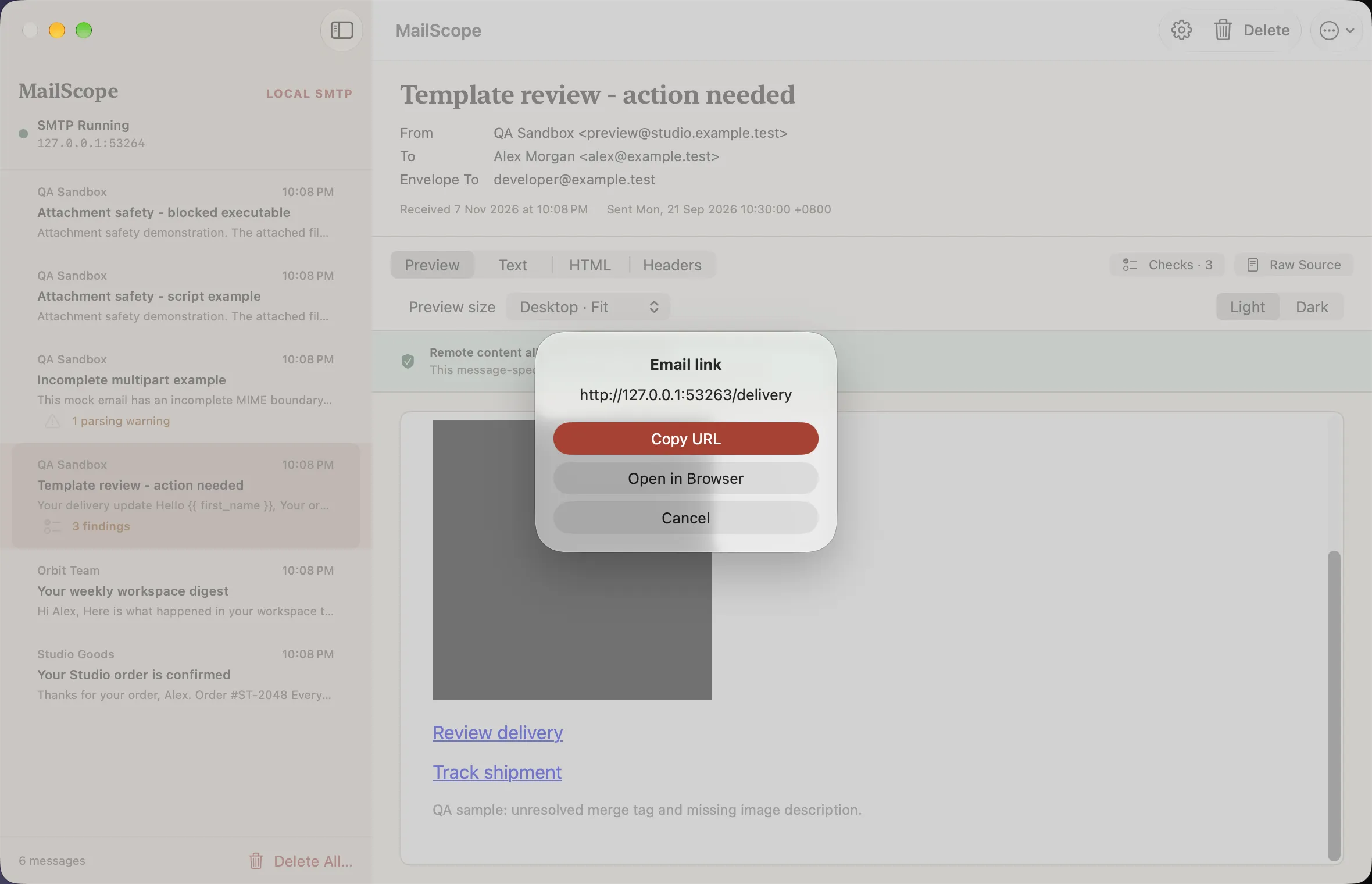
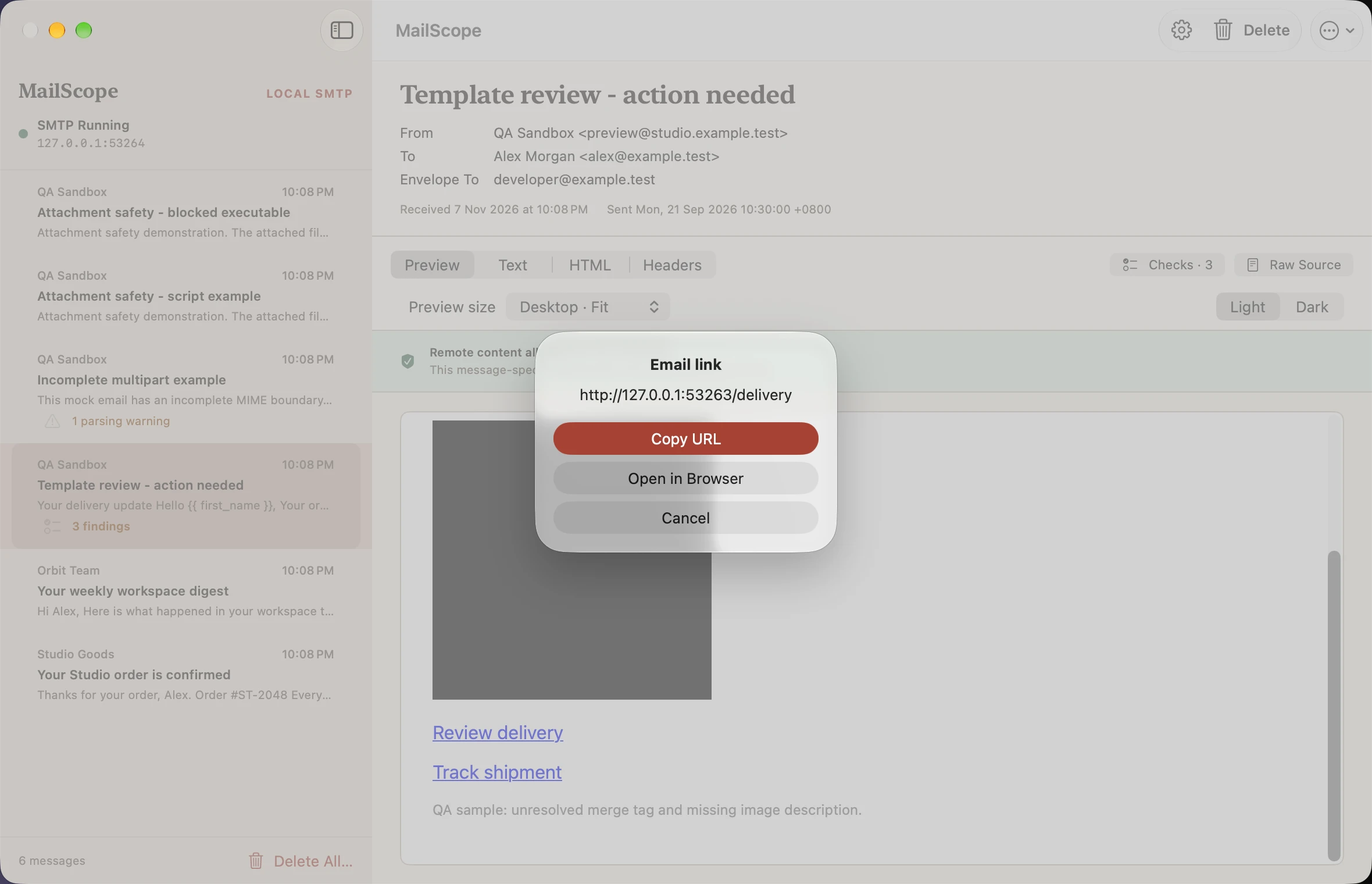
Email link confirmation
Light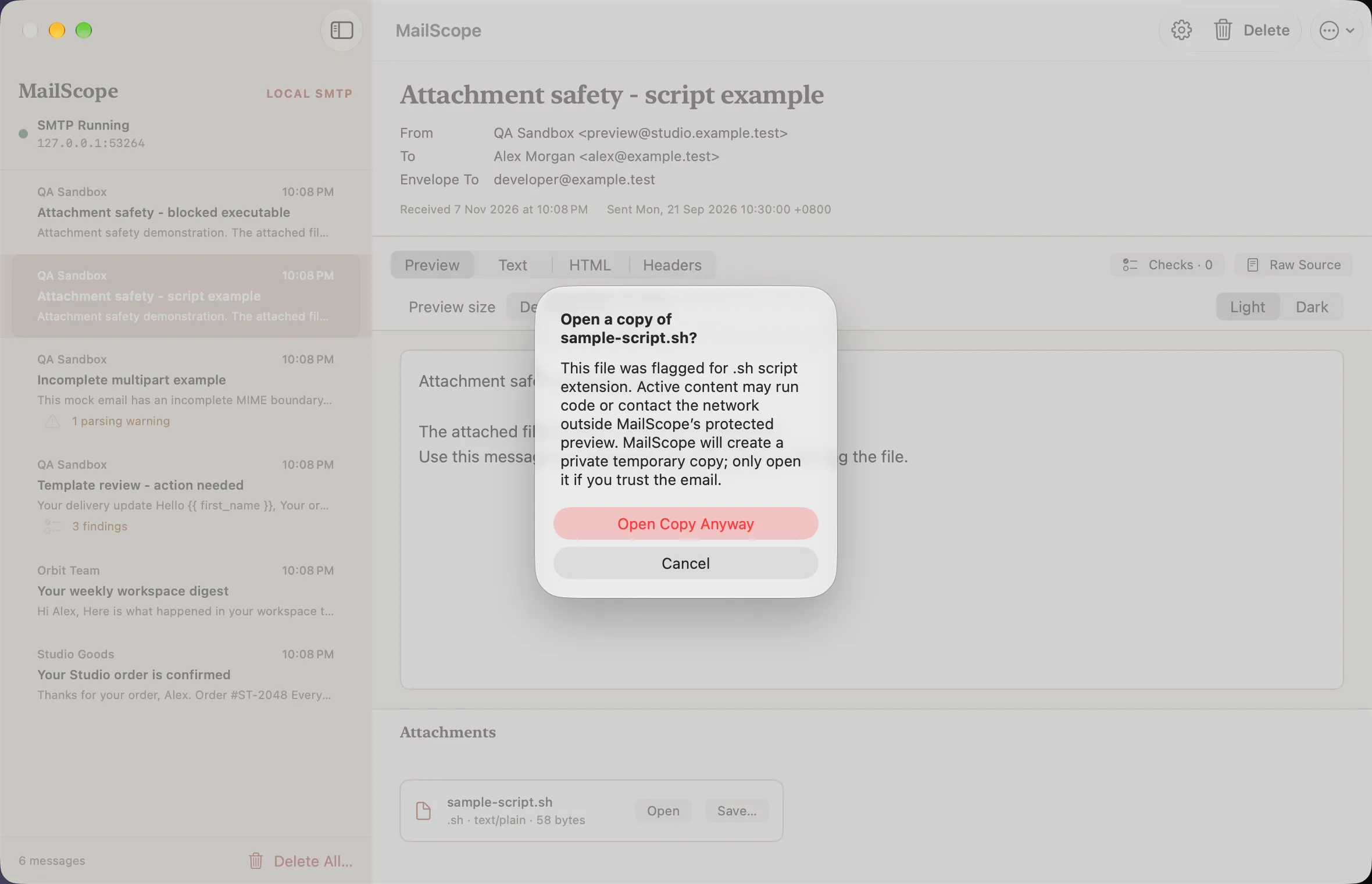
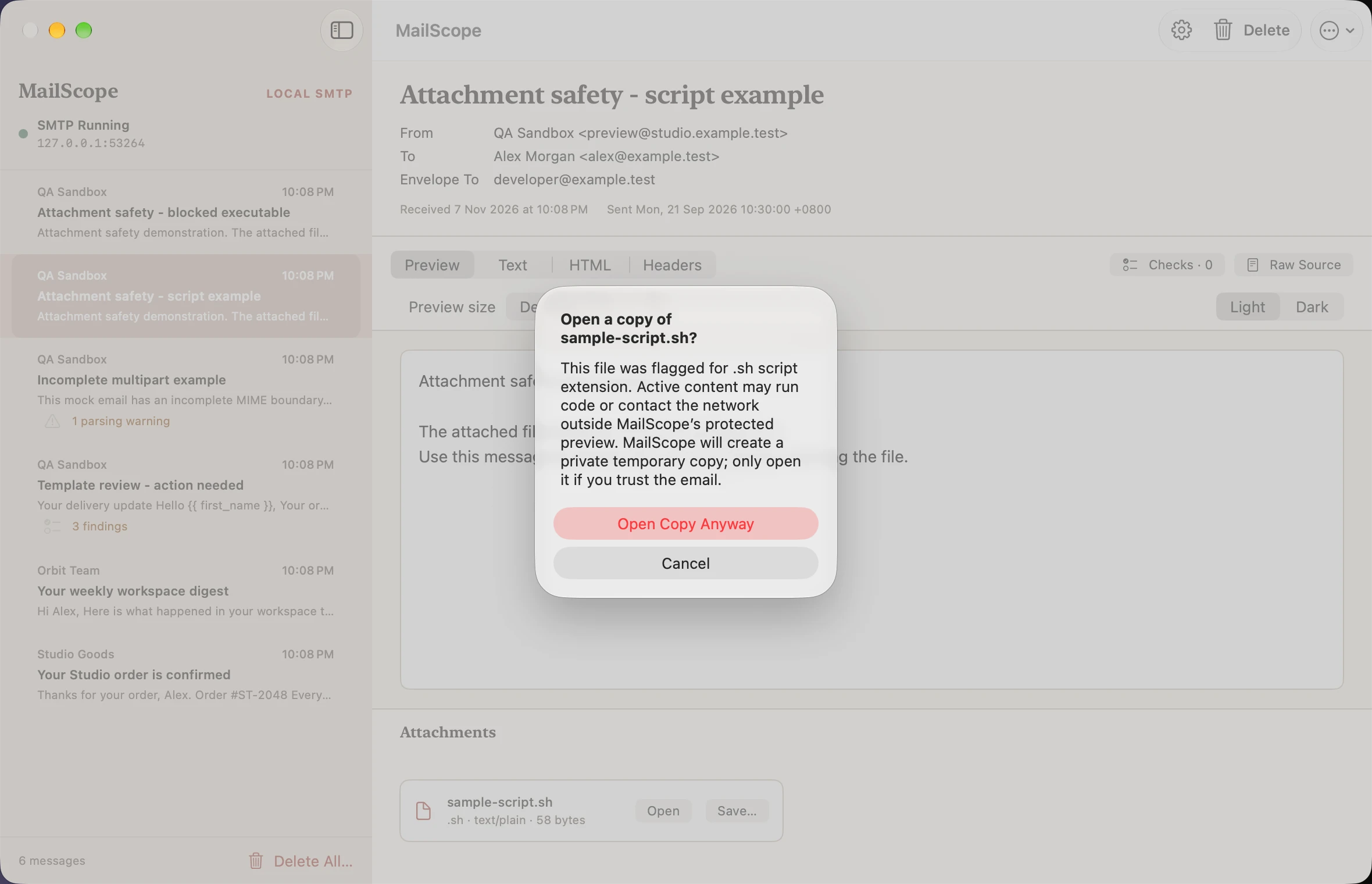
Attachment open warning
Light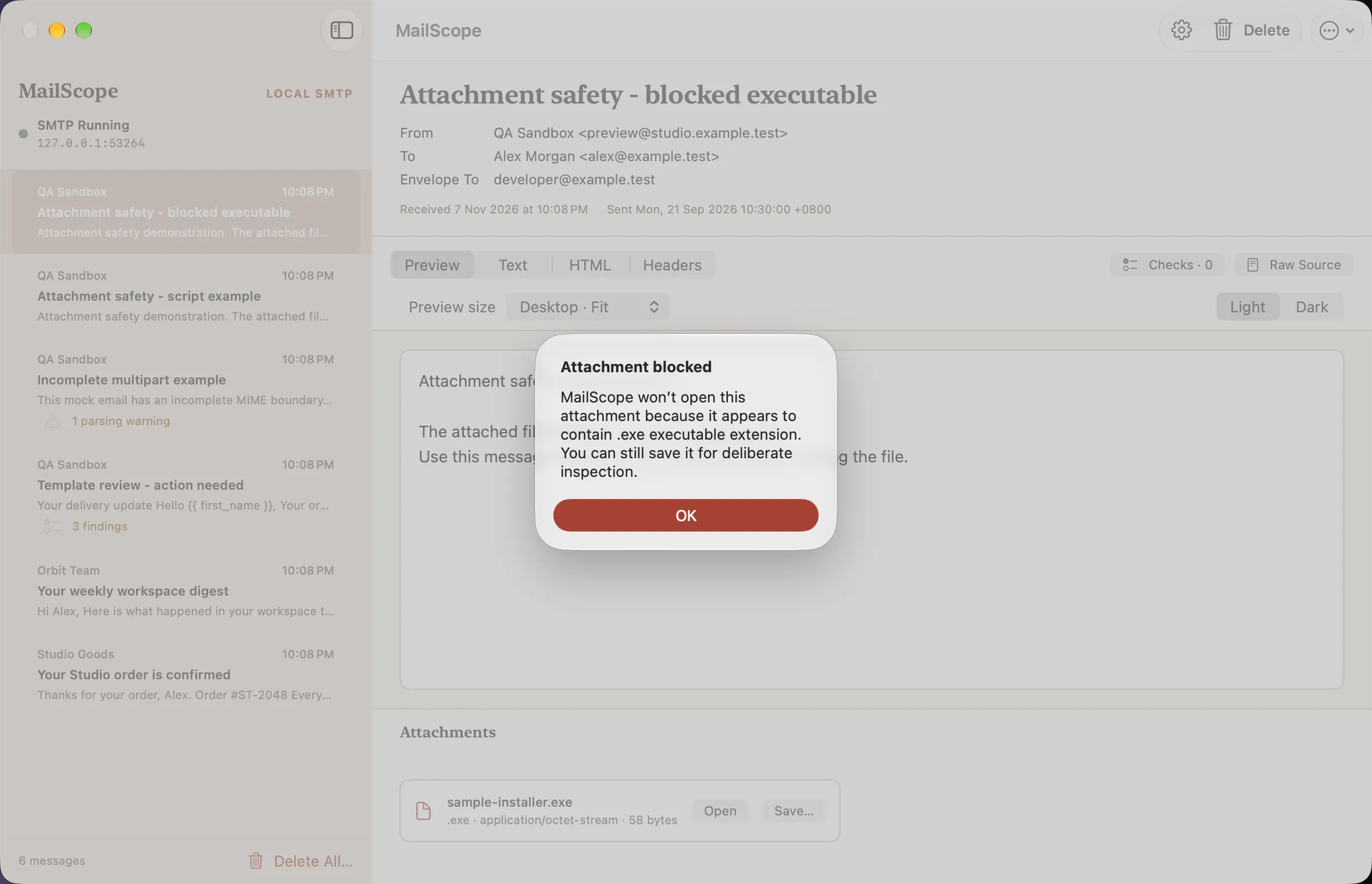
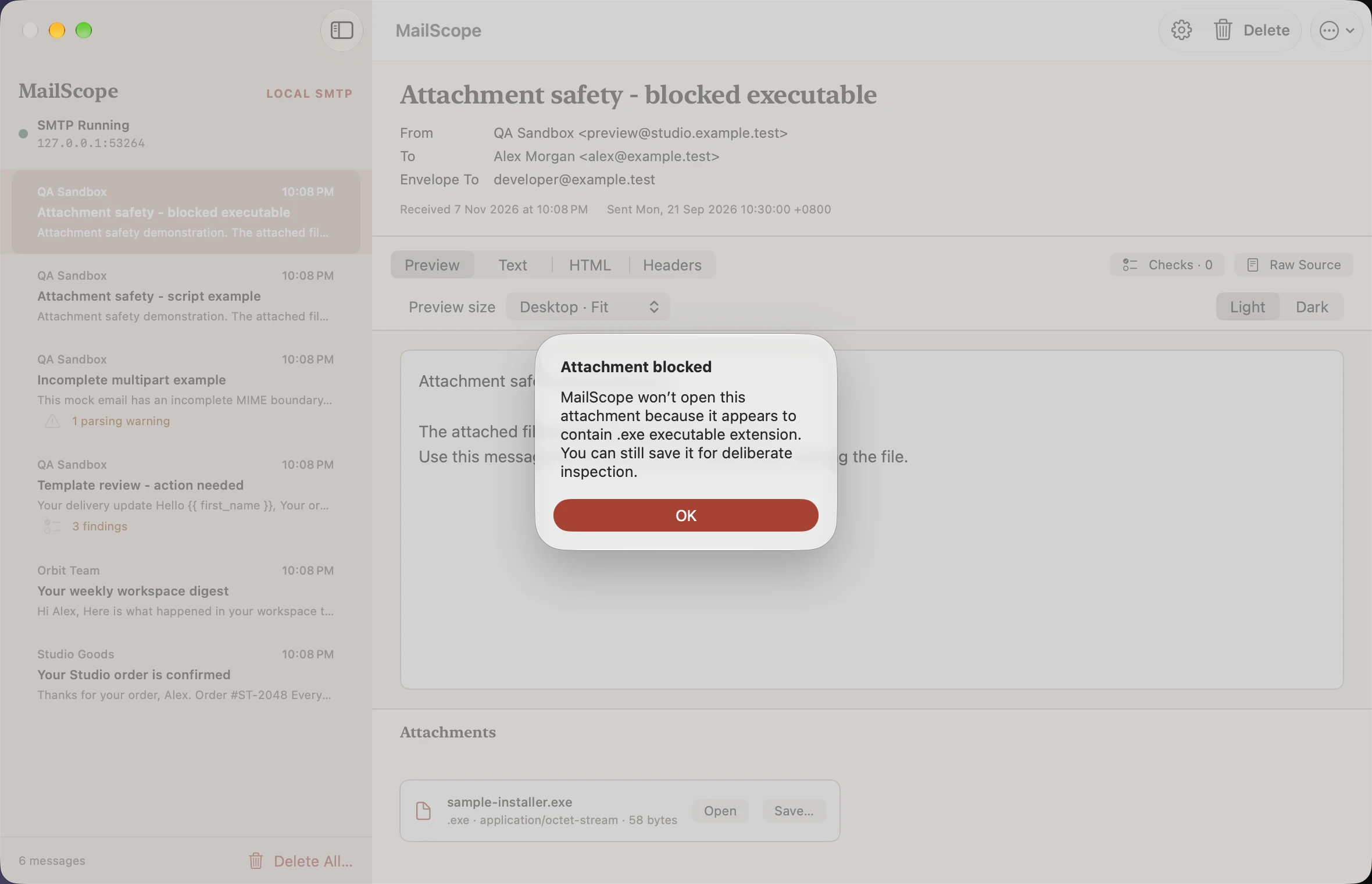
Attachment blocked
Light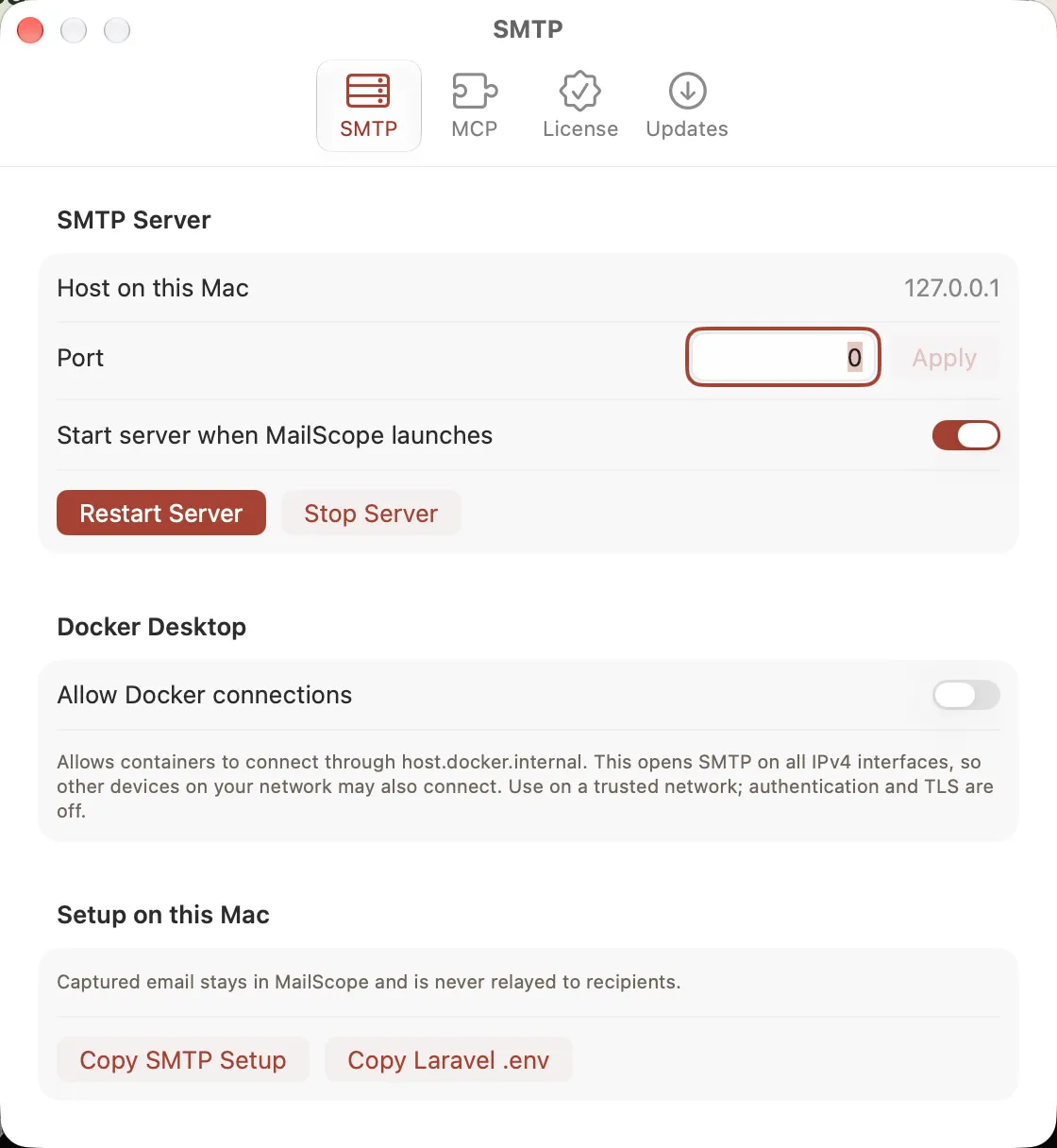
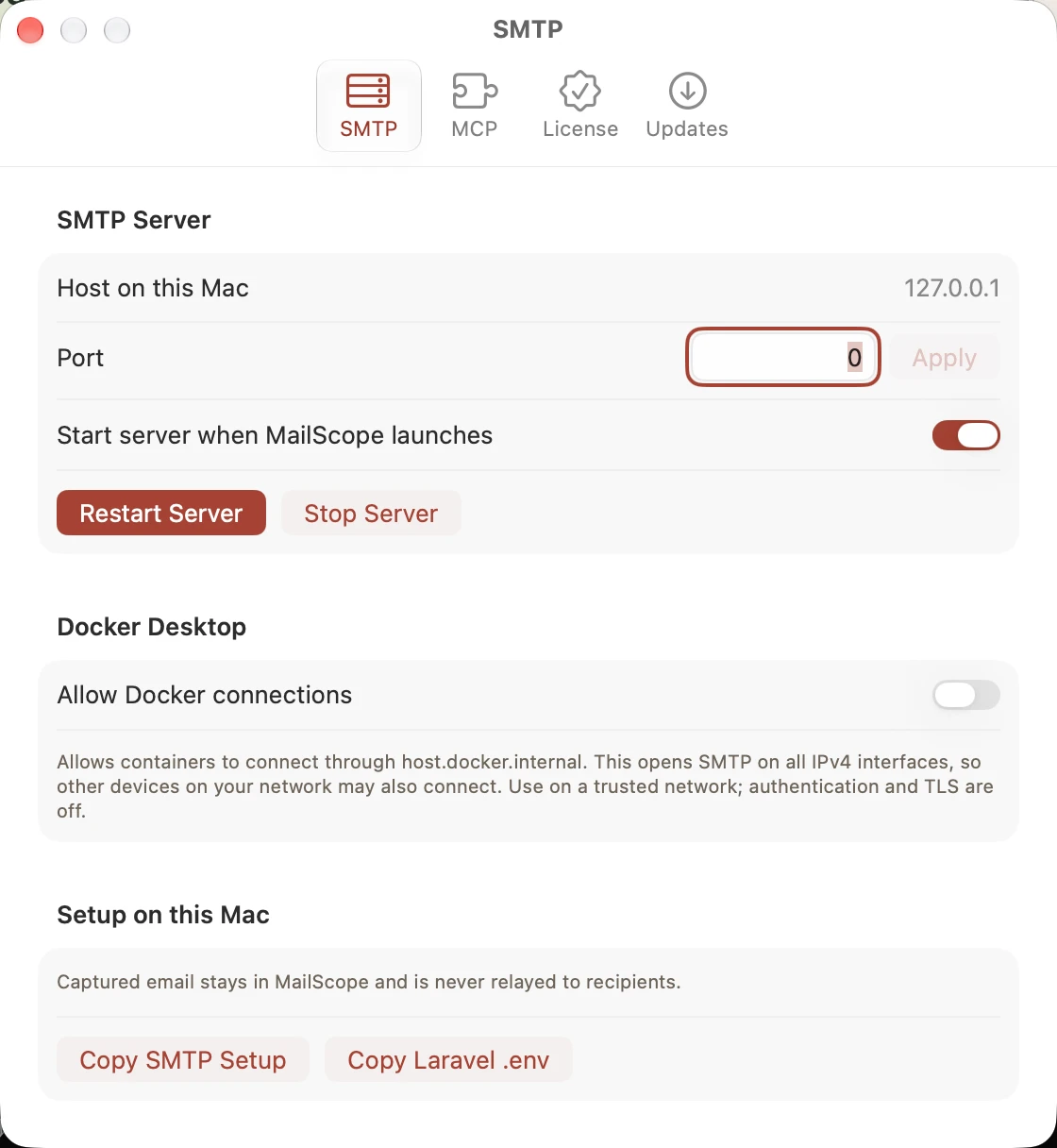
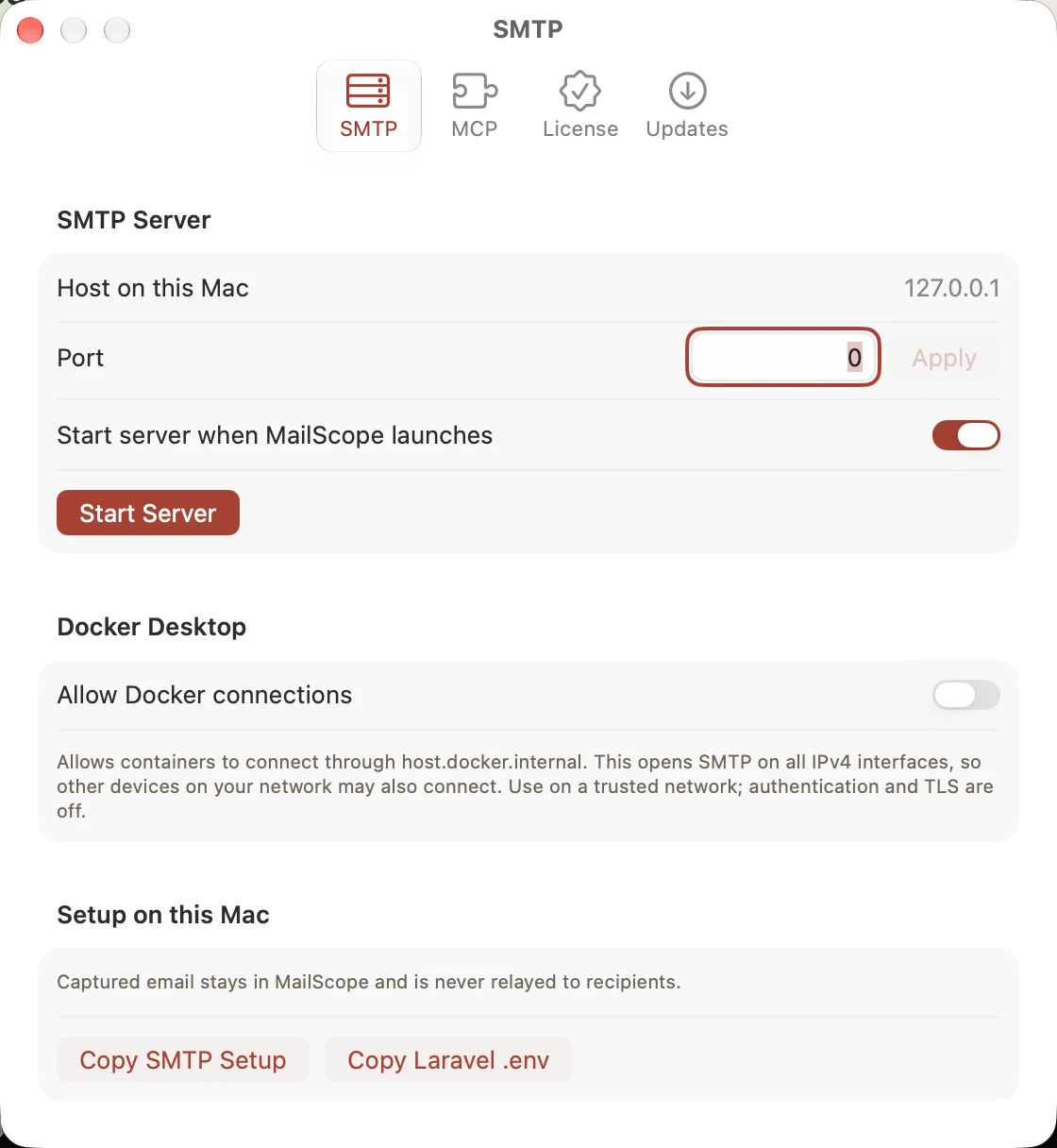
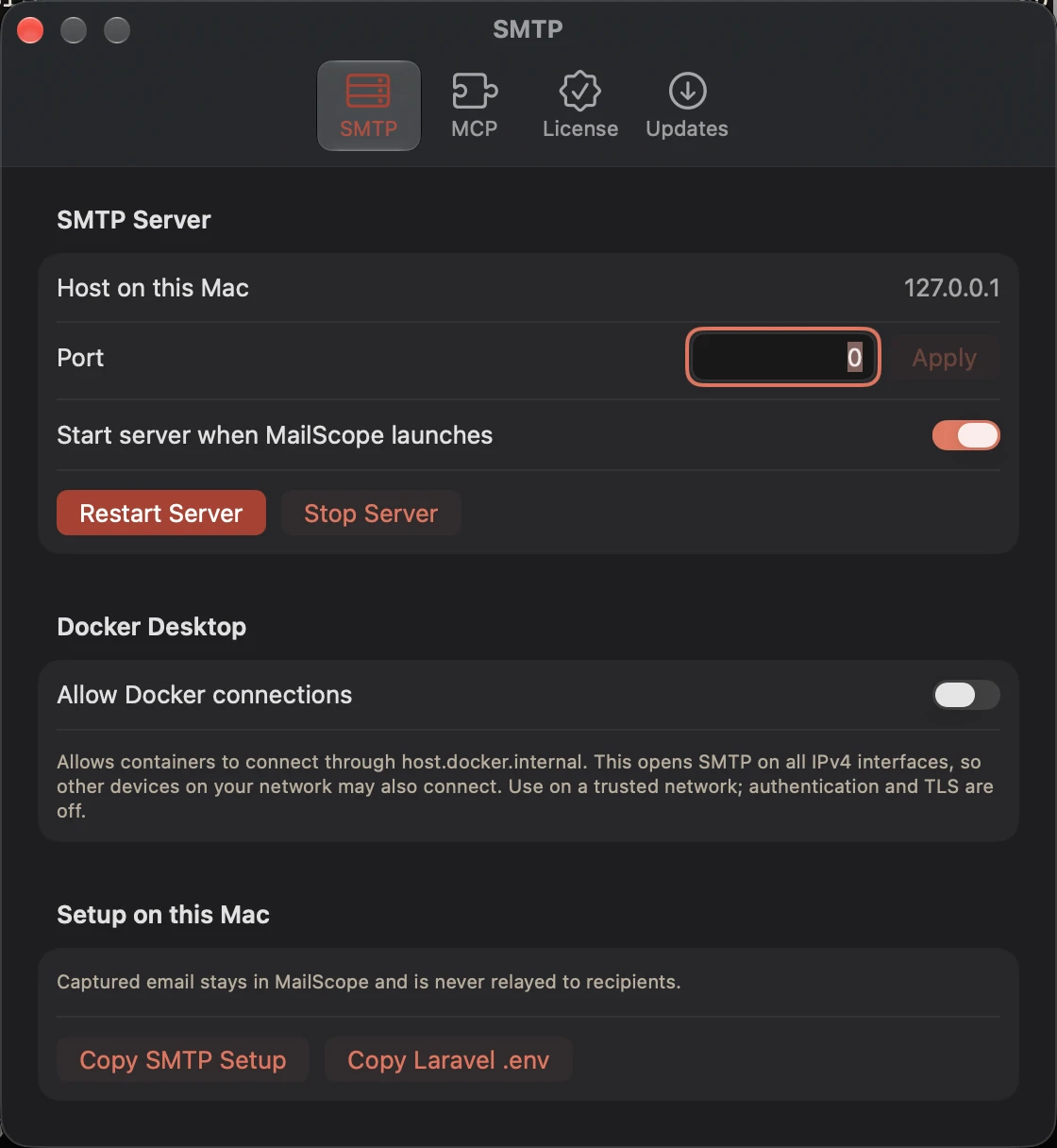
SMTP settings
Light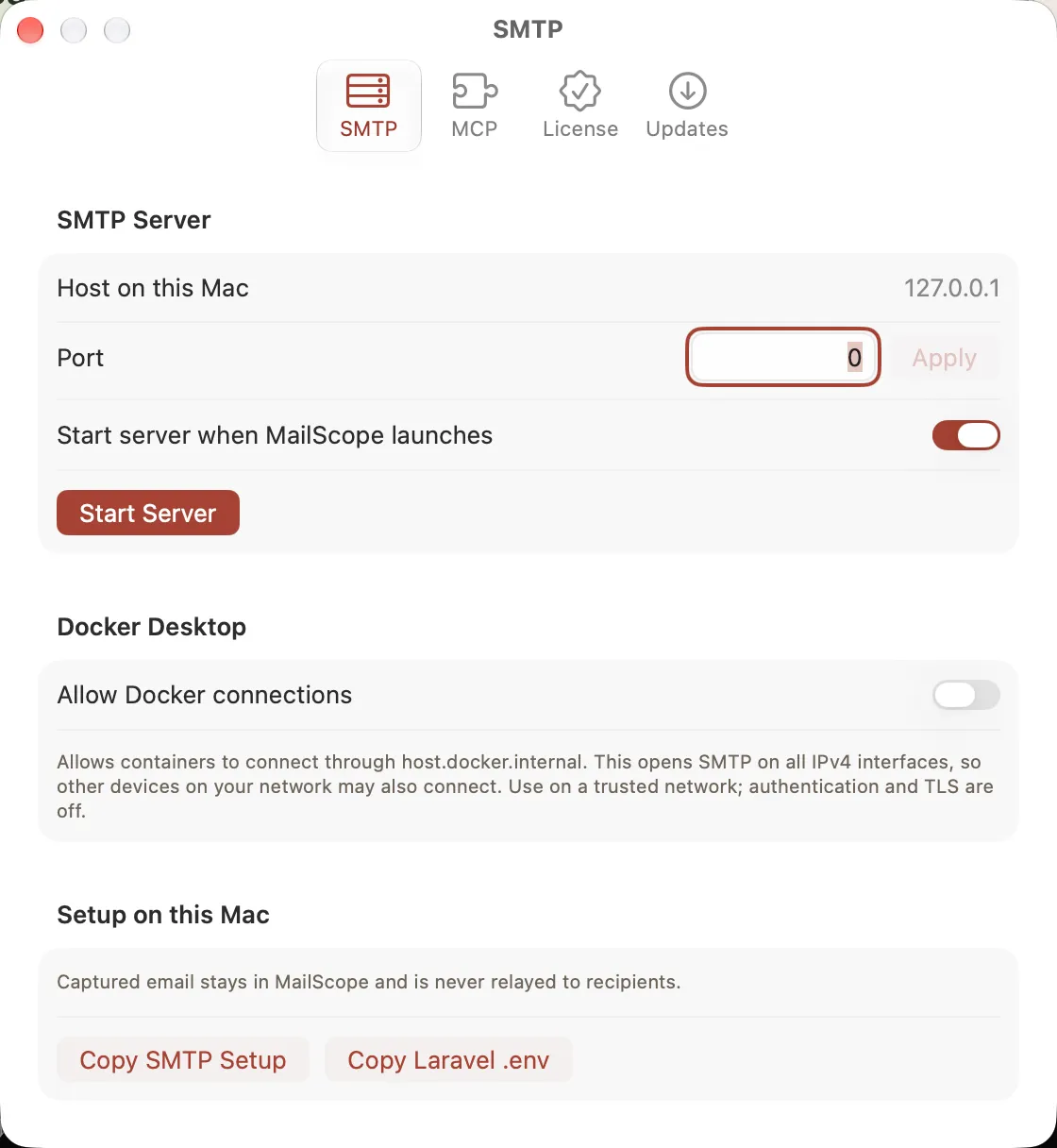
SMTP stopped
Light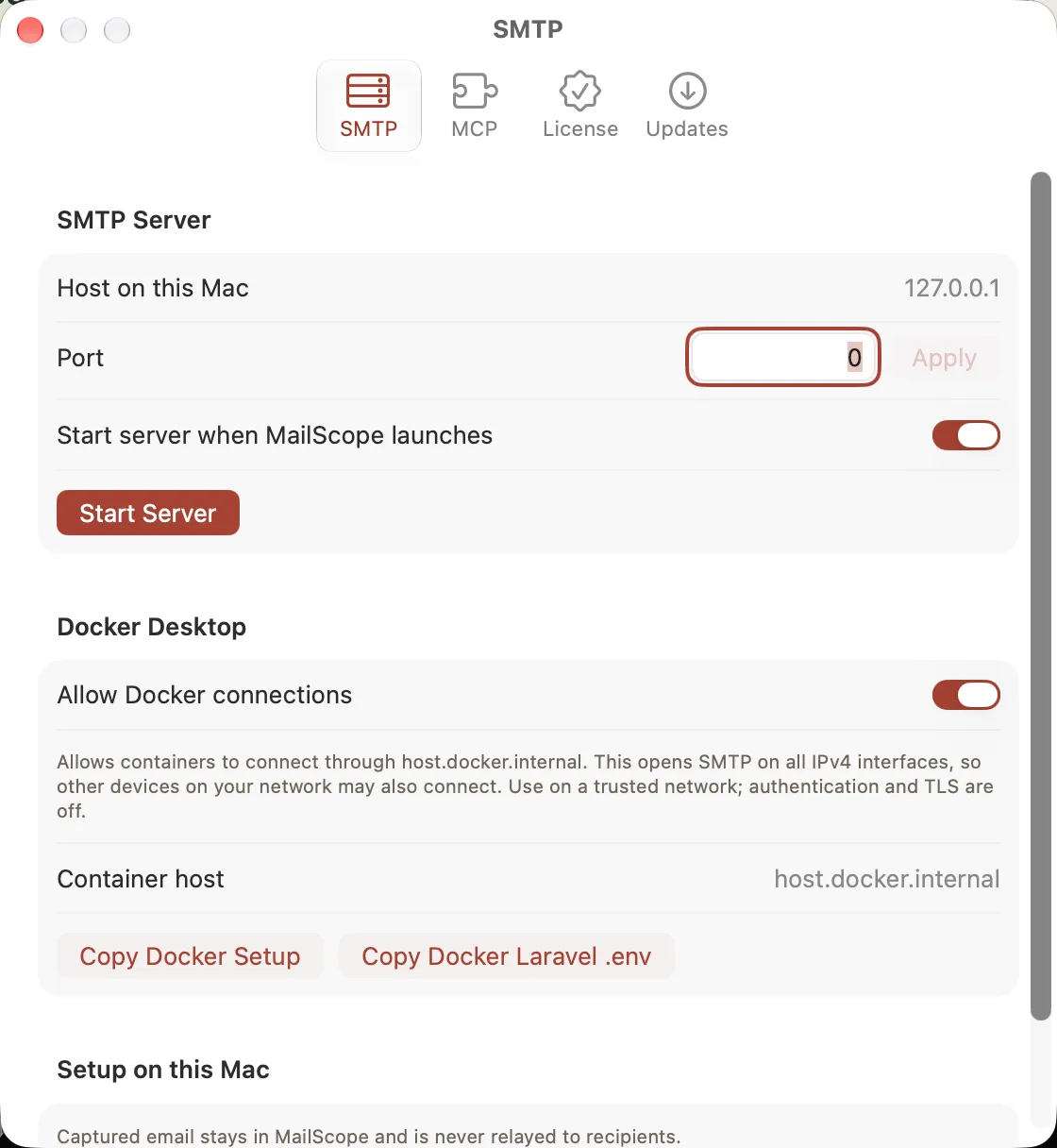
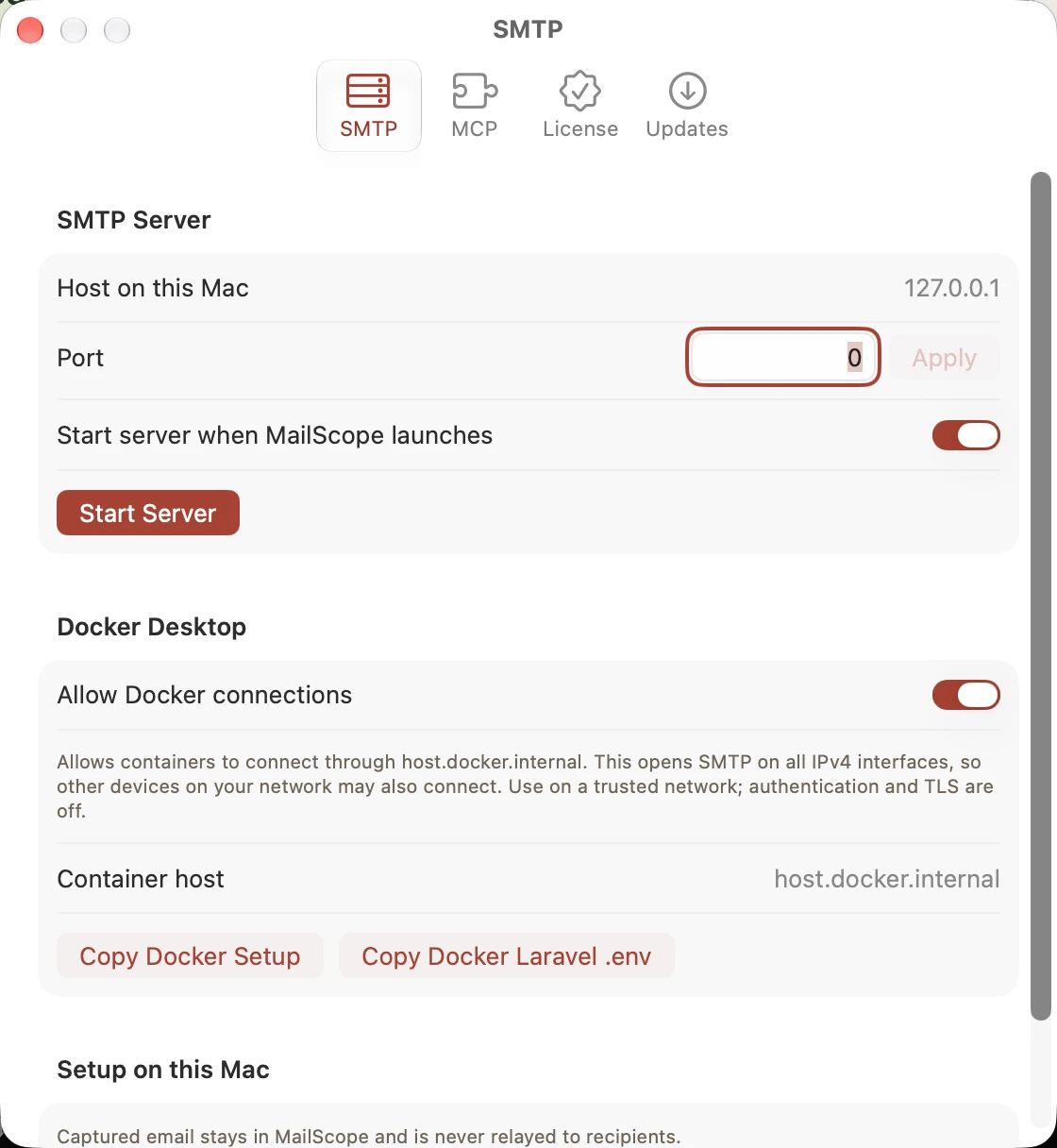
Docker capture settings
Light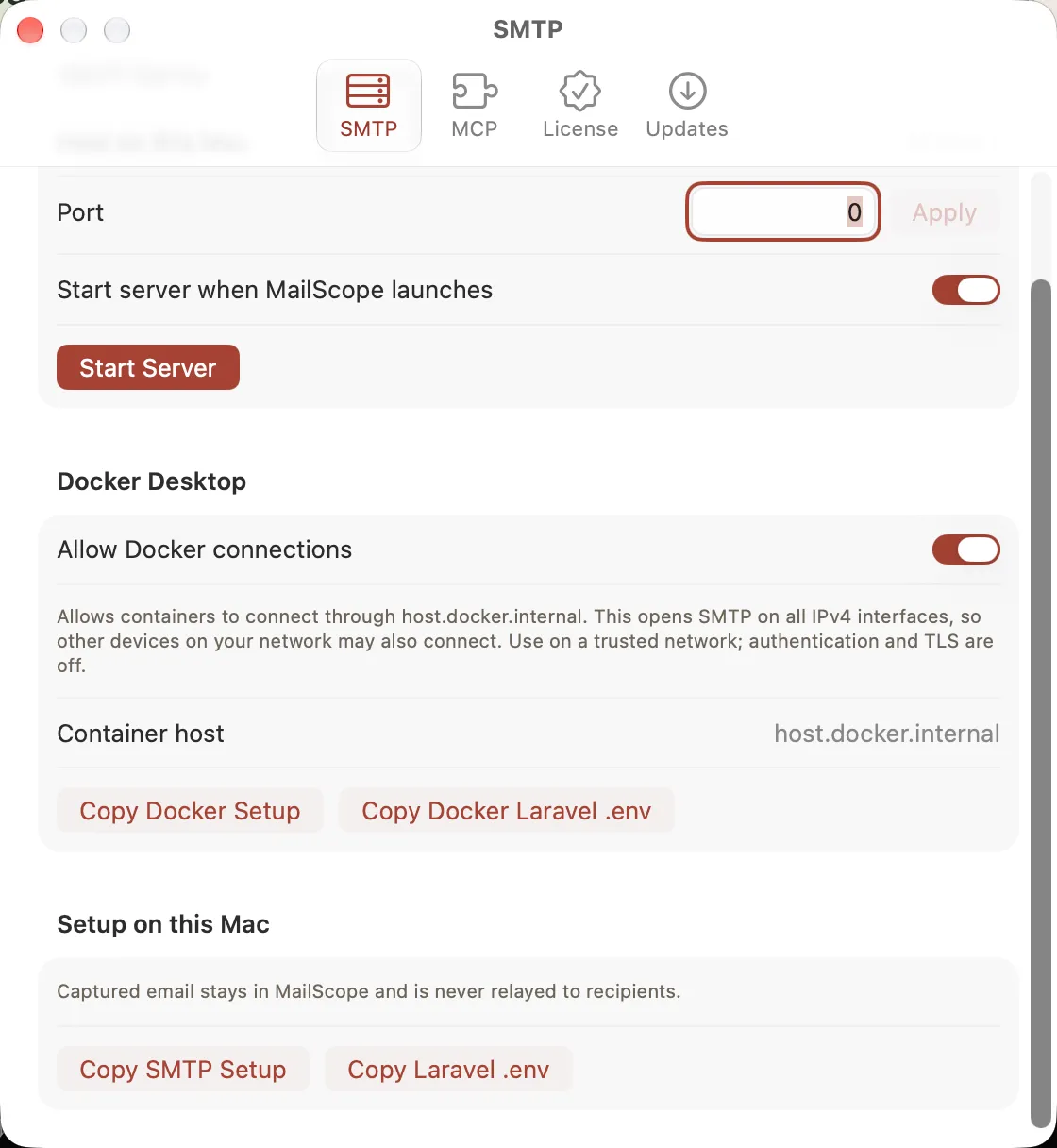
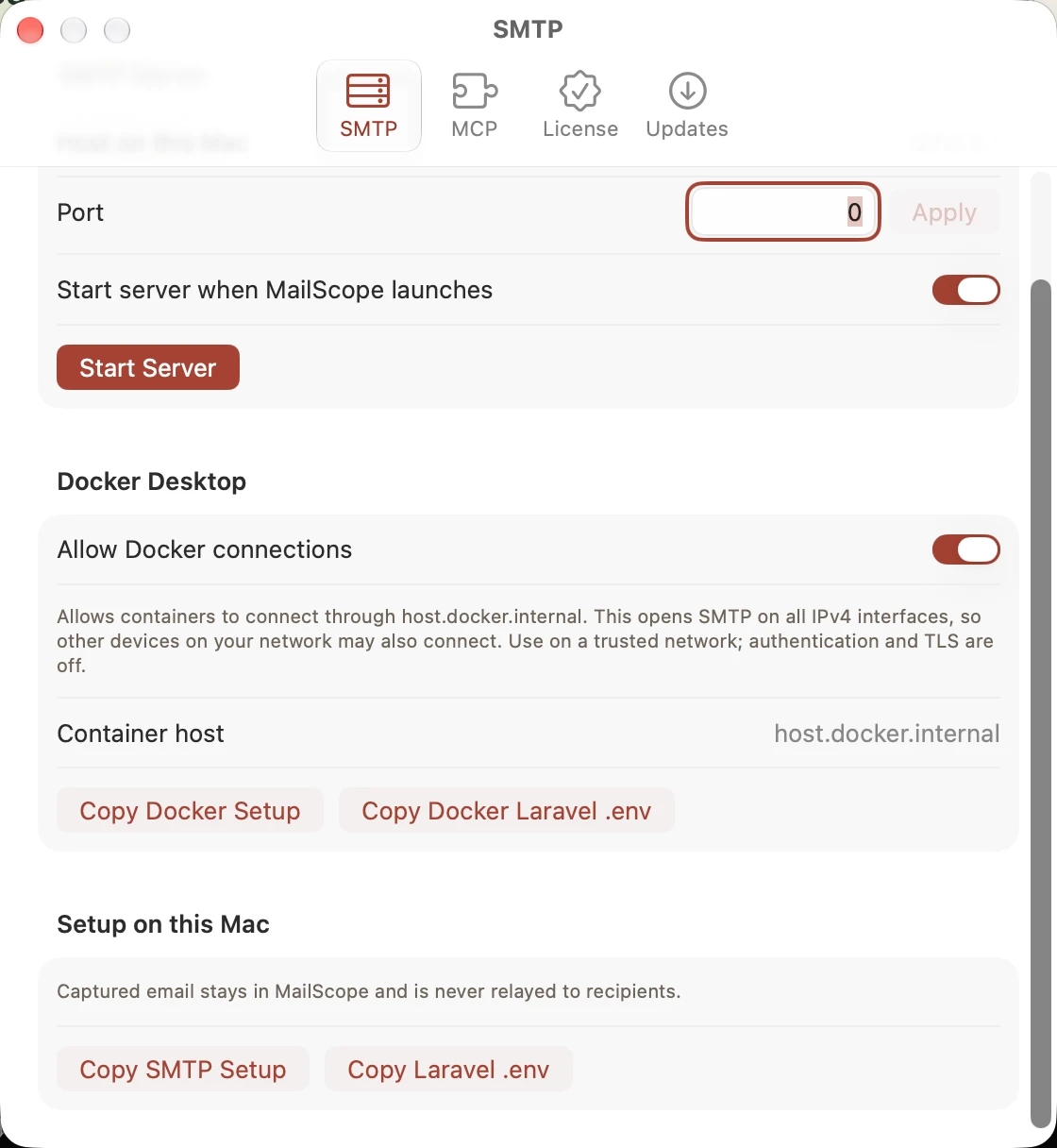
Docker setup actions
Light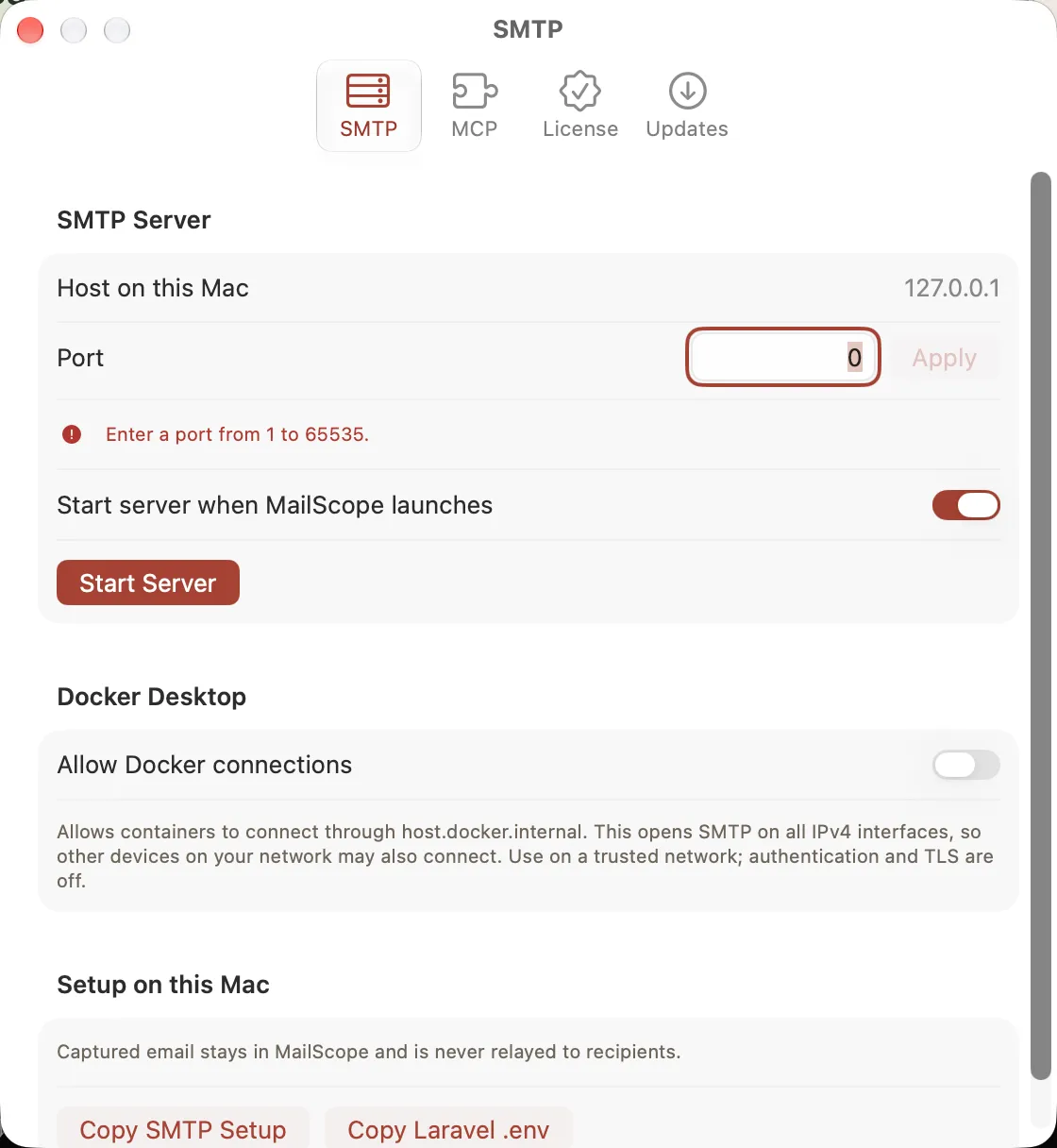
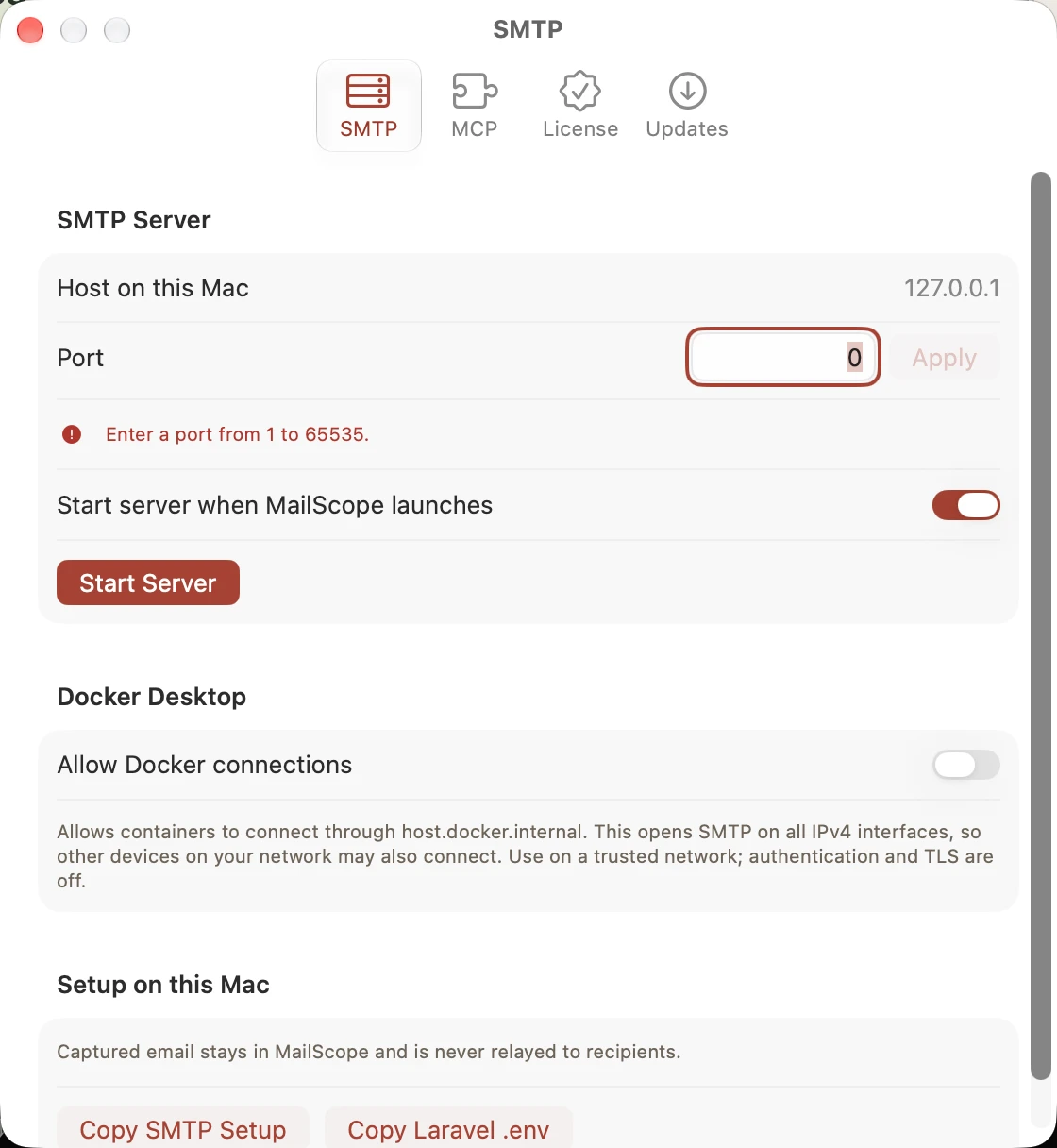
SMTP port validation
Light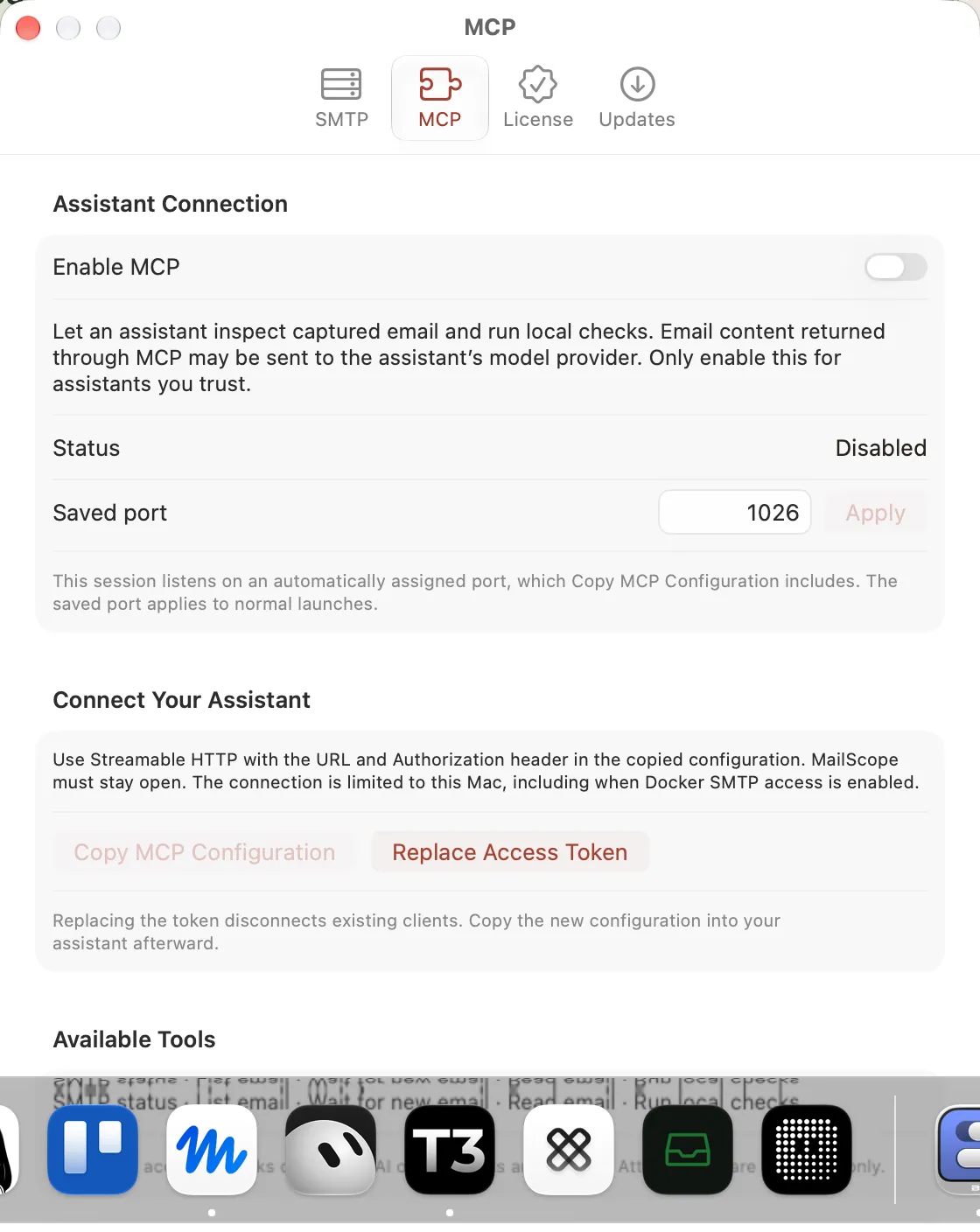
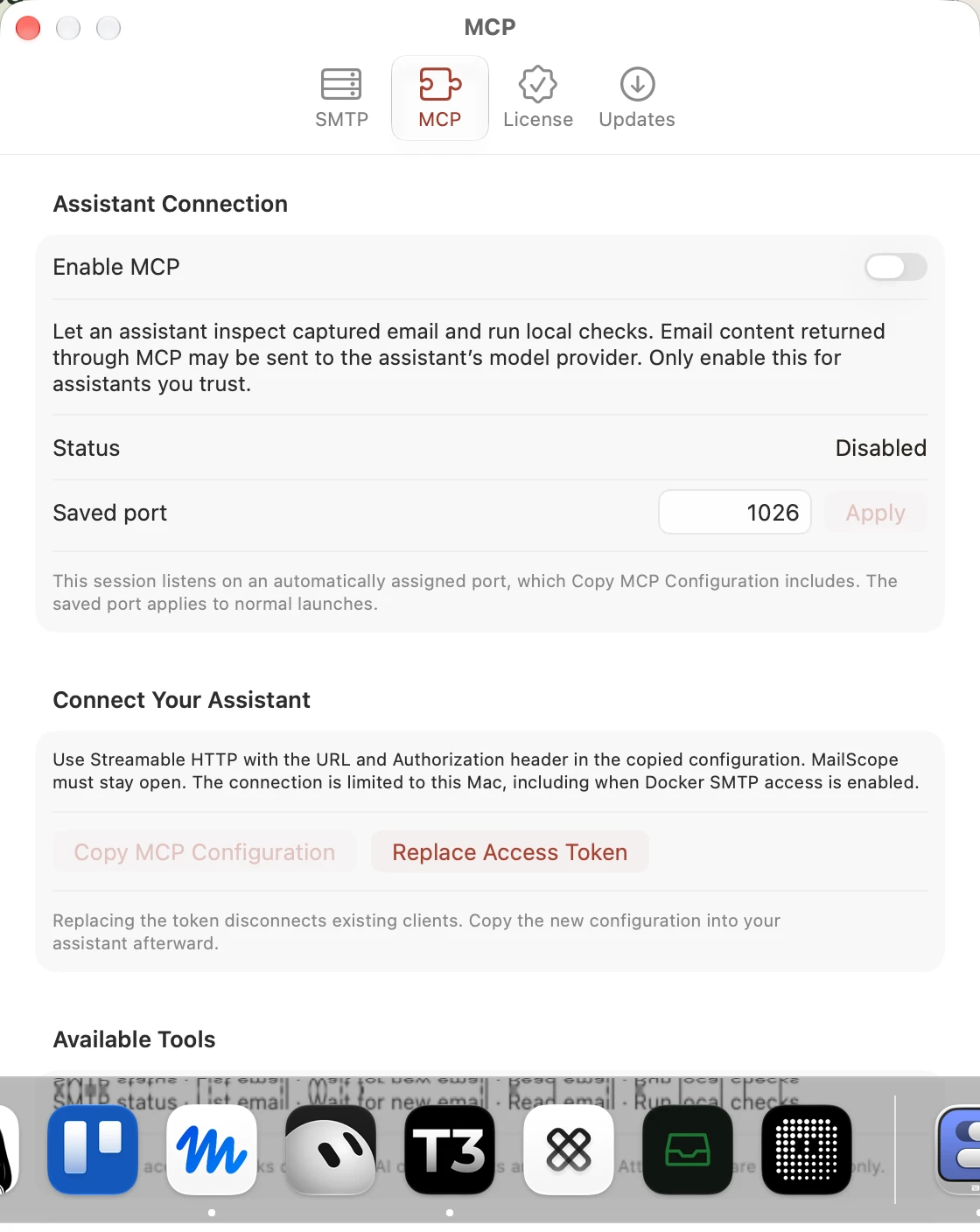
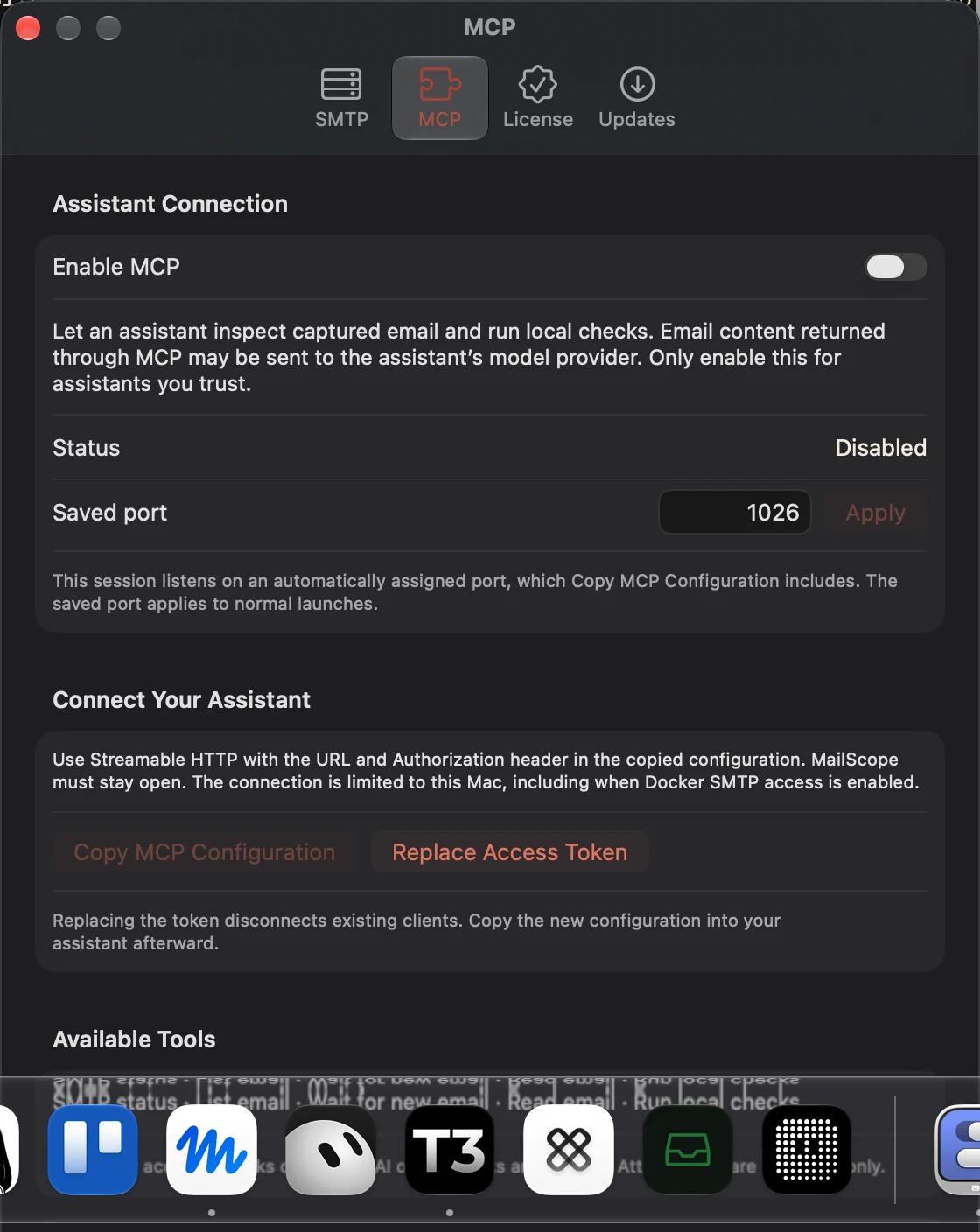
MCP disabled
Light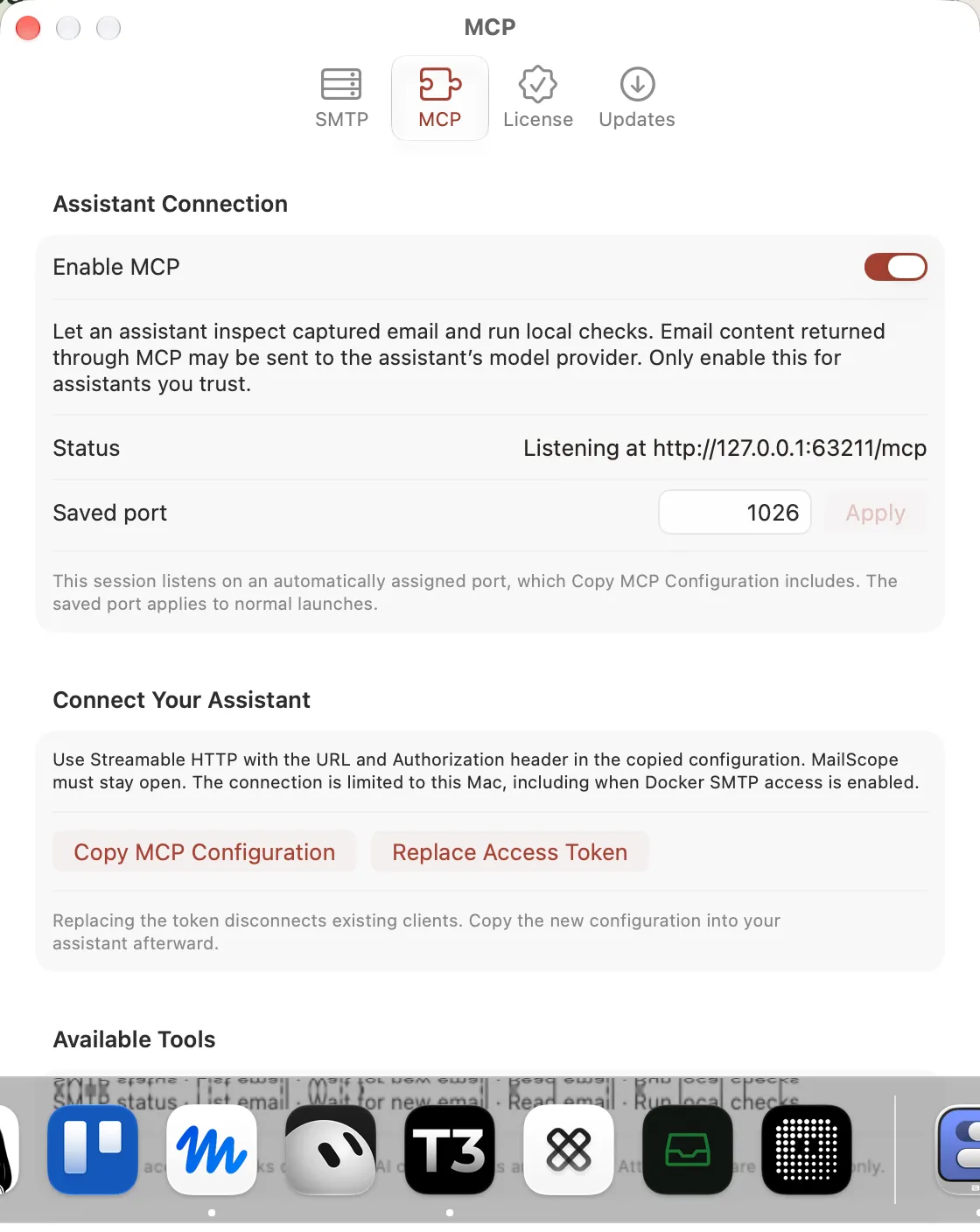
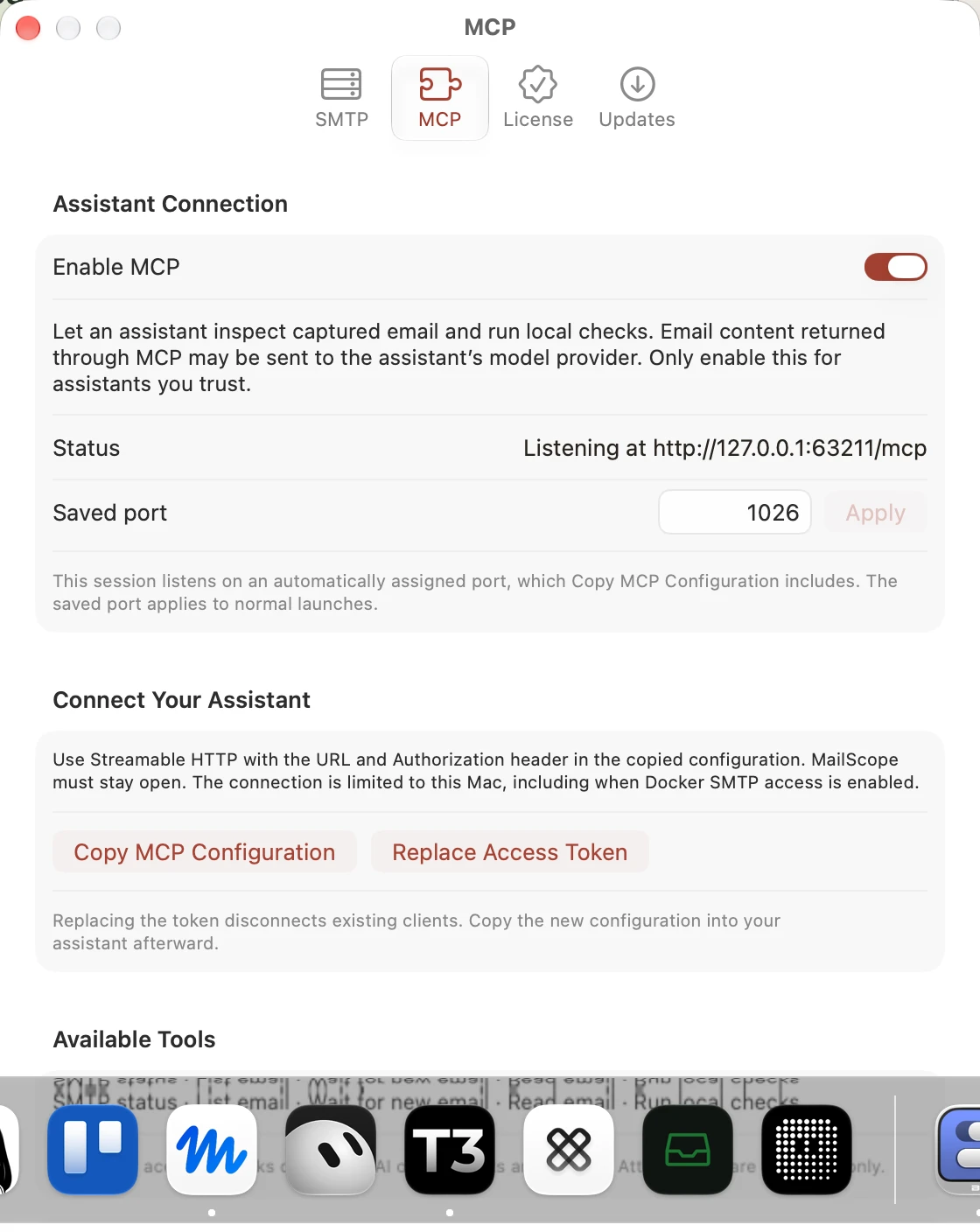
MCP enabled
LightMCP tools and privacy
Light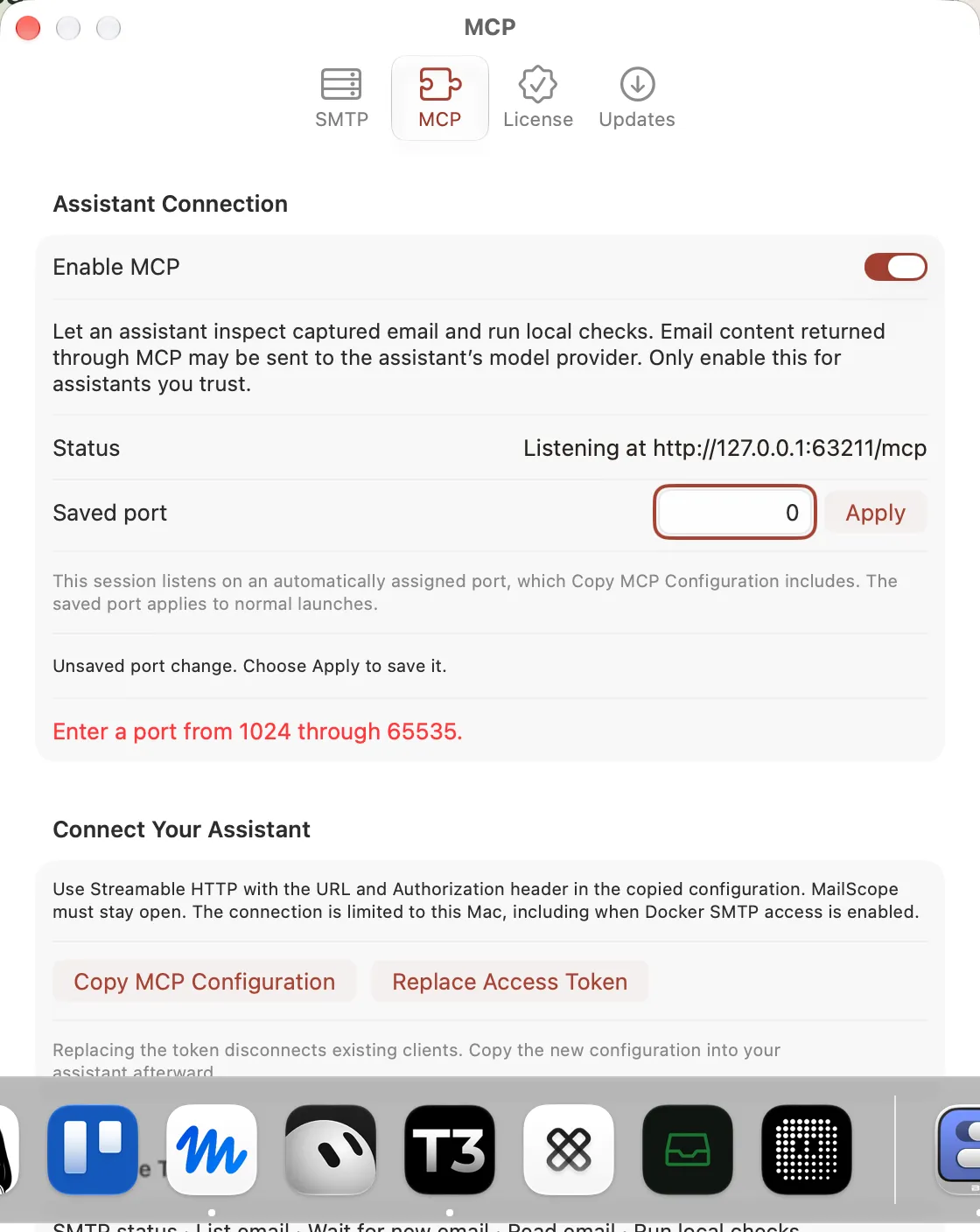
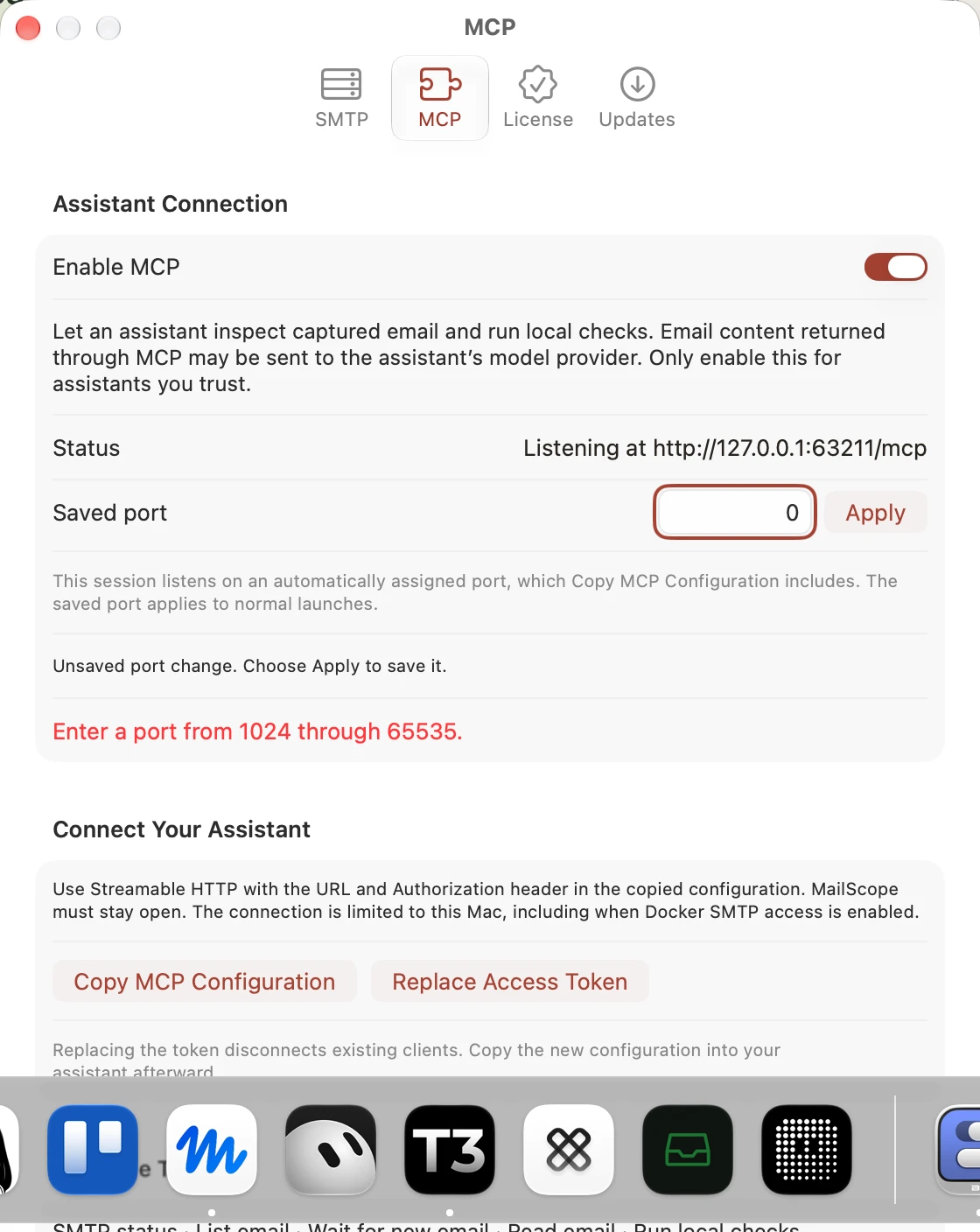
MCP port validation
Light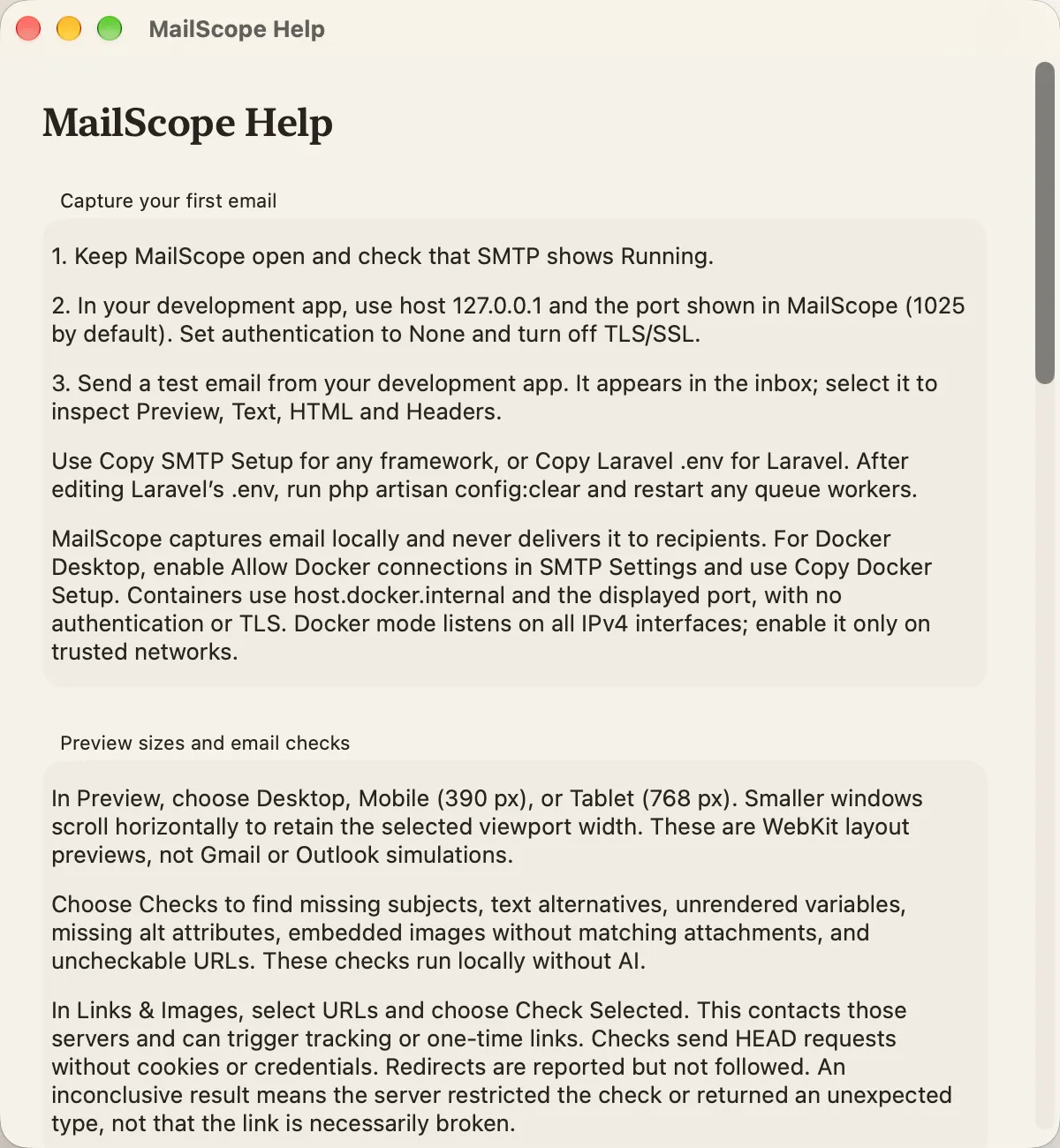
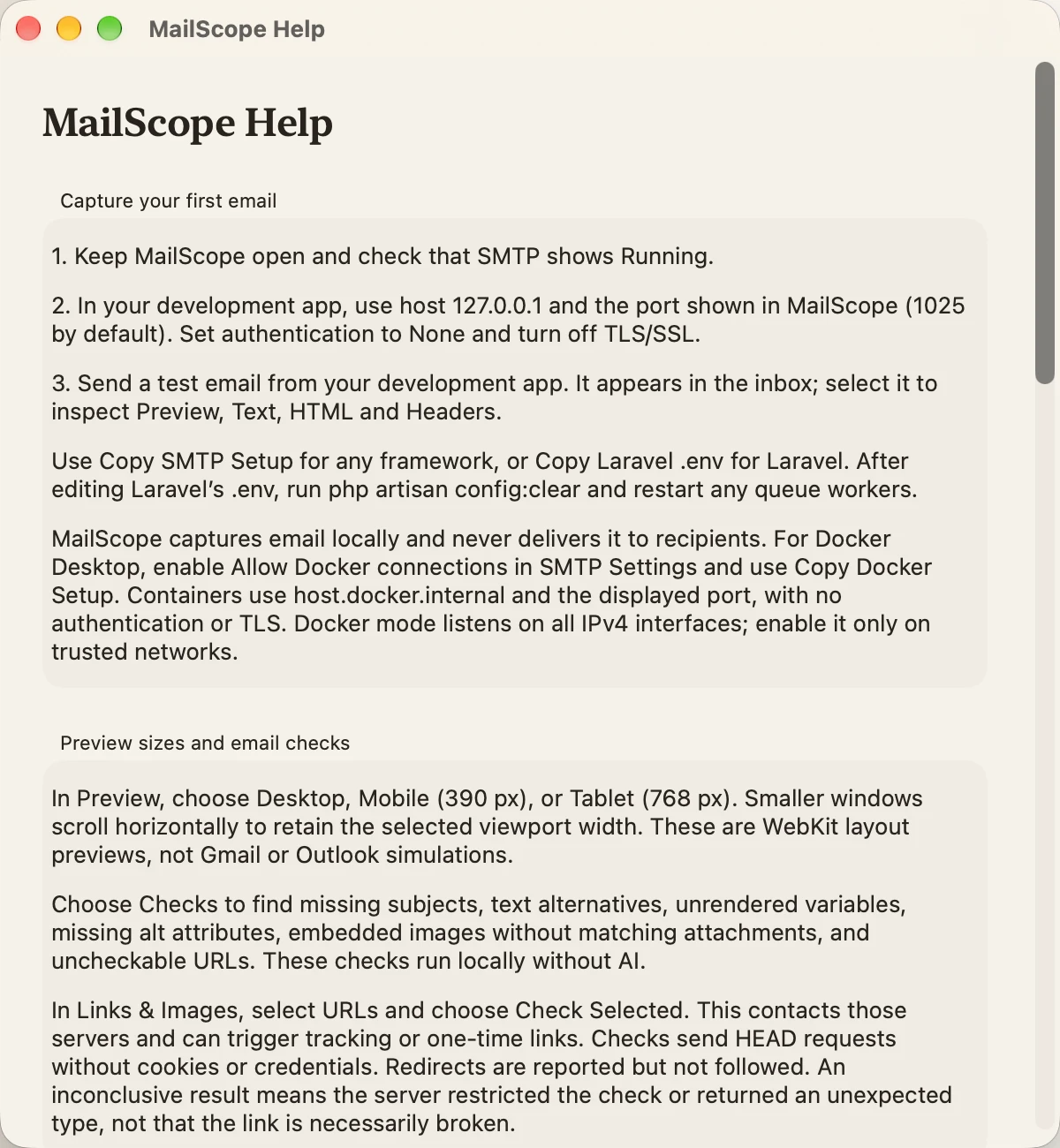
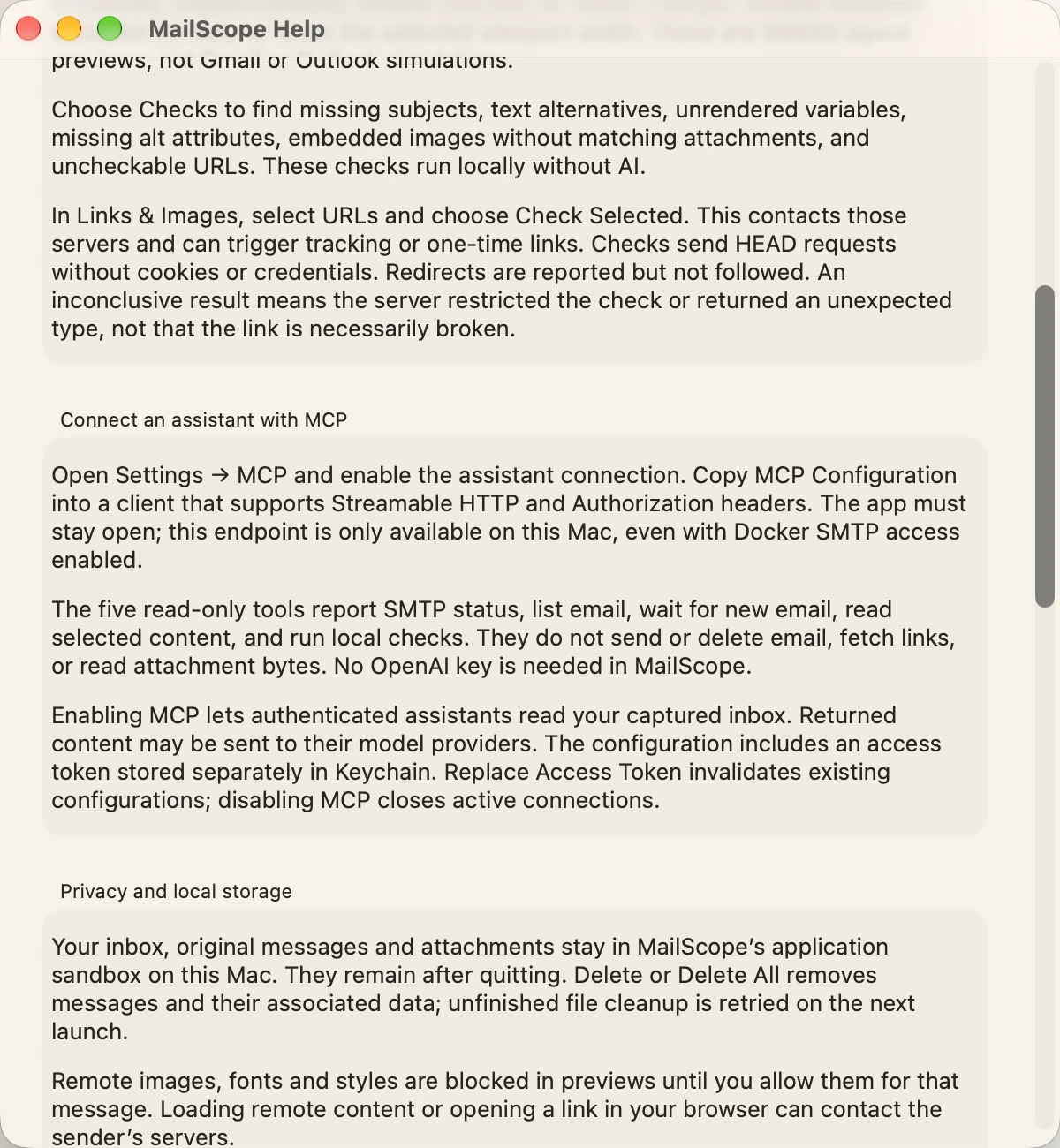
Help capture and previews
Light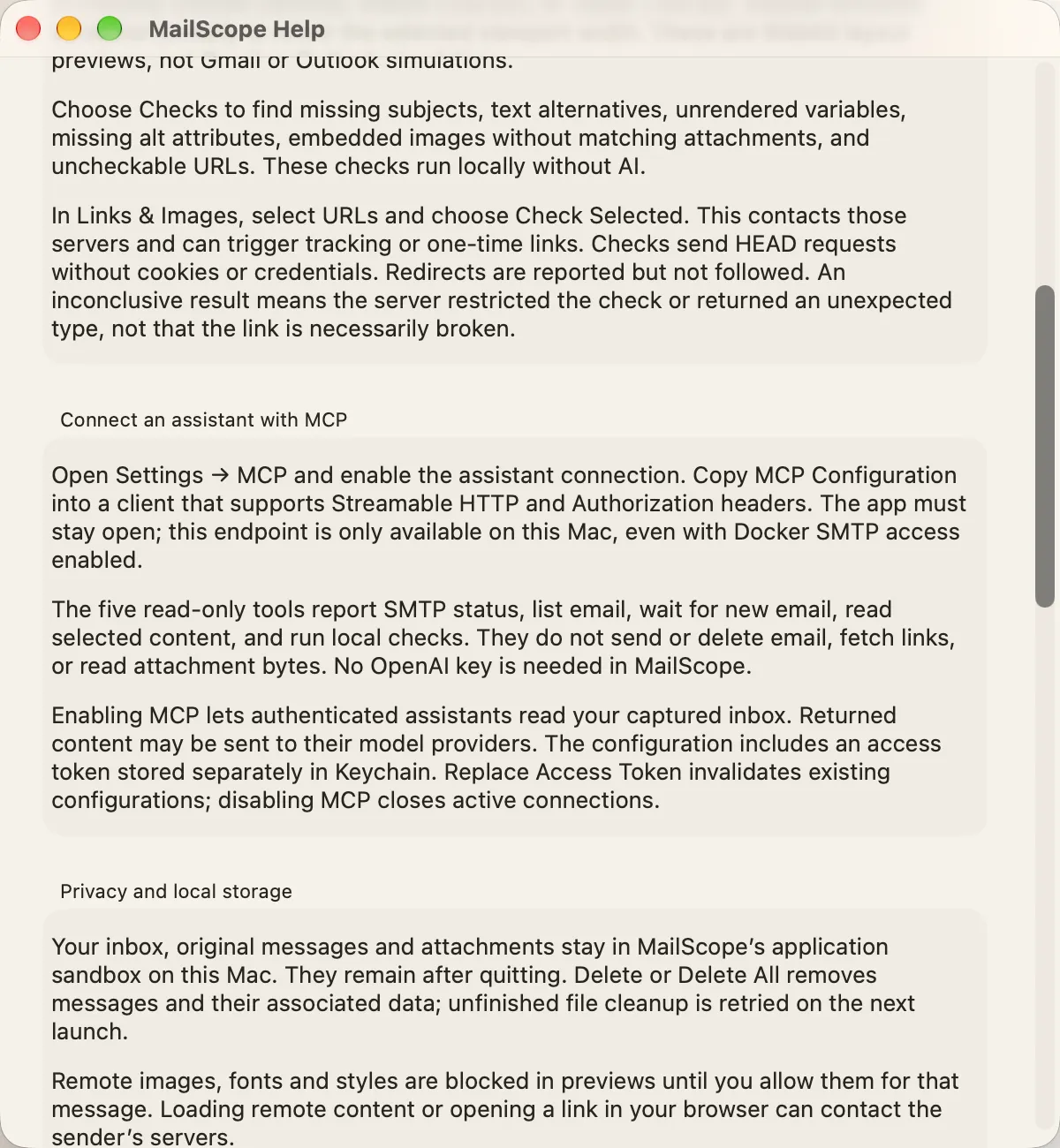
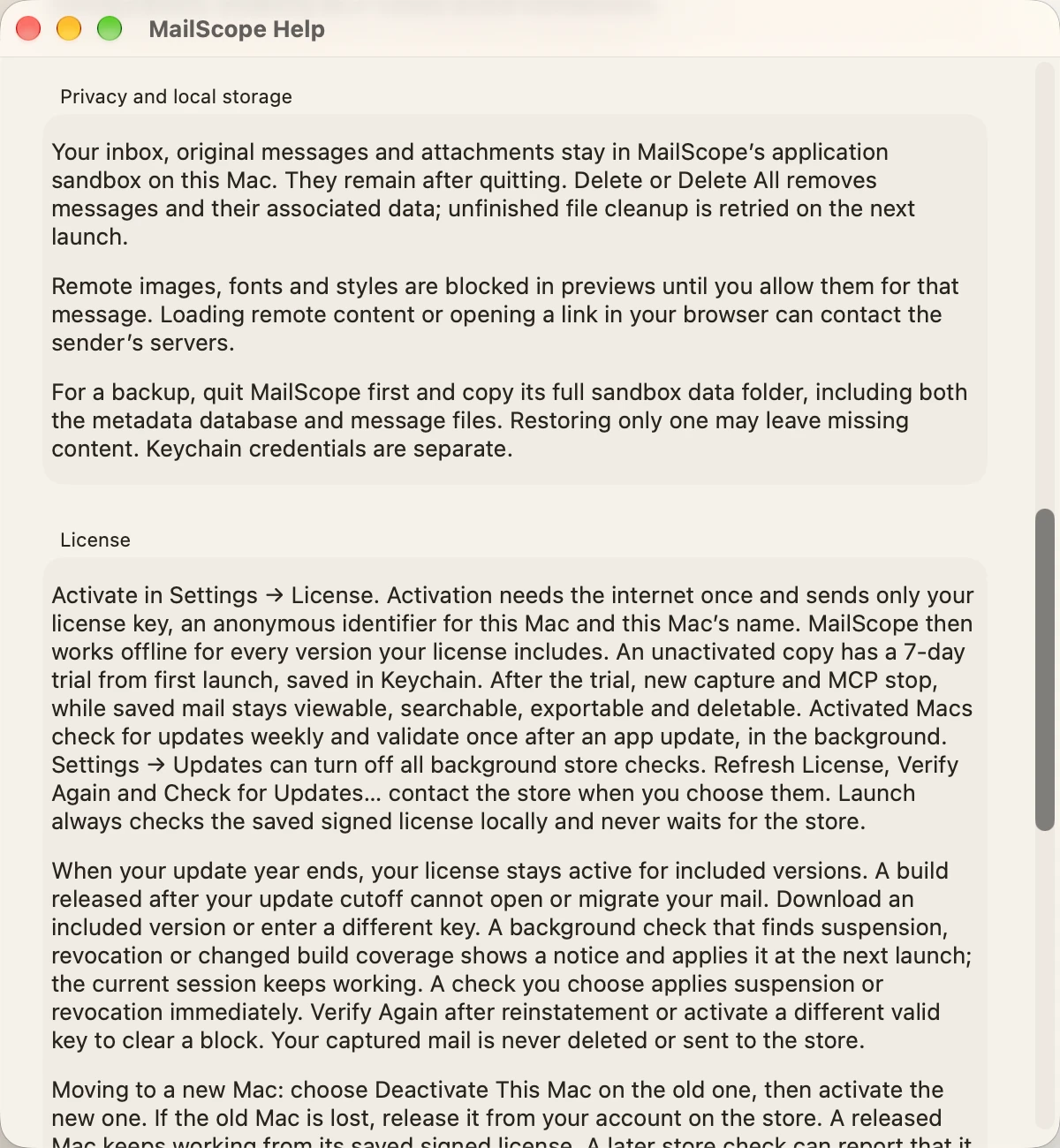
Help MCP and privacy
Light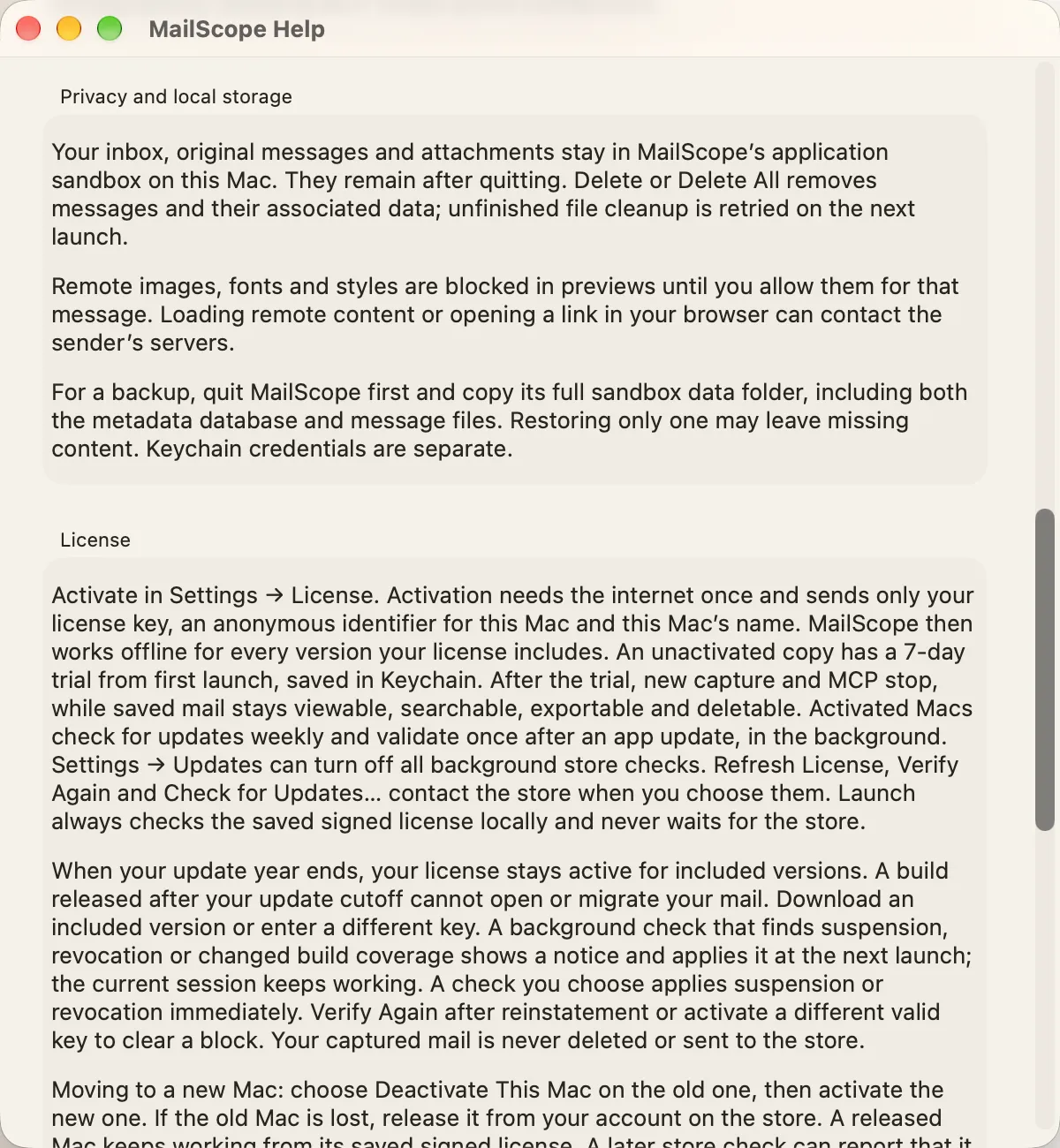
Help keyboard shortcuts
Light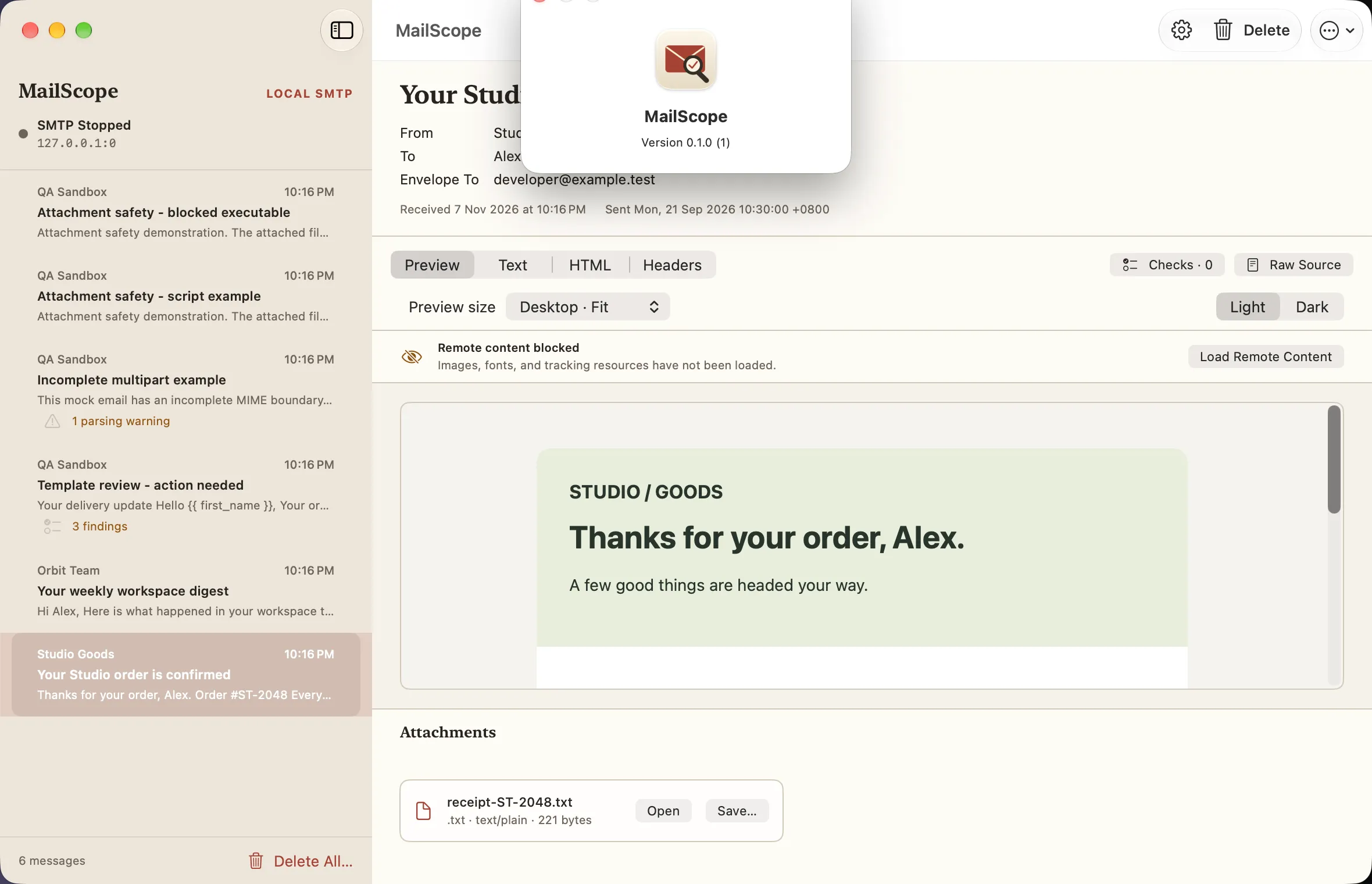
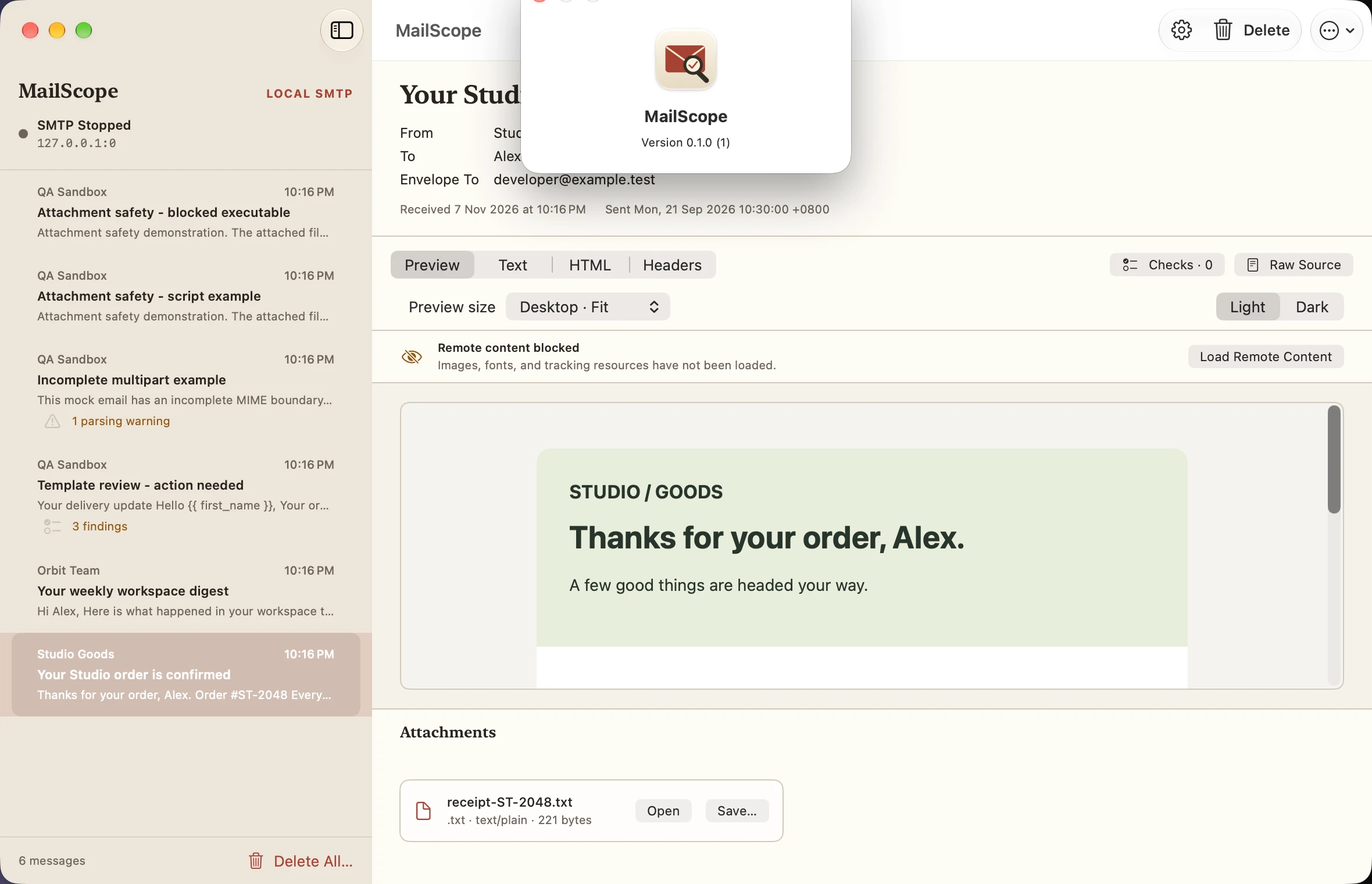
About mailscope
Light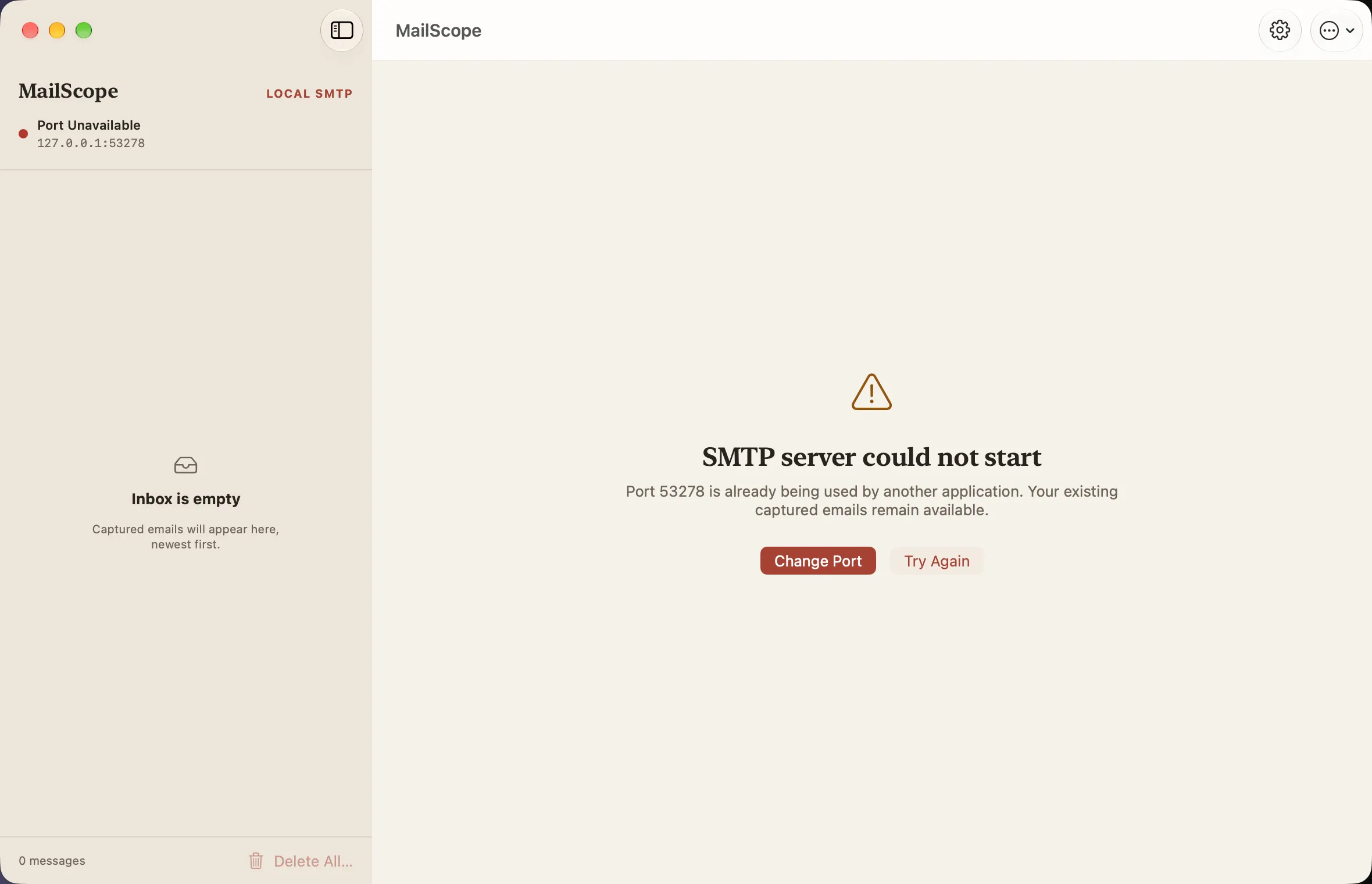
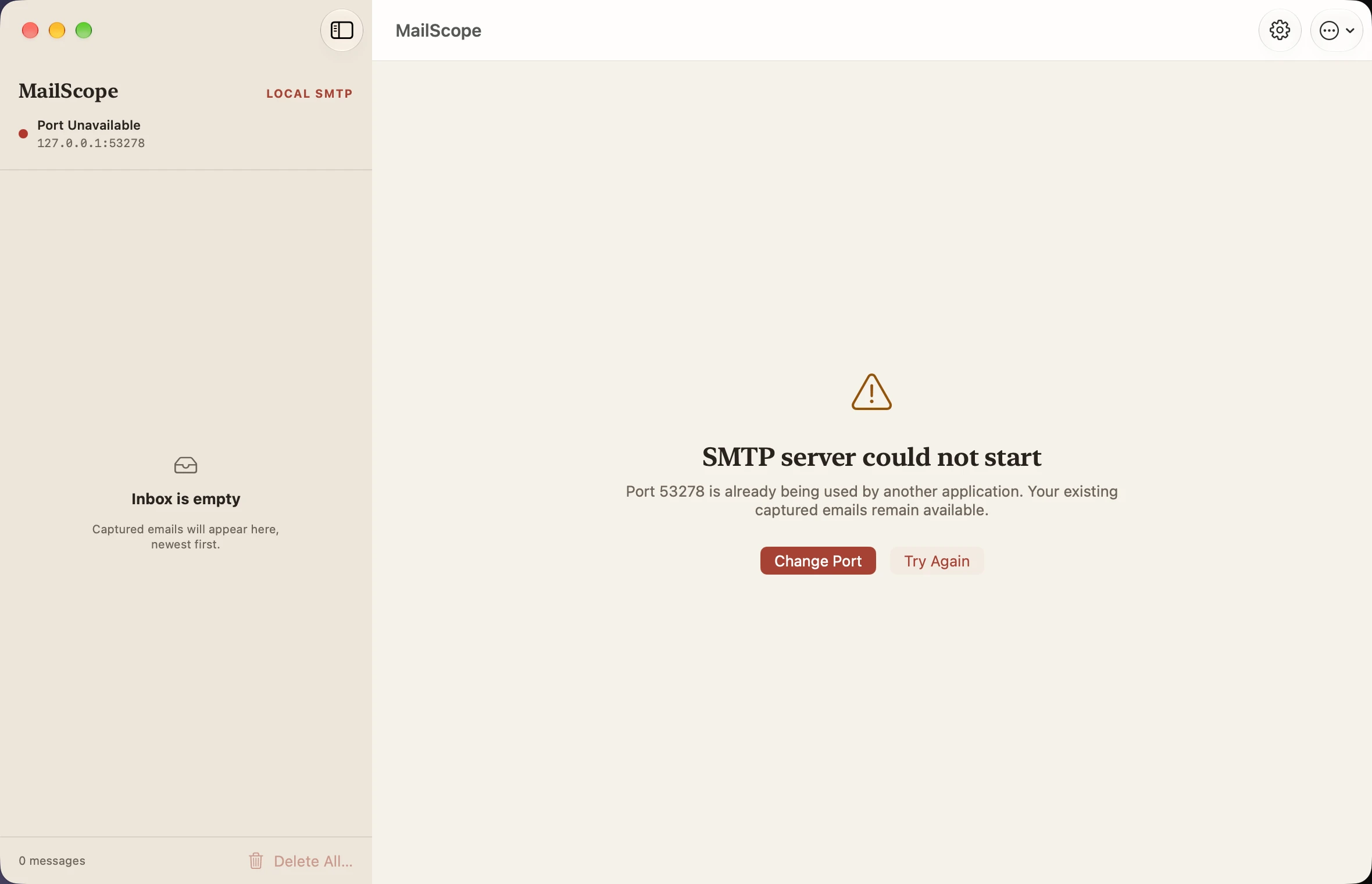
SMTP port conflict
Light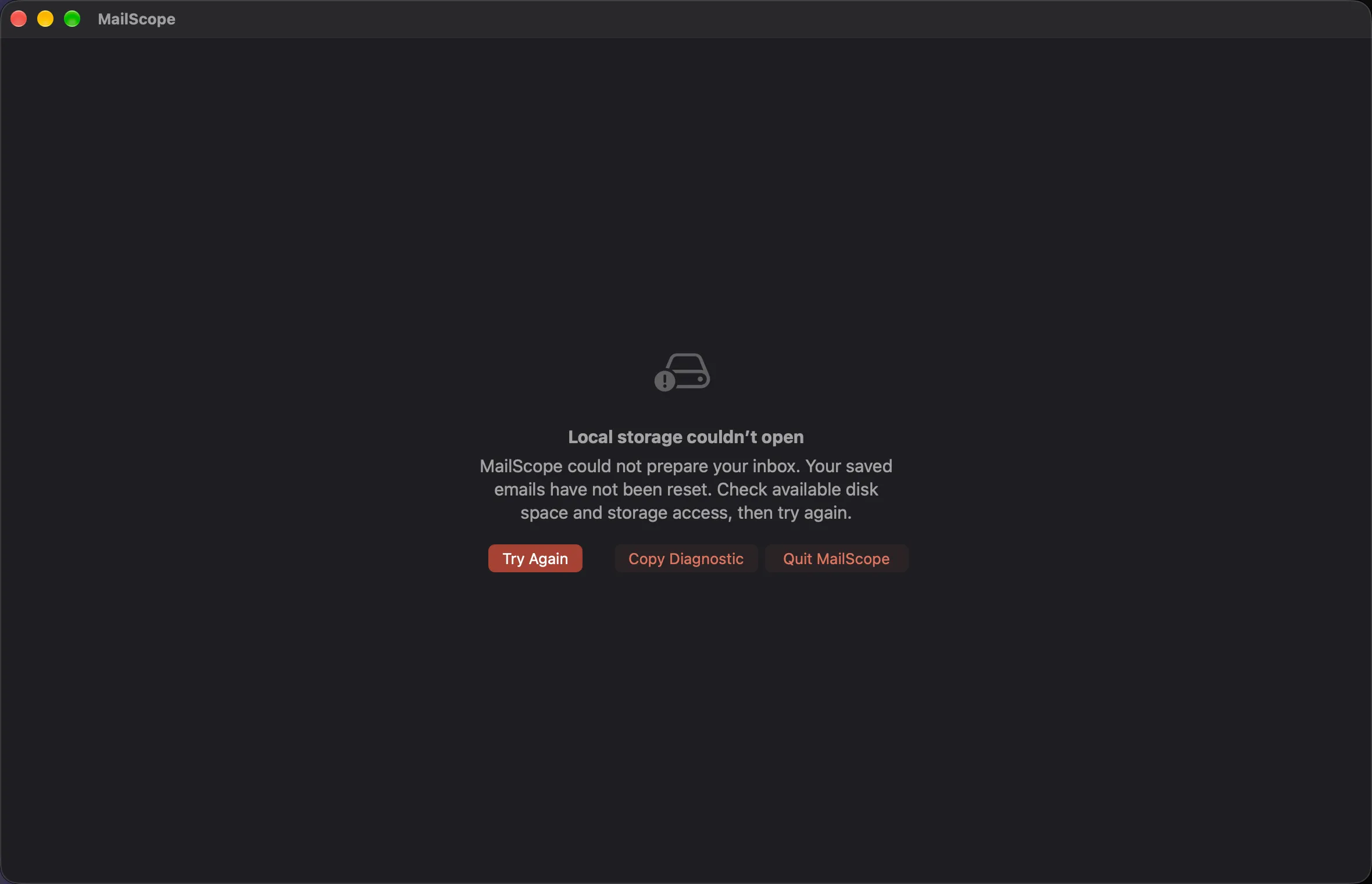
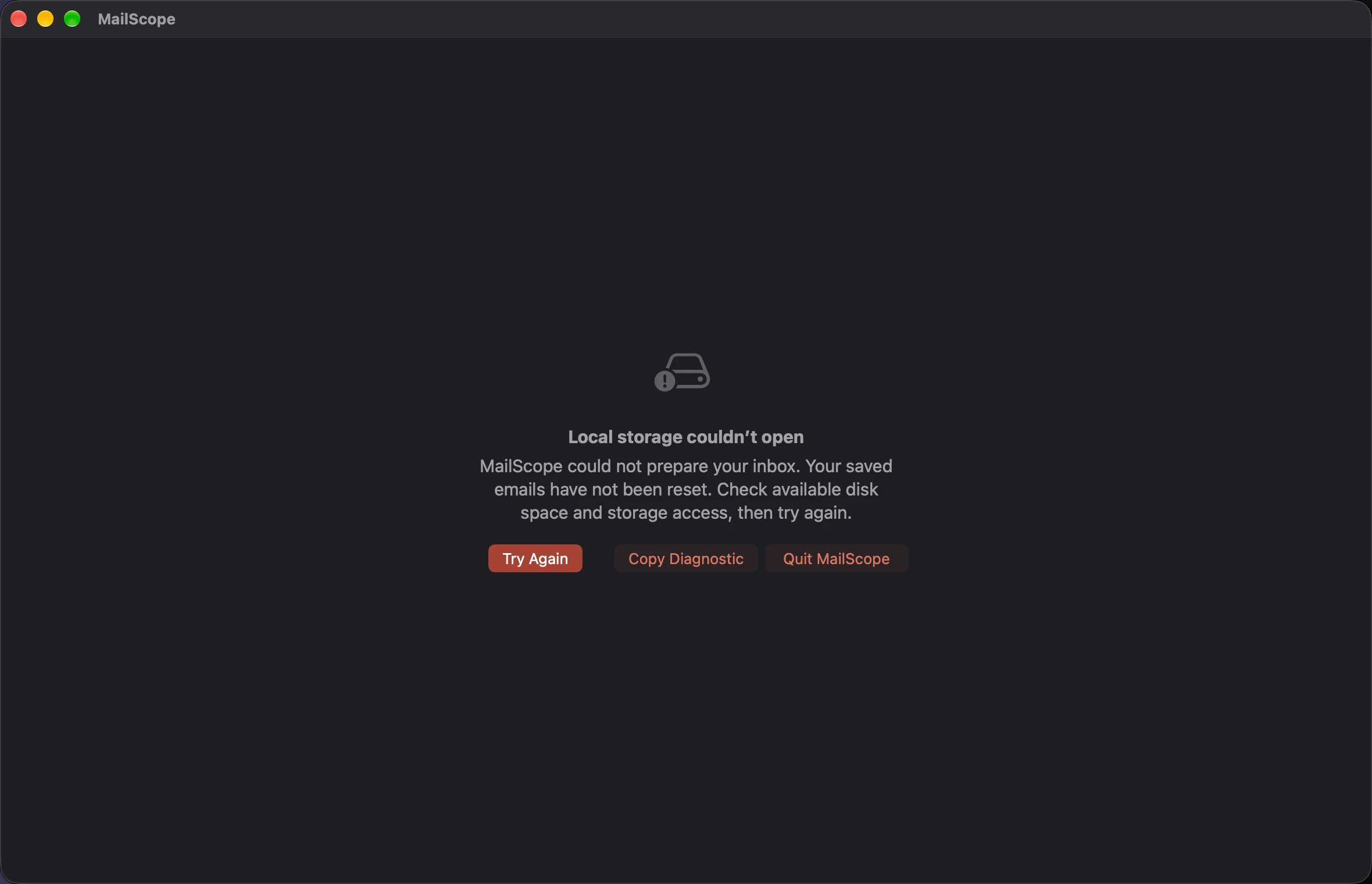
Storage startup recovery
Light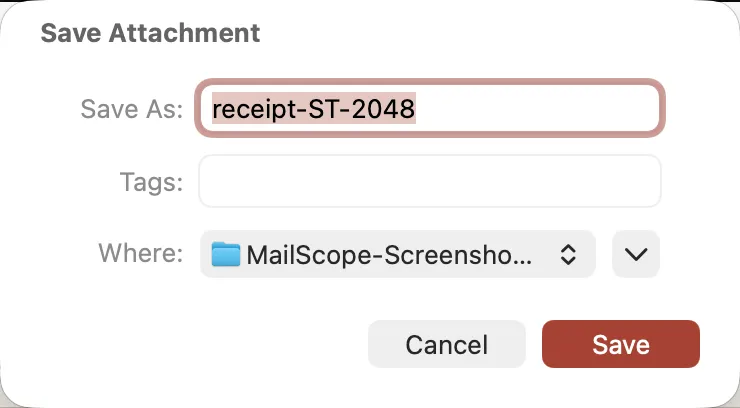
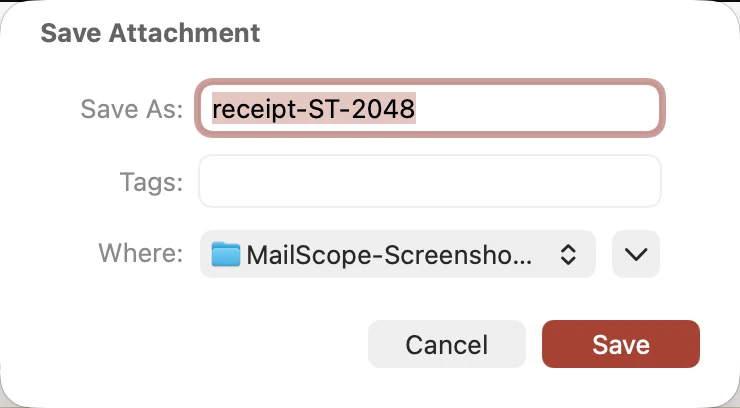
Save attachment dialog
Light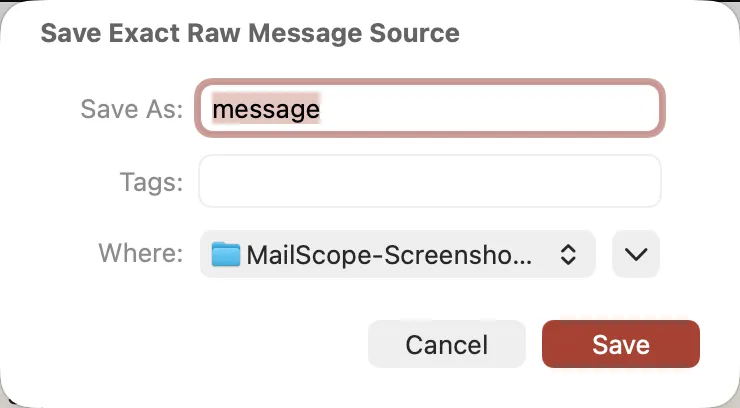
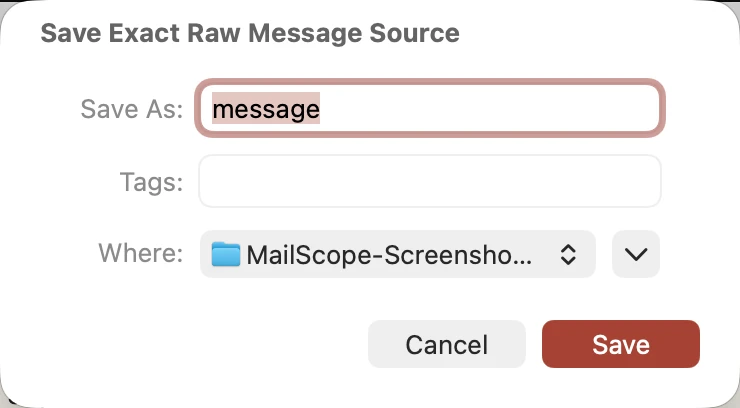
Save raw message dialog
Light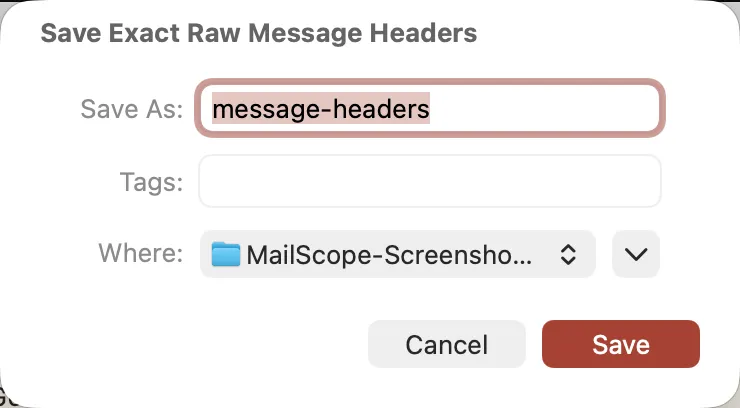
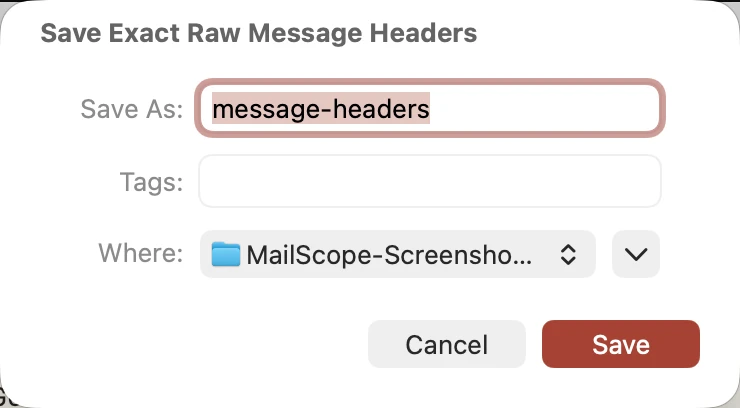
Save raw headers dialog
Light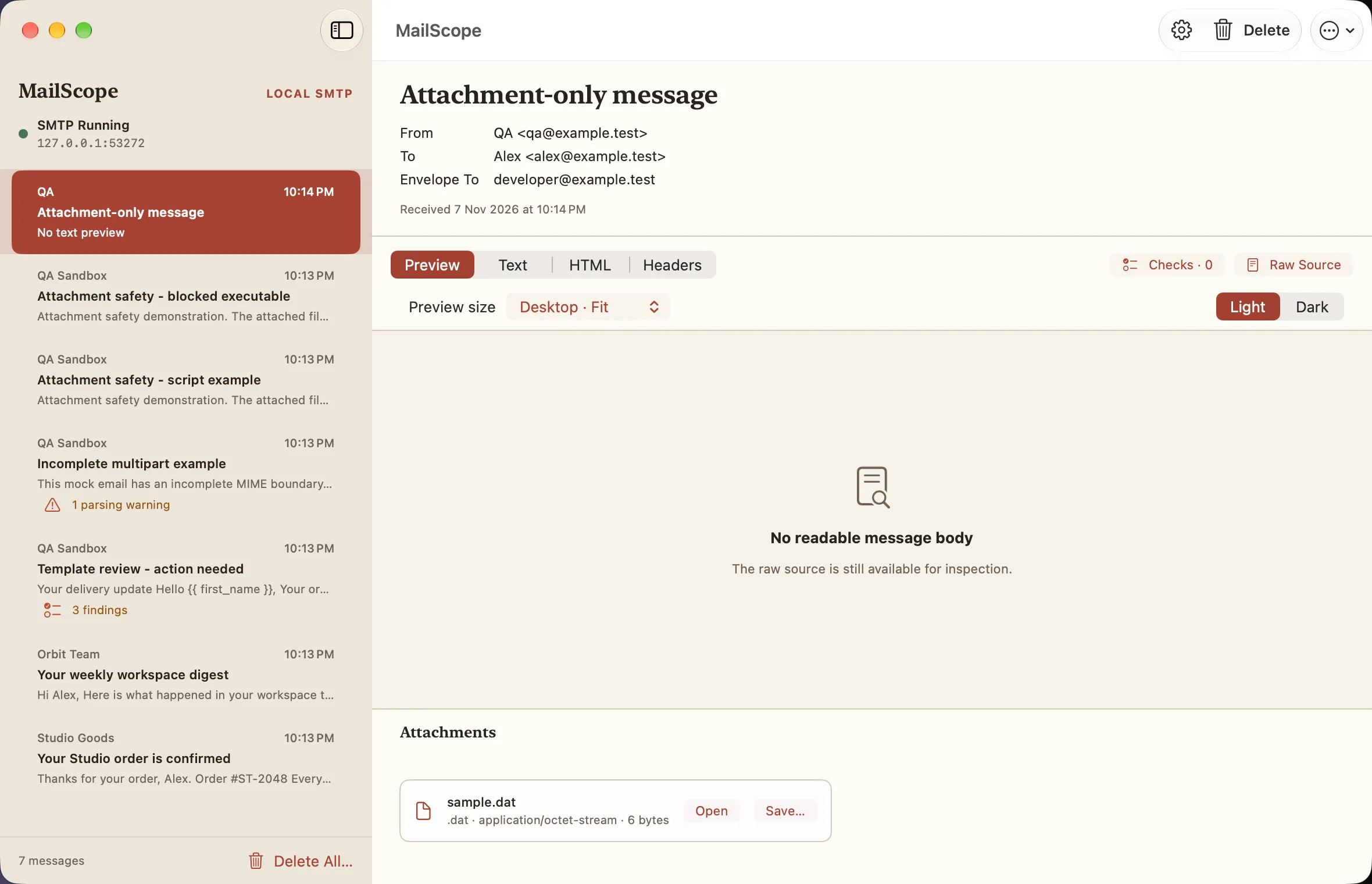
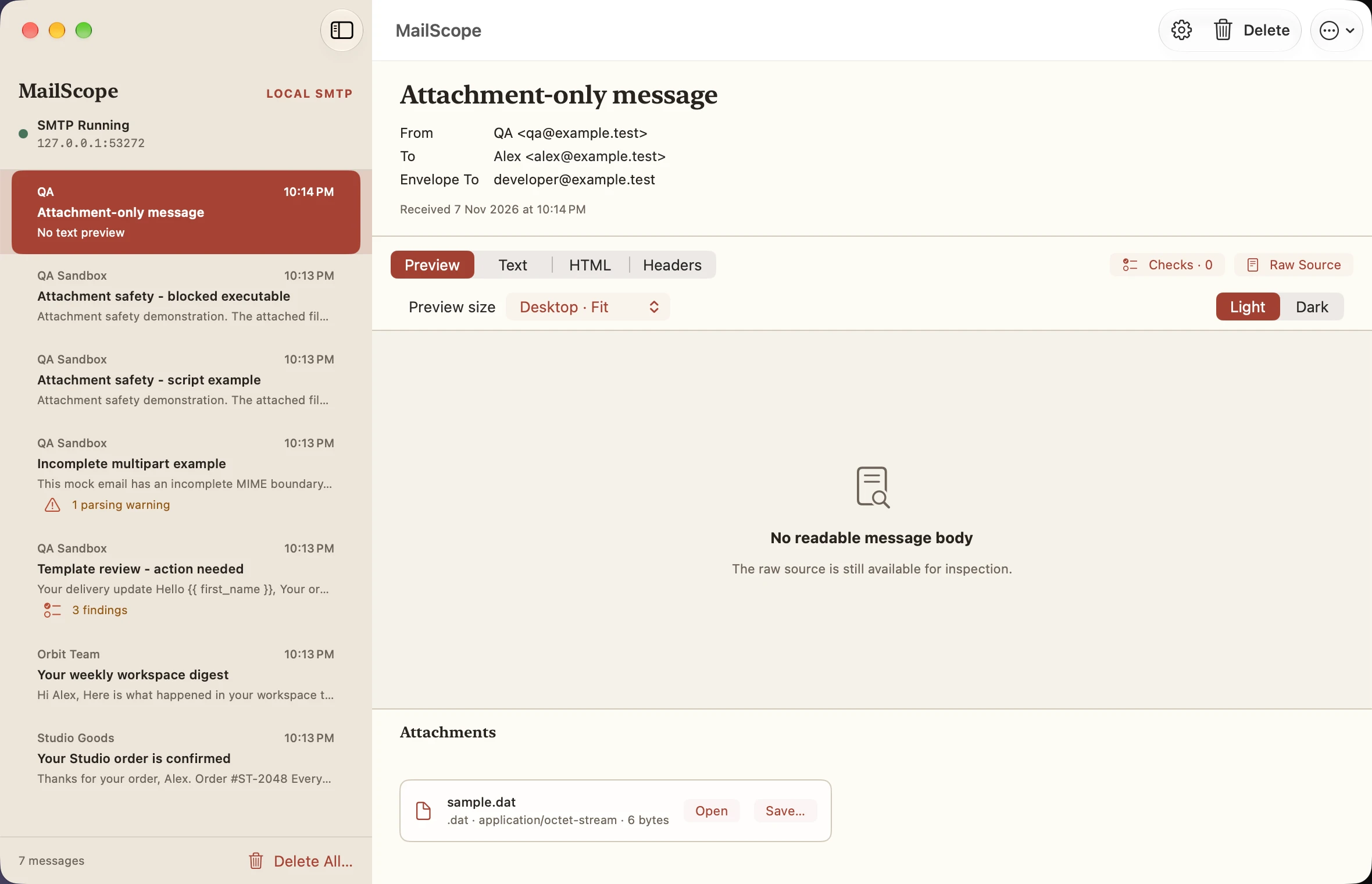
No readable body
Light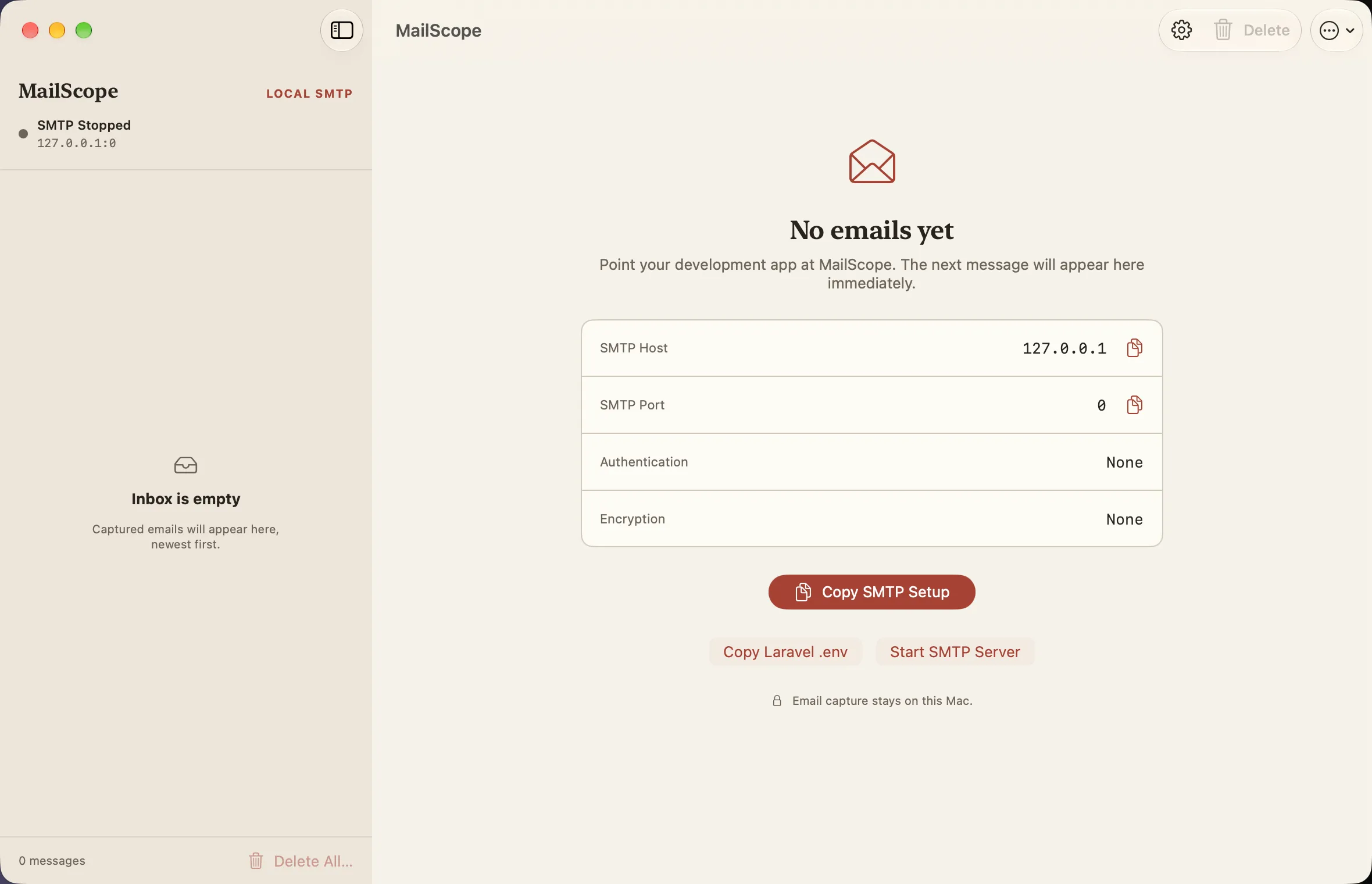
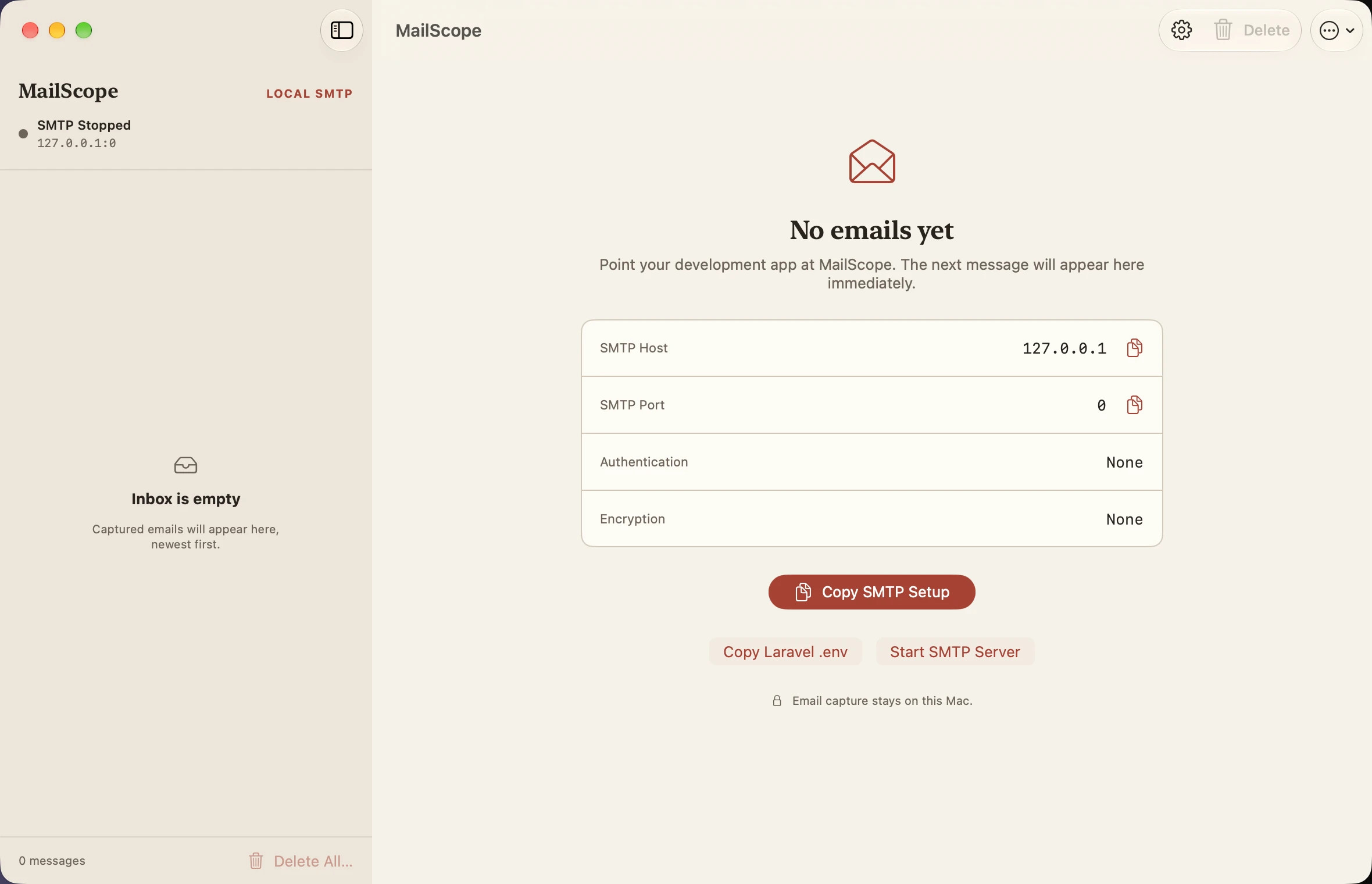
Empty inbox server stopped
Light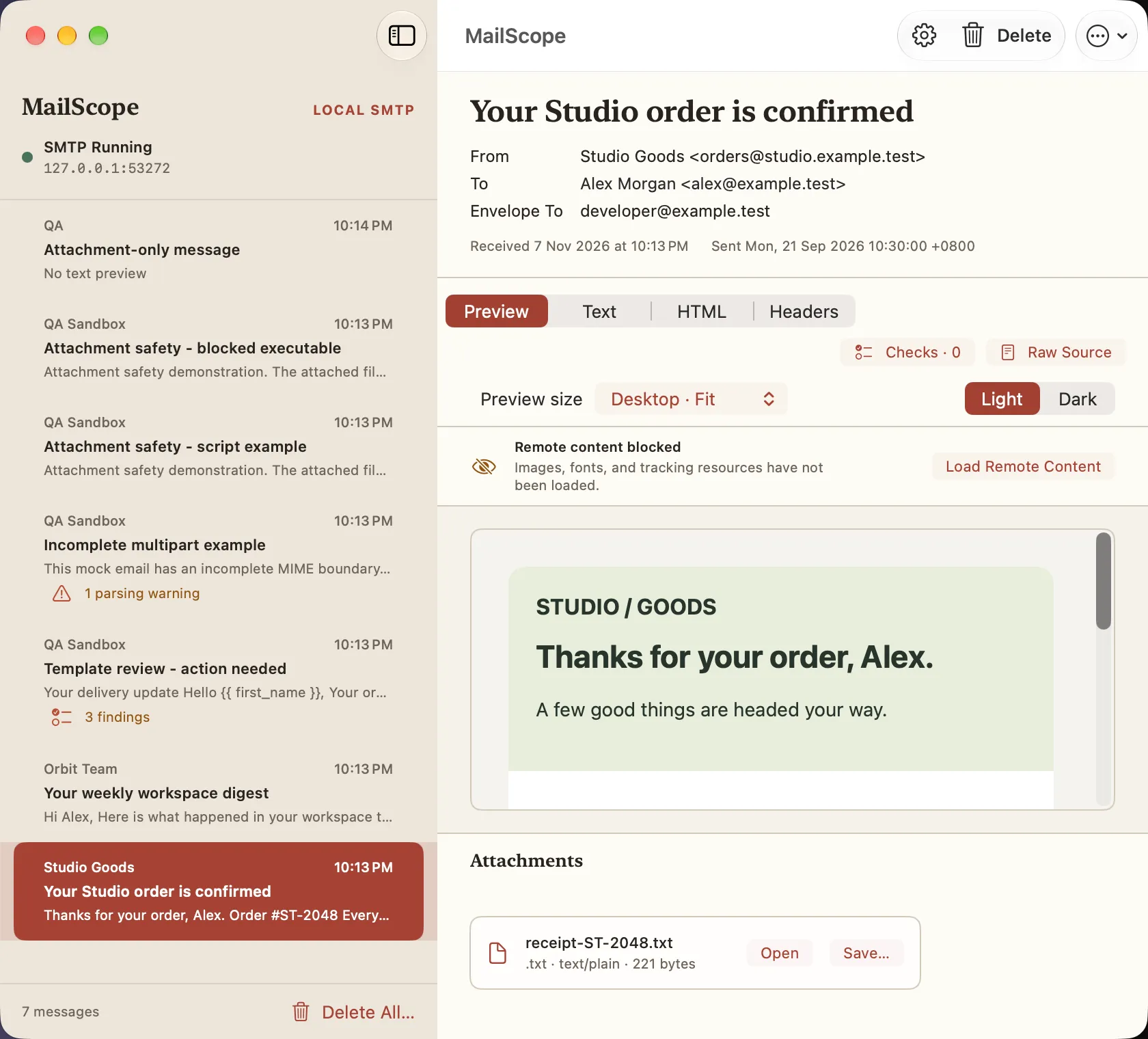
Compact window
Light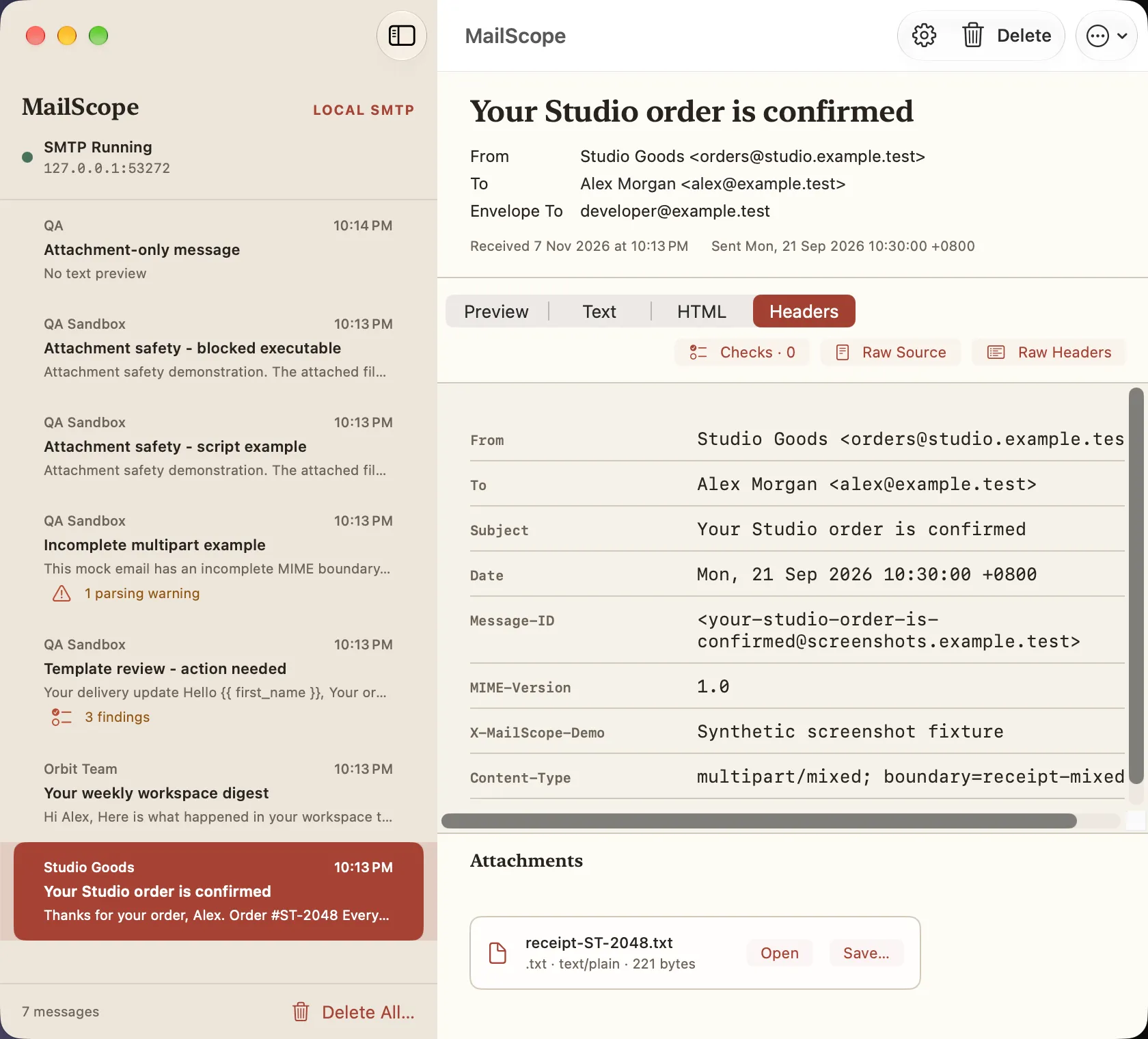
Compact headers
Light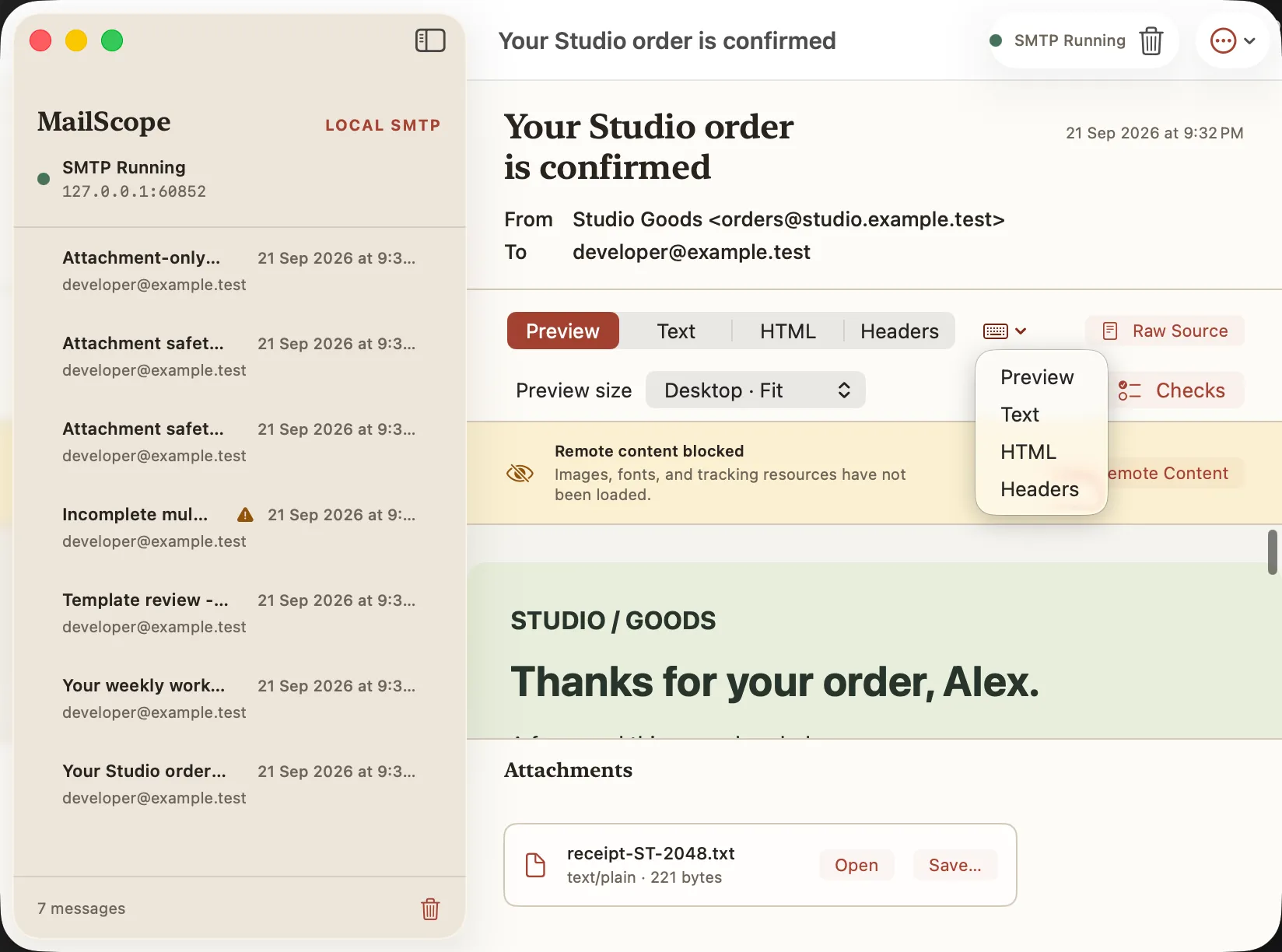
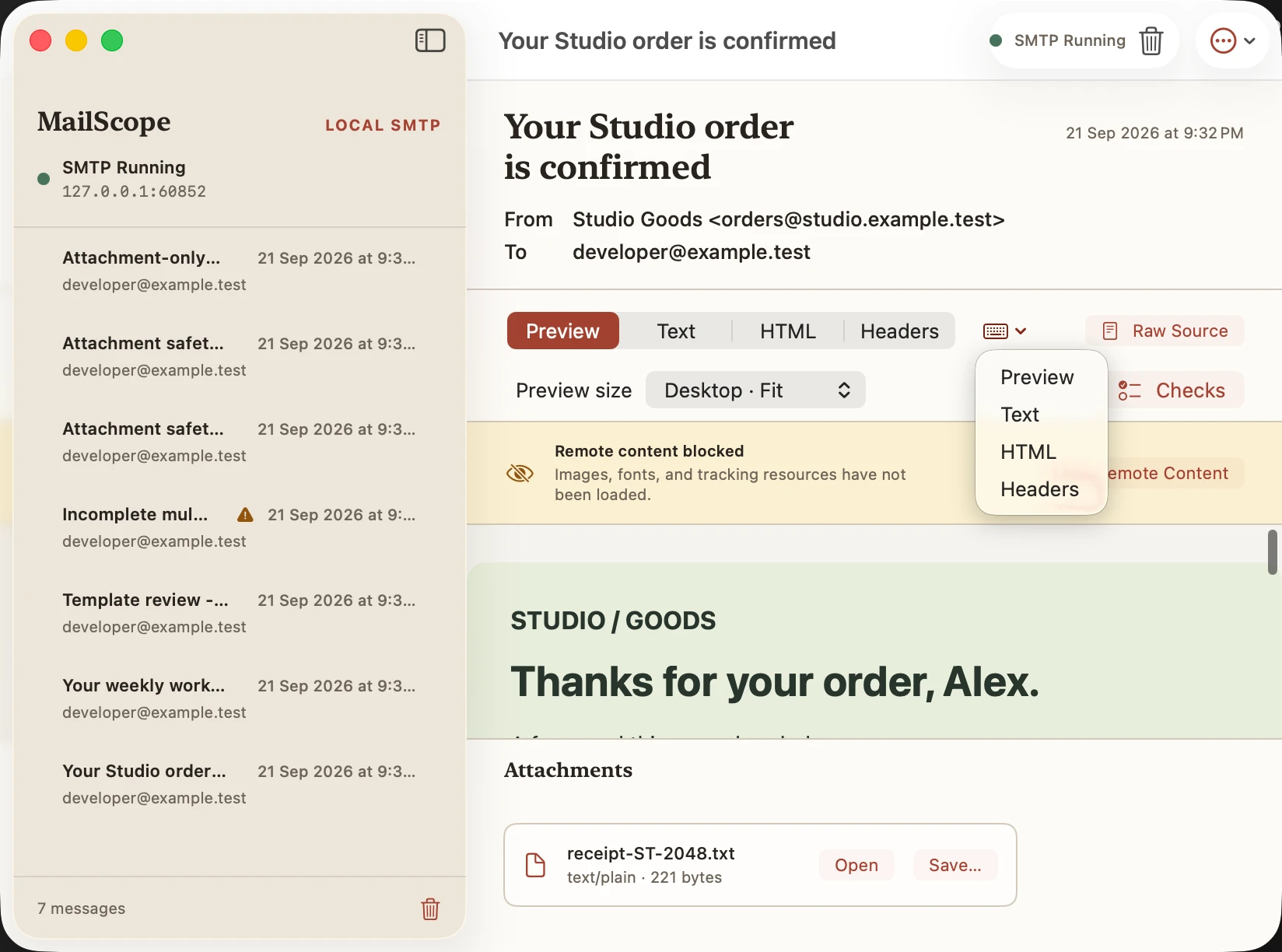
Content mode menu
Light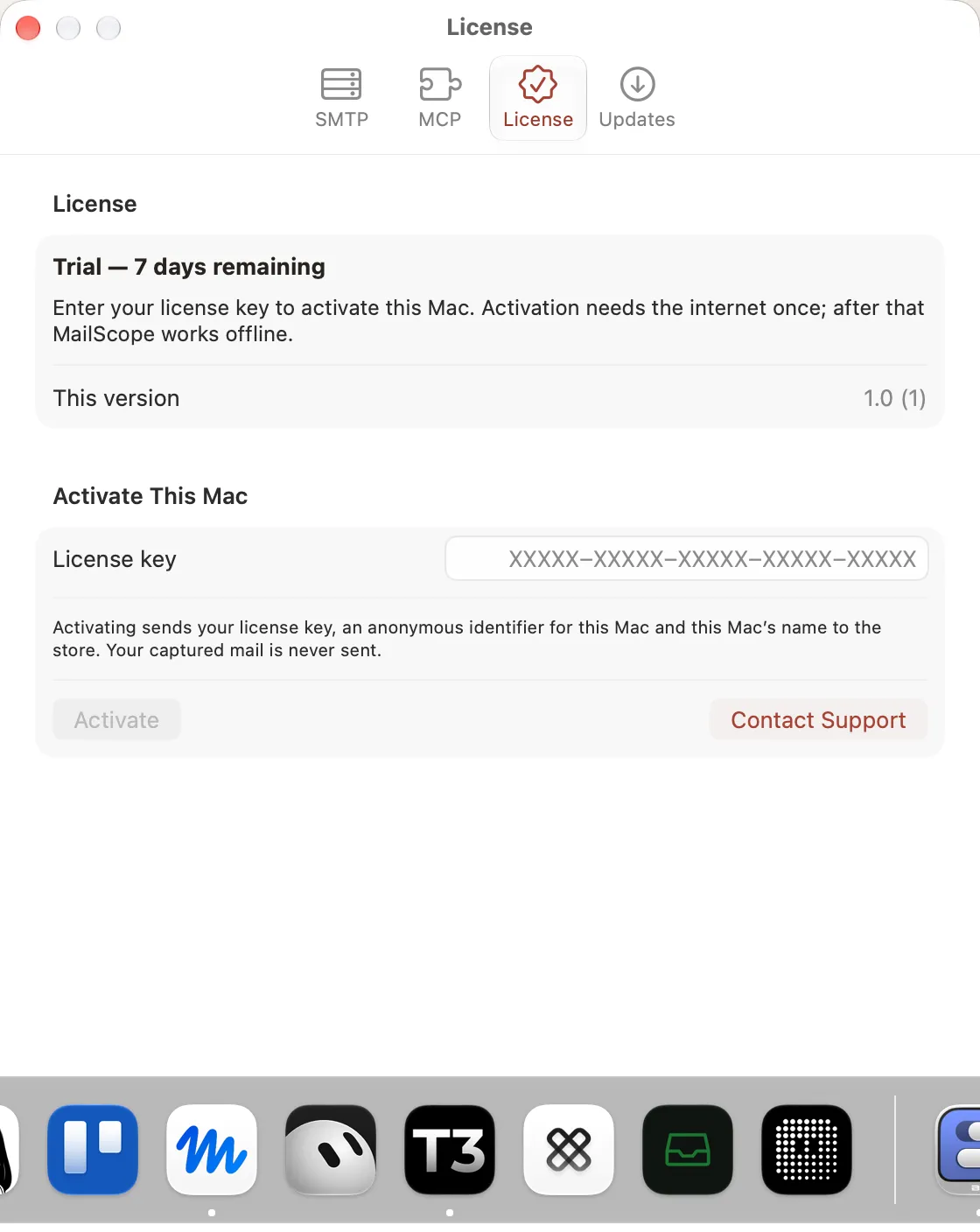
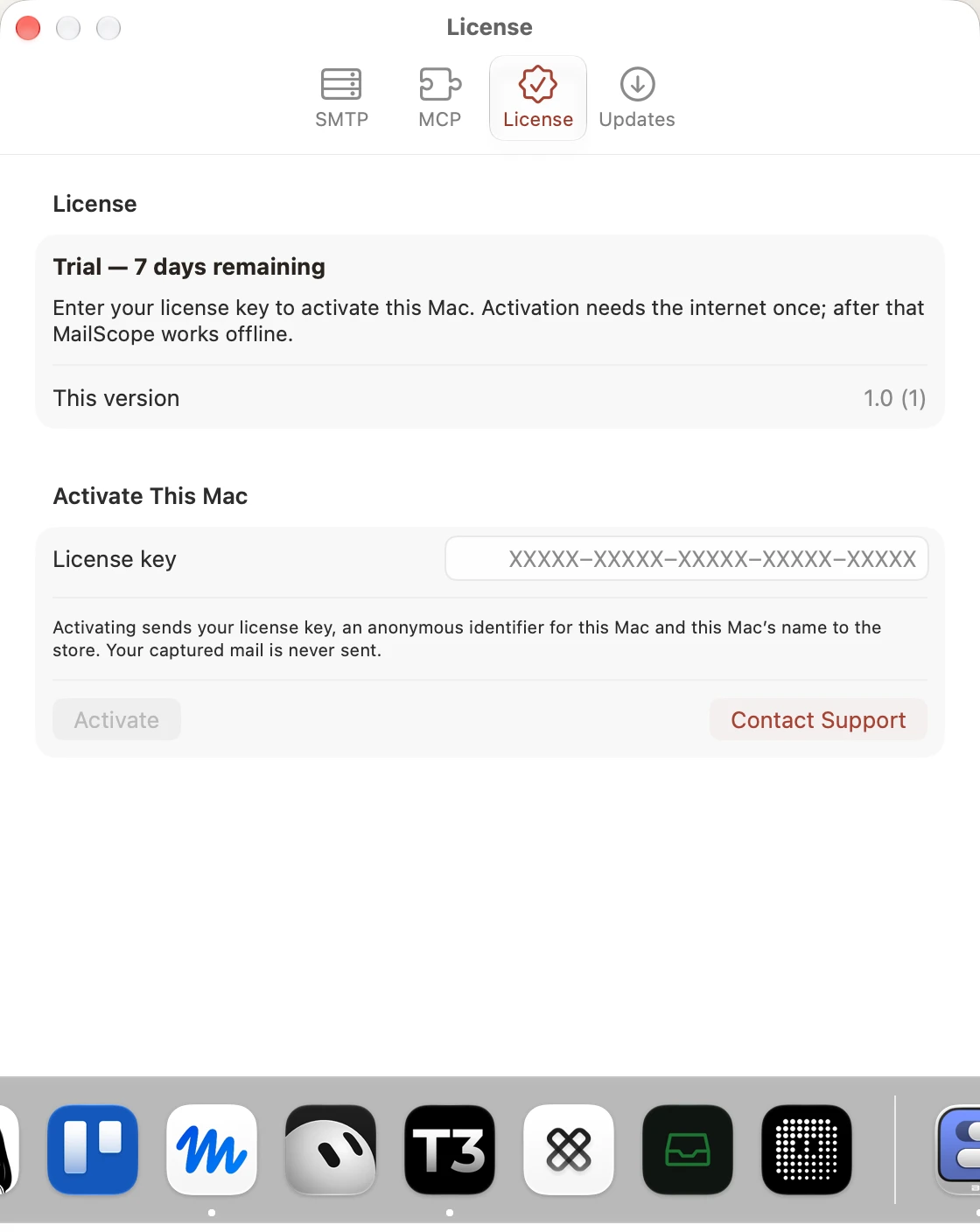
License trial
Light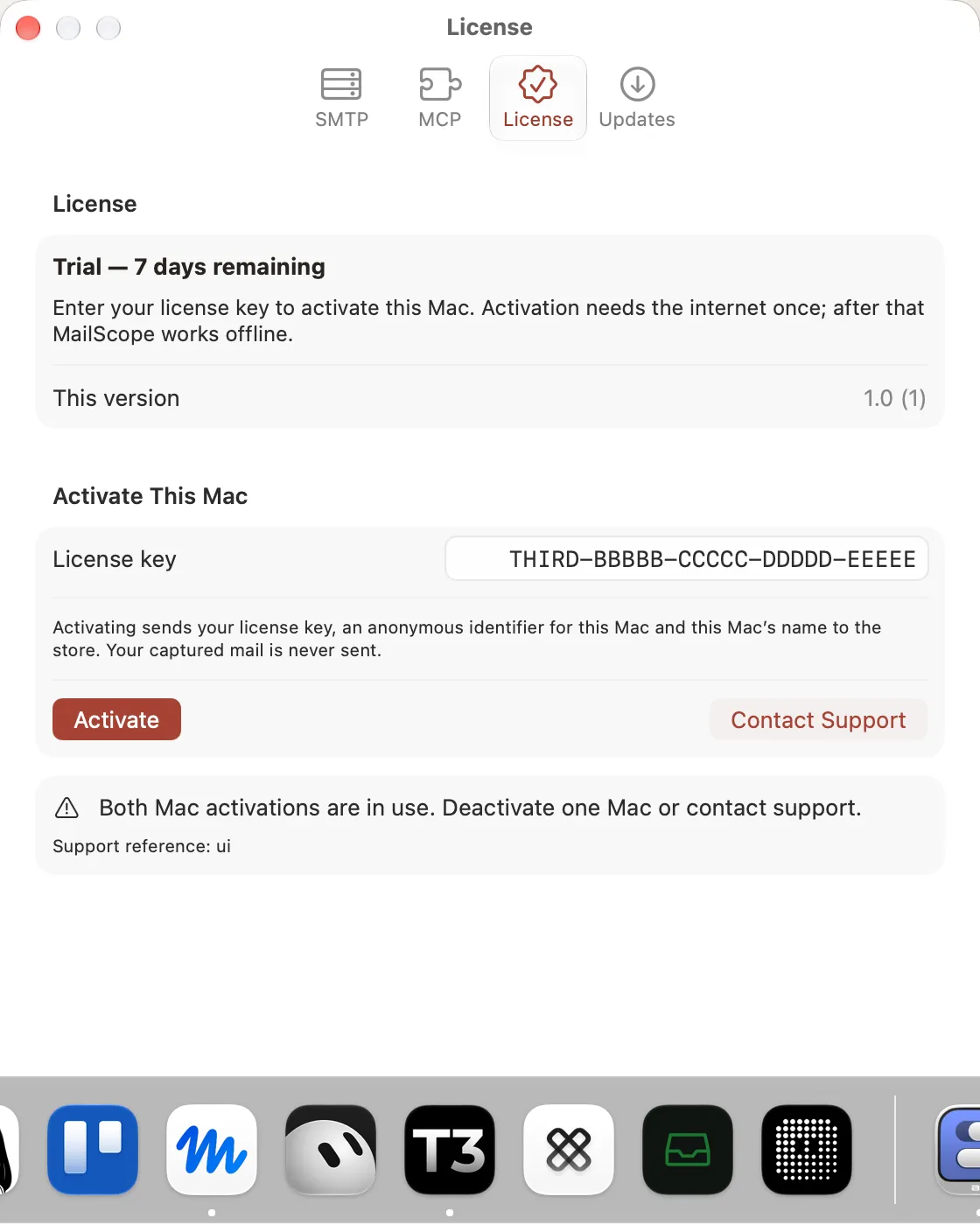
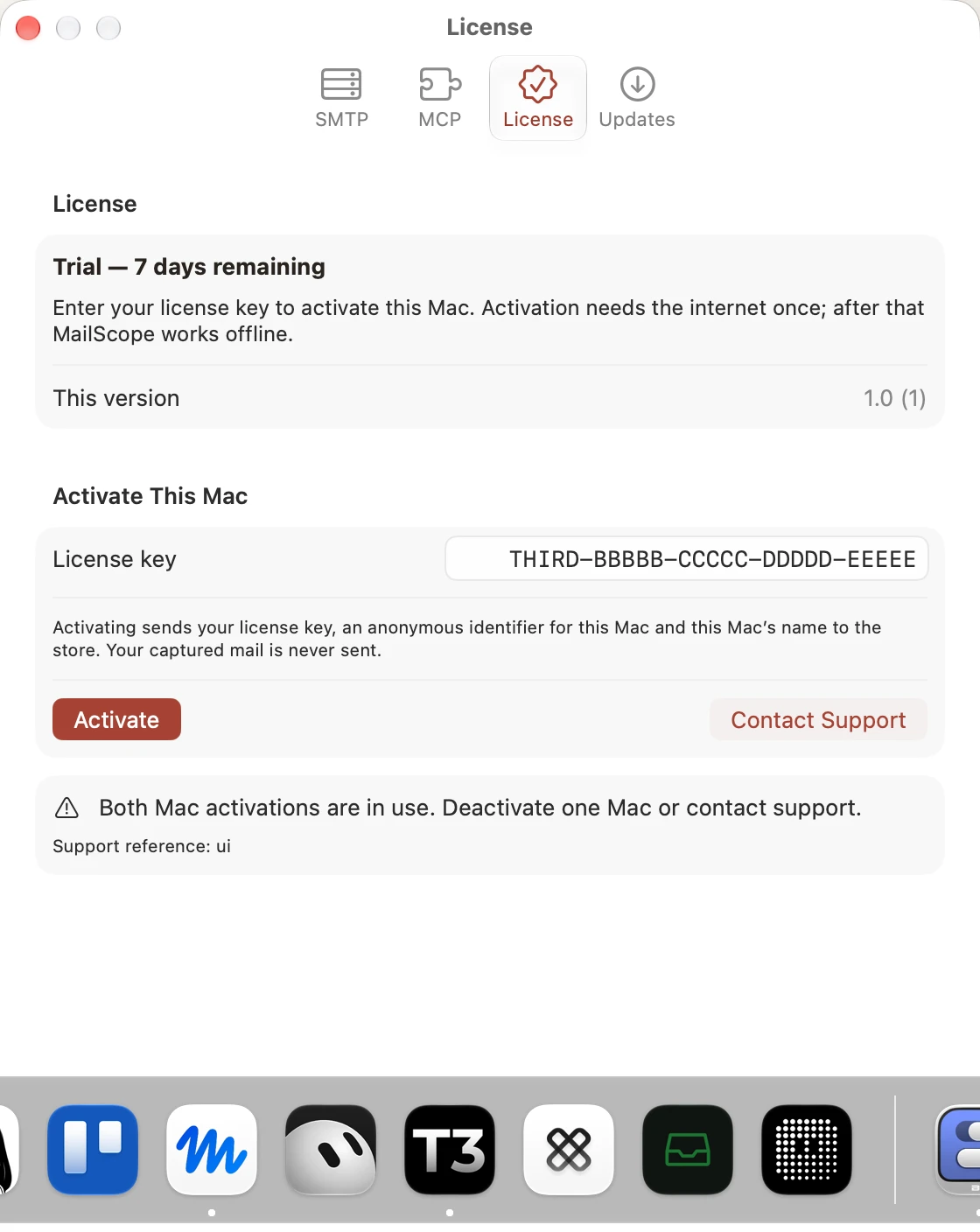
License seat limit
Light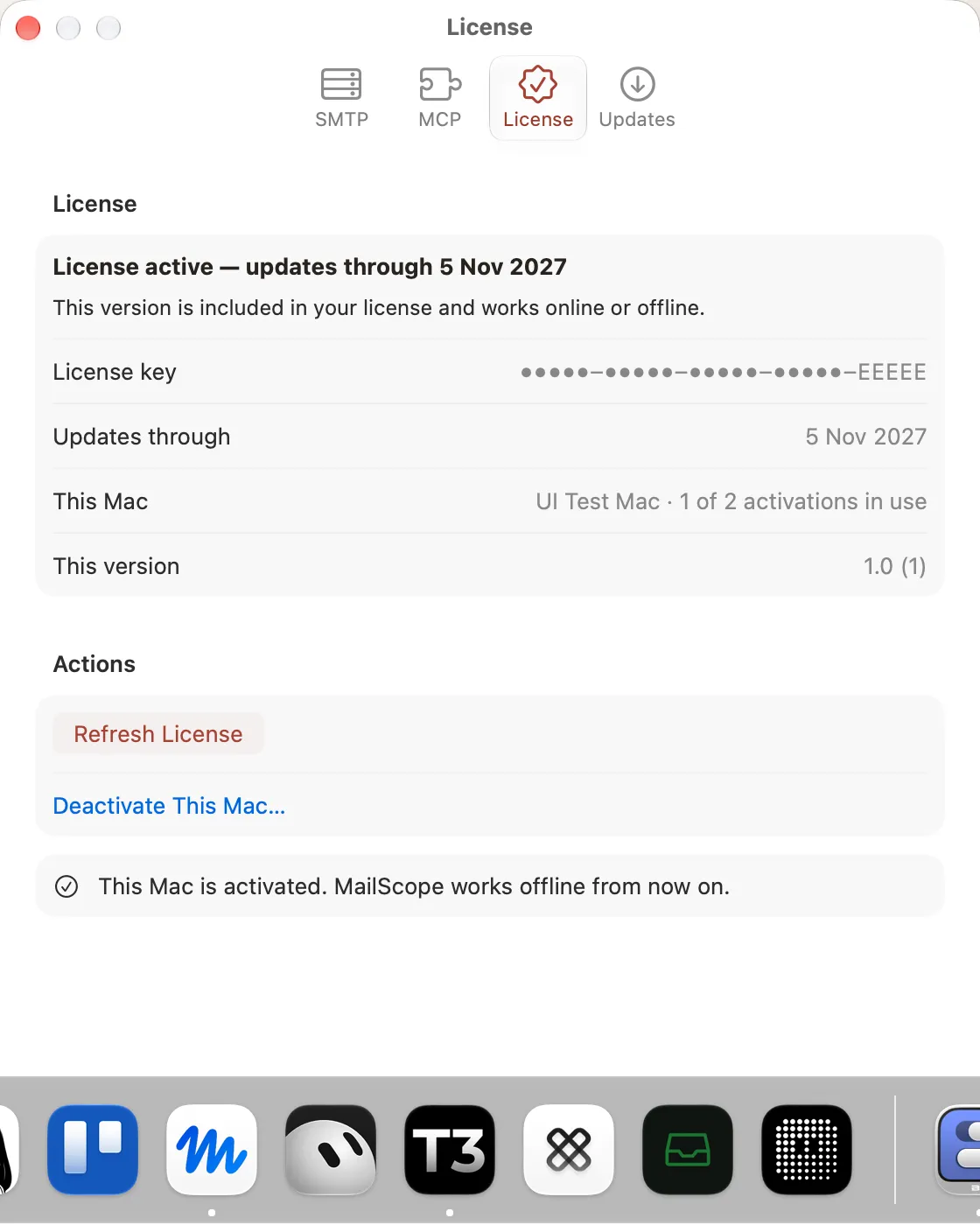
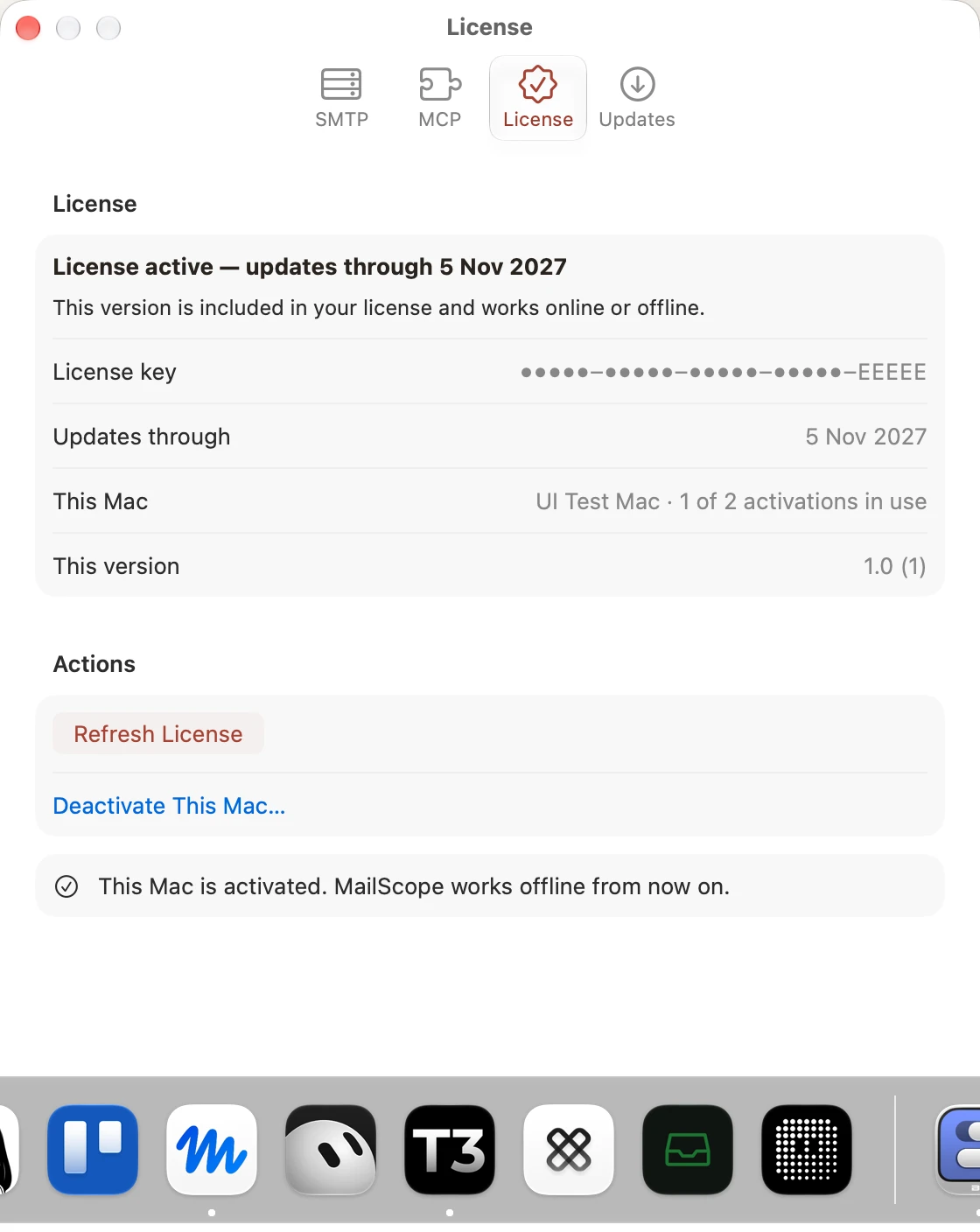
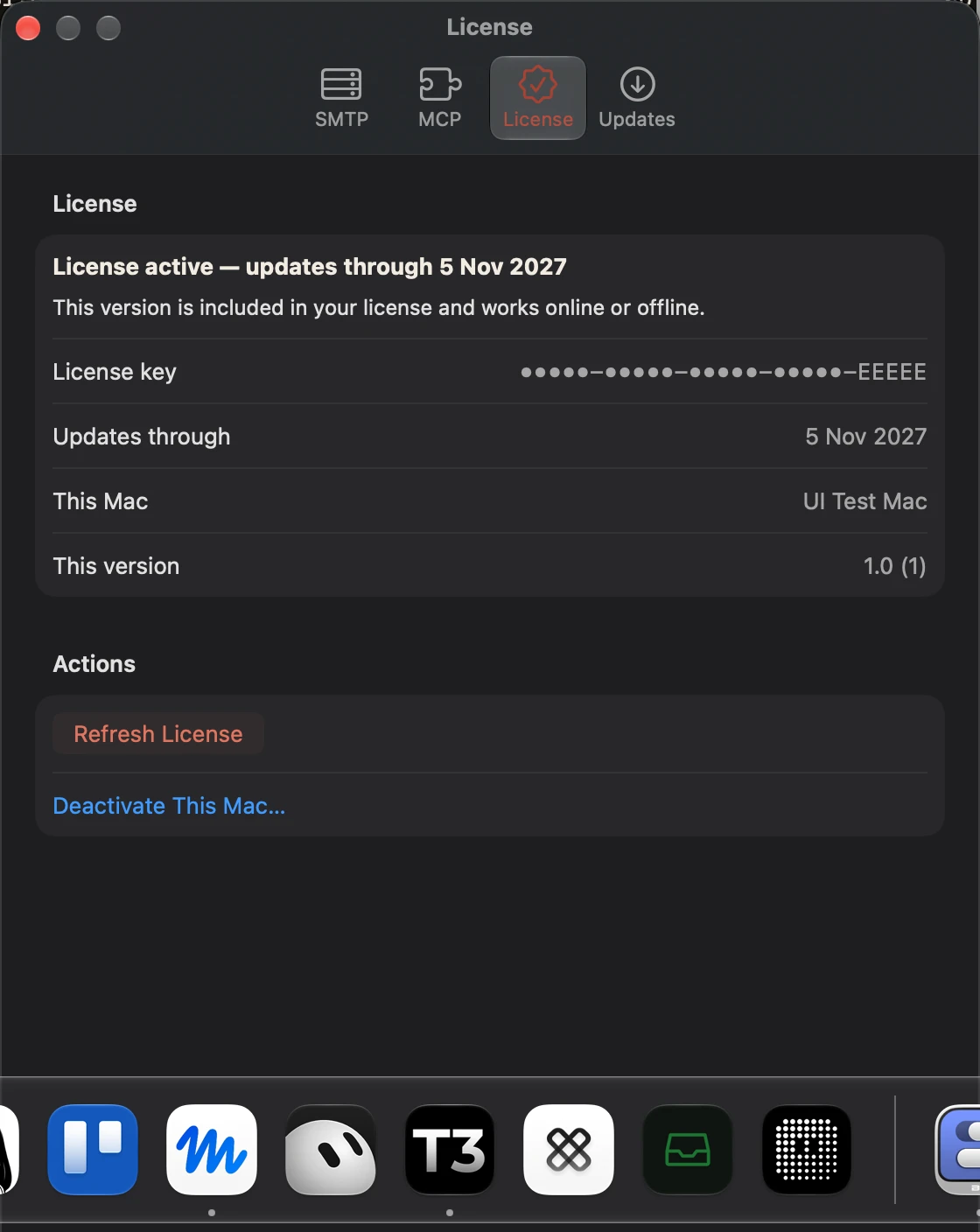
License active
Light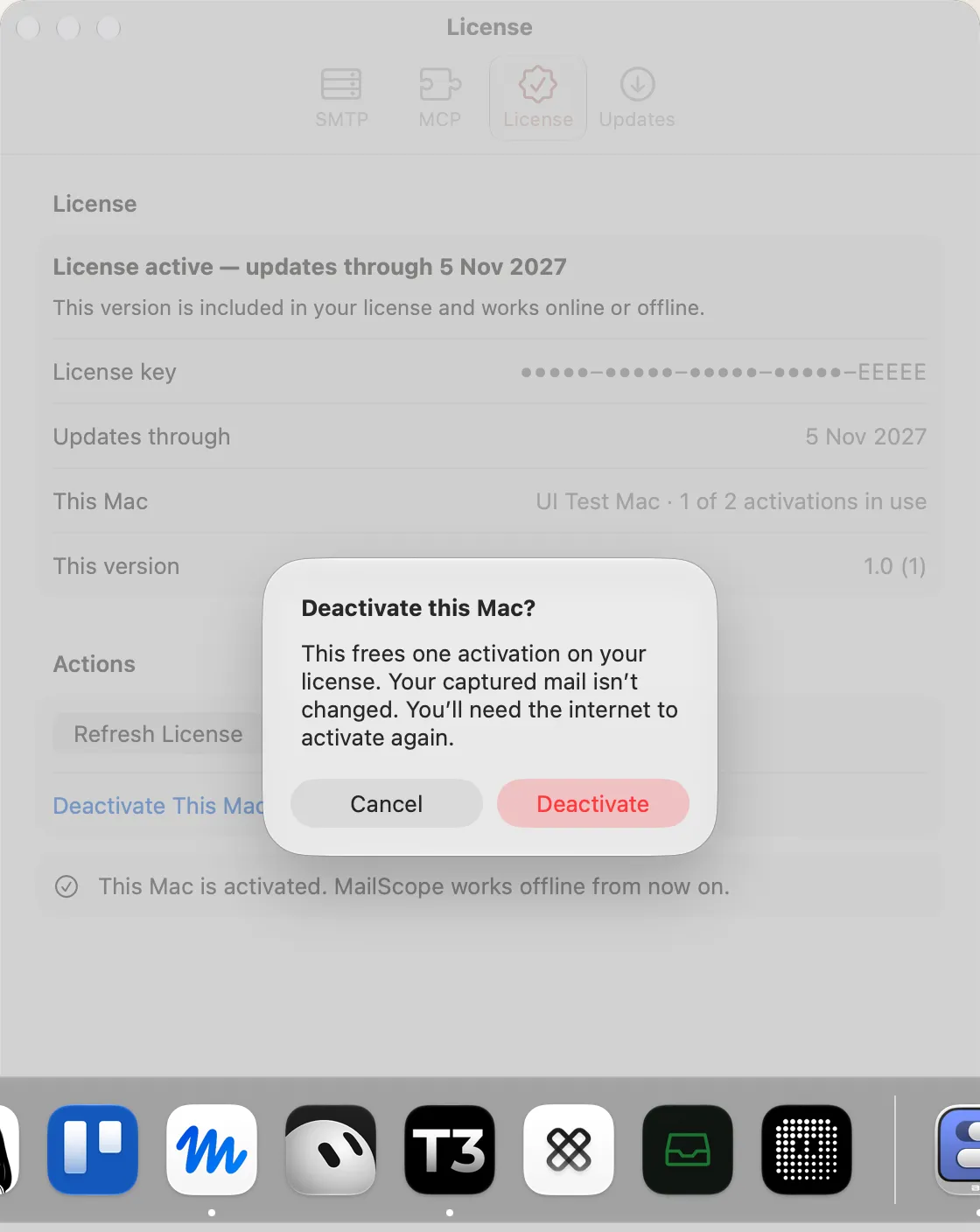
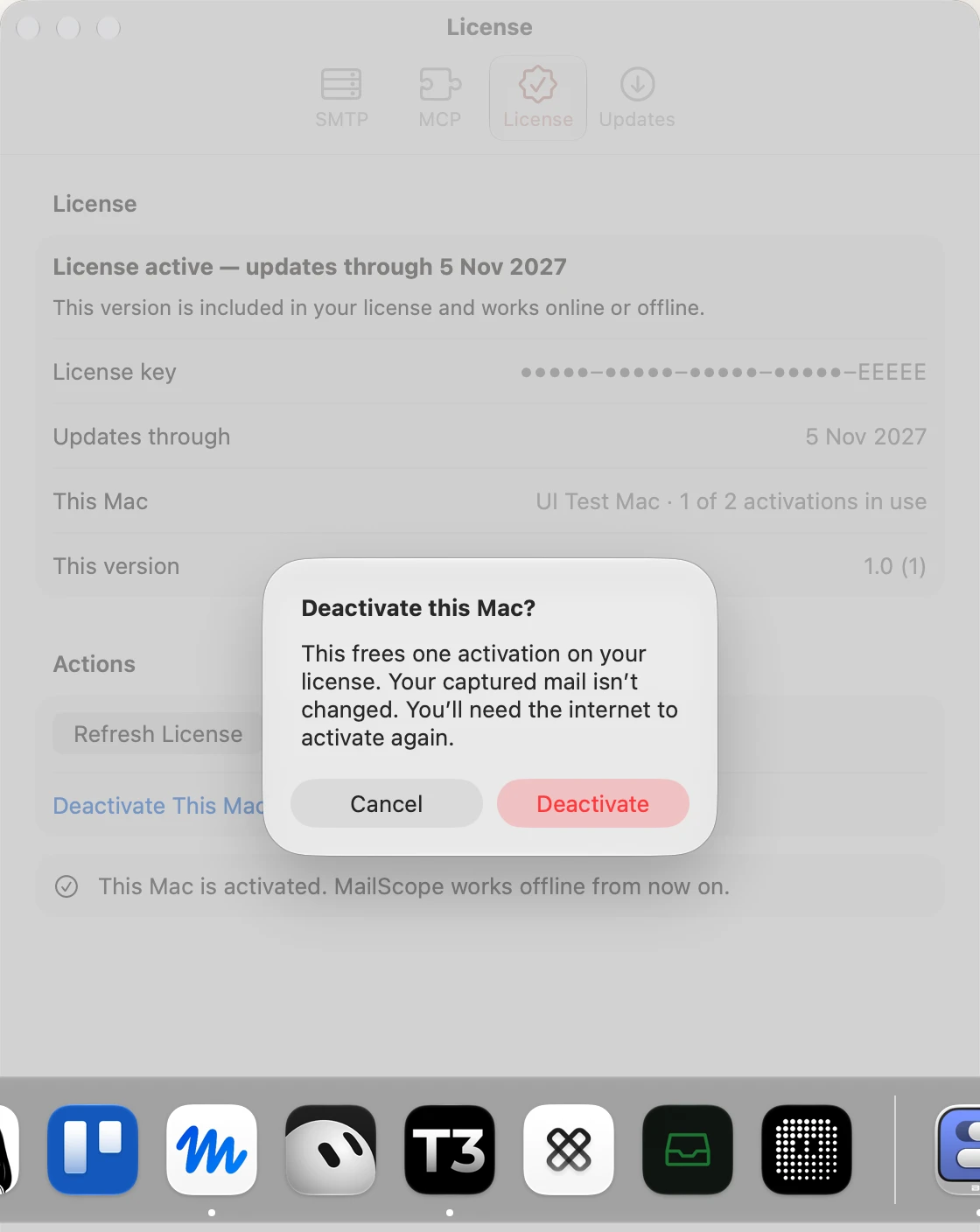
License deactivate confirmation
Light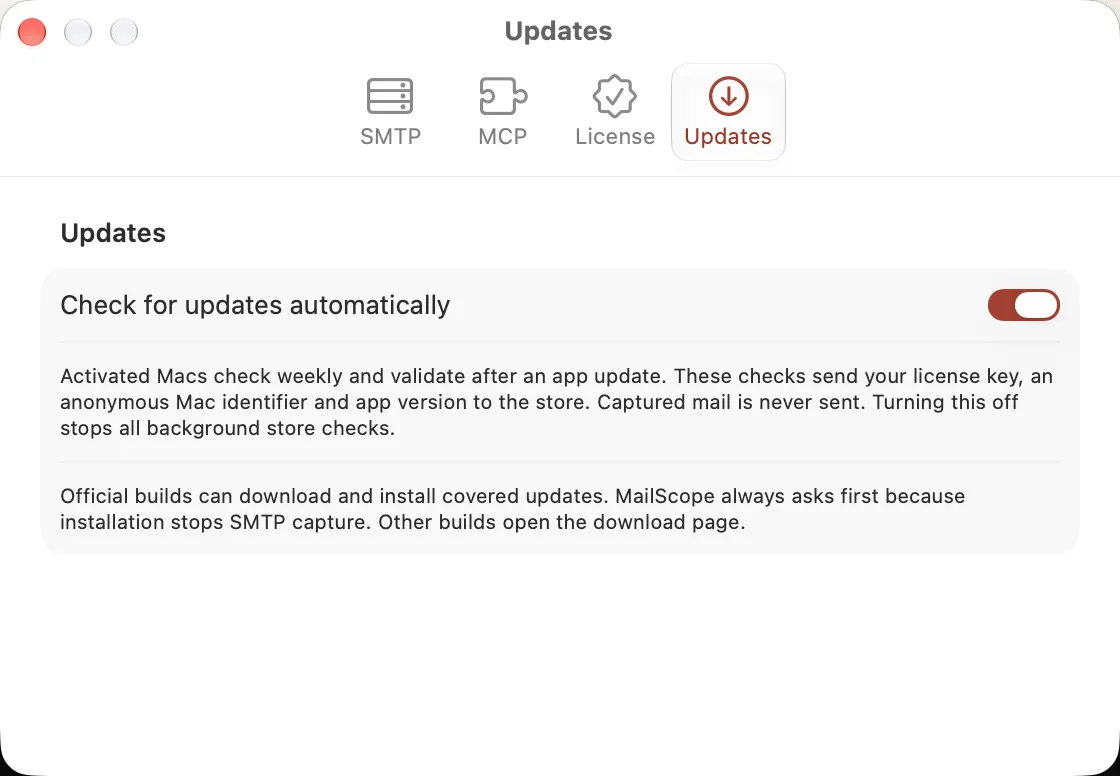
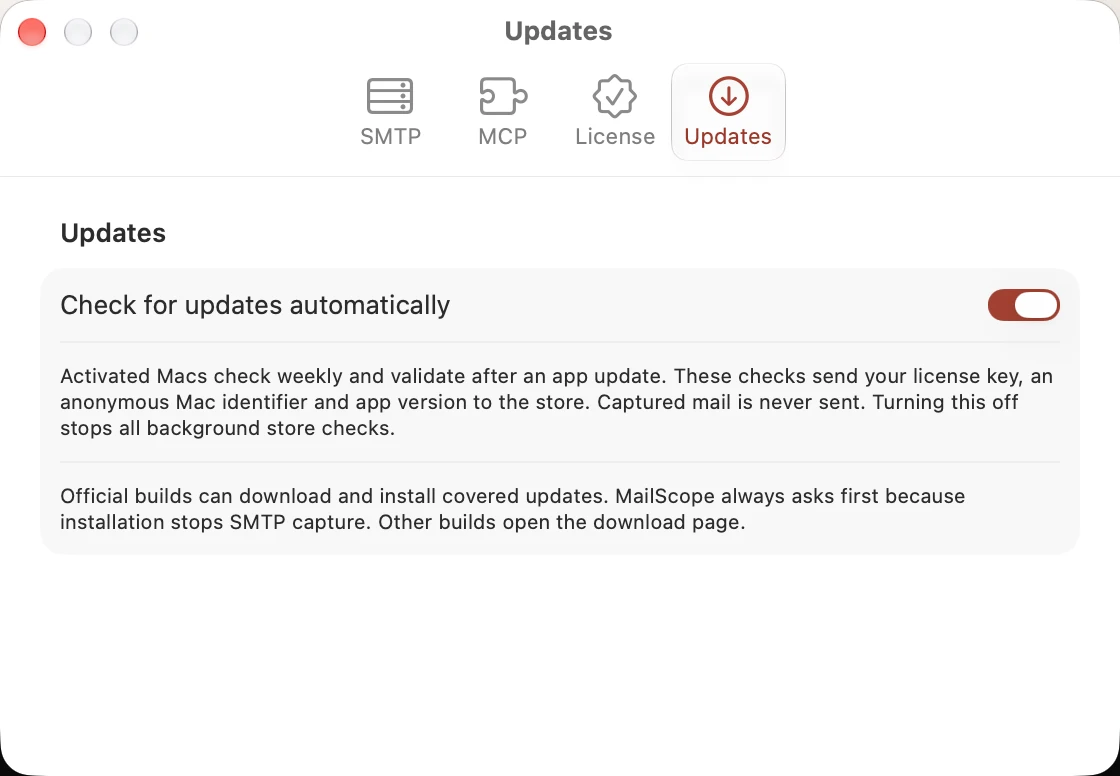
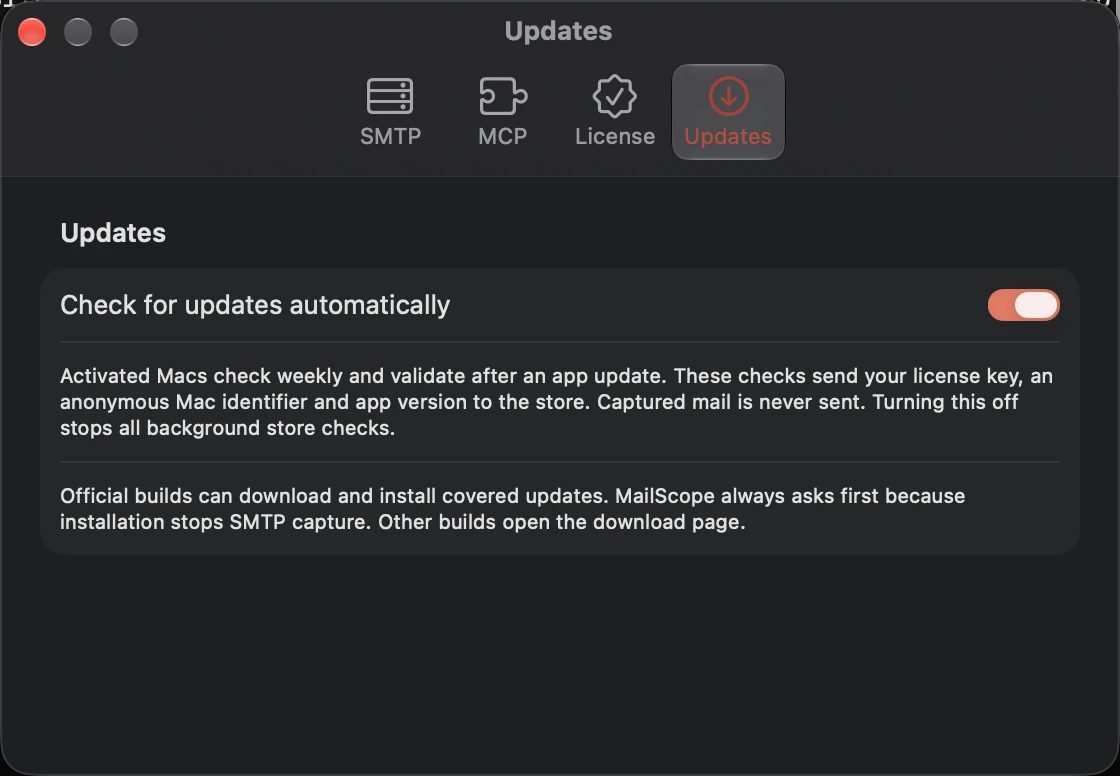
Updates settings
Light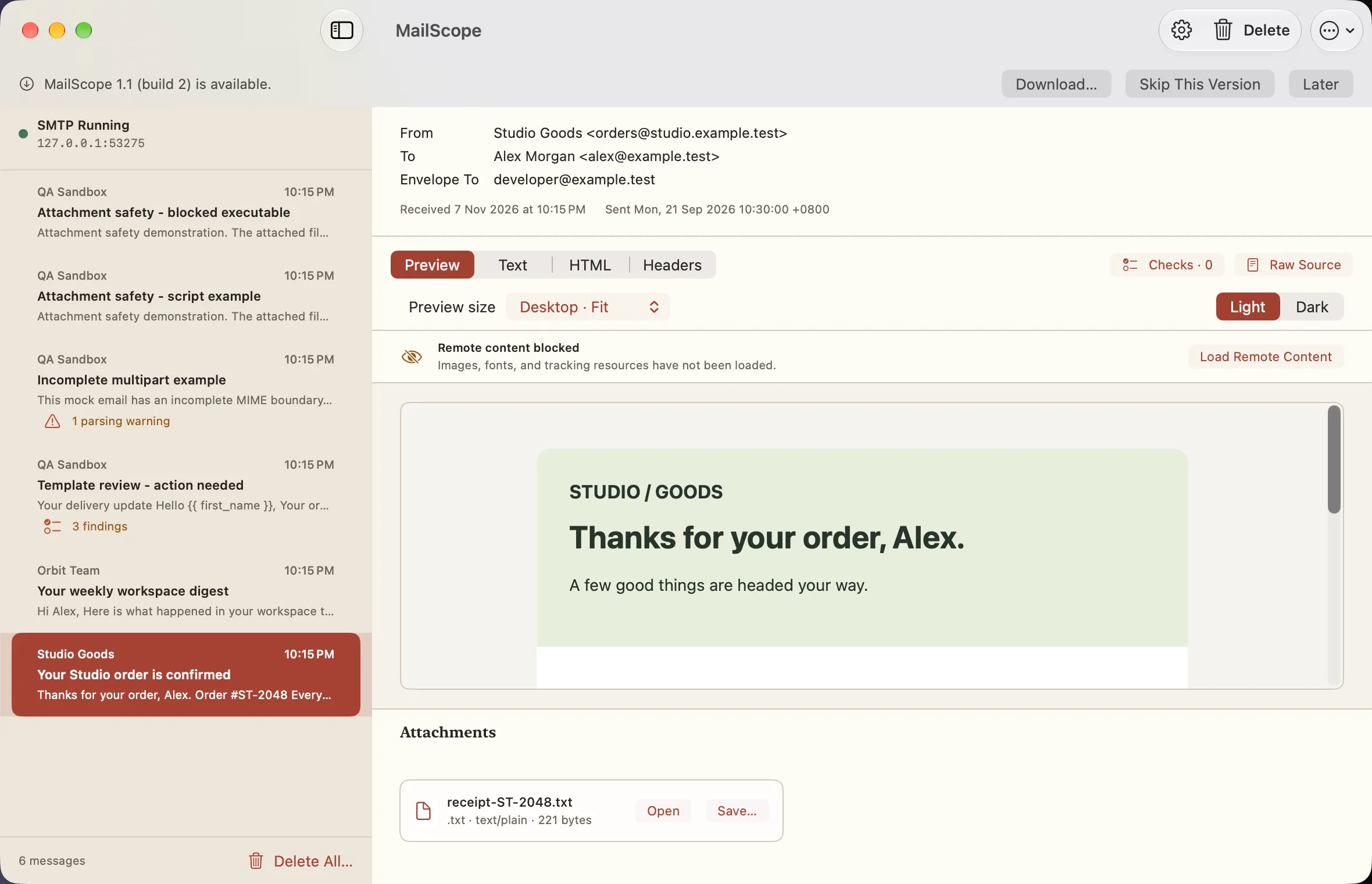
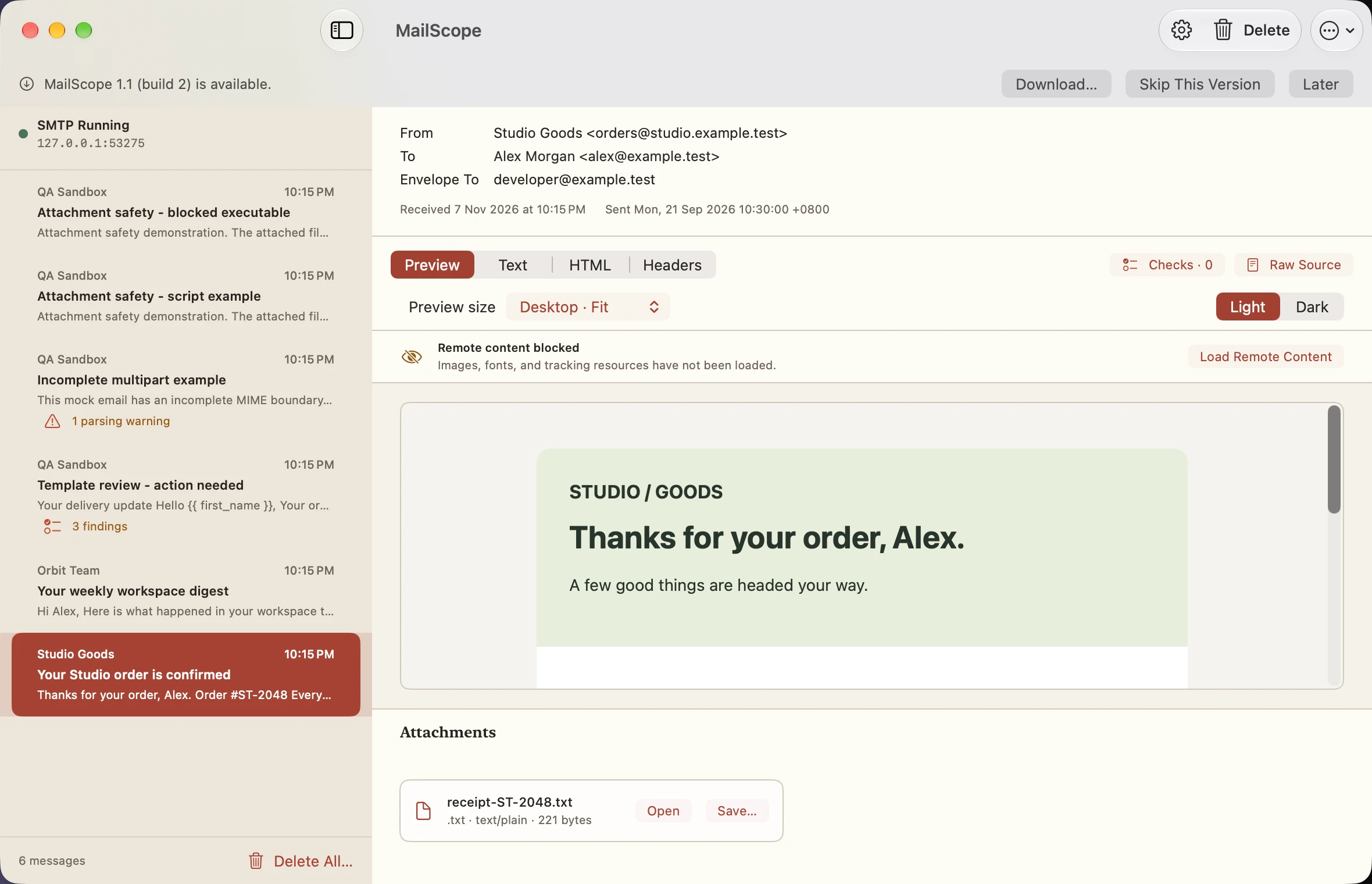
Update available banner
Light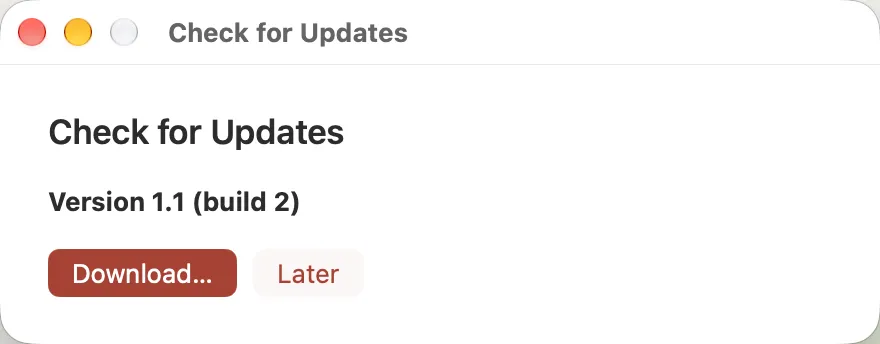
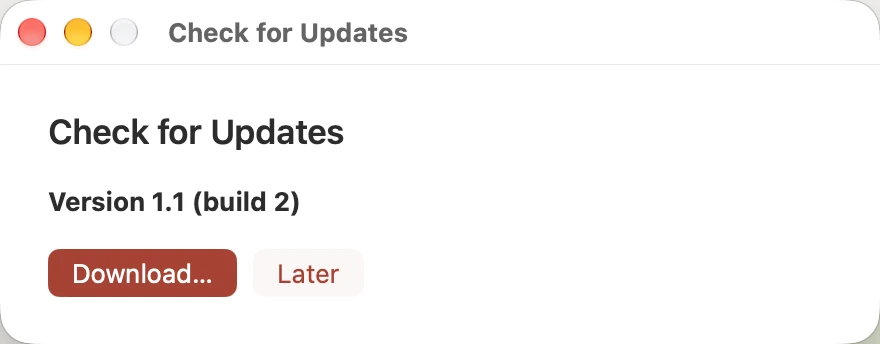
Check for updates
Light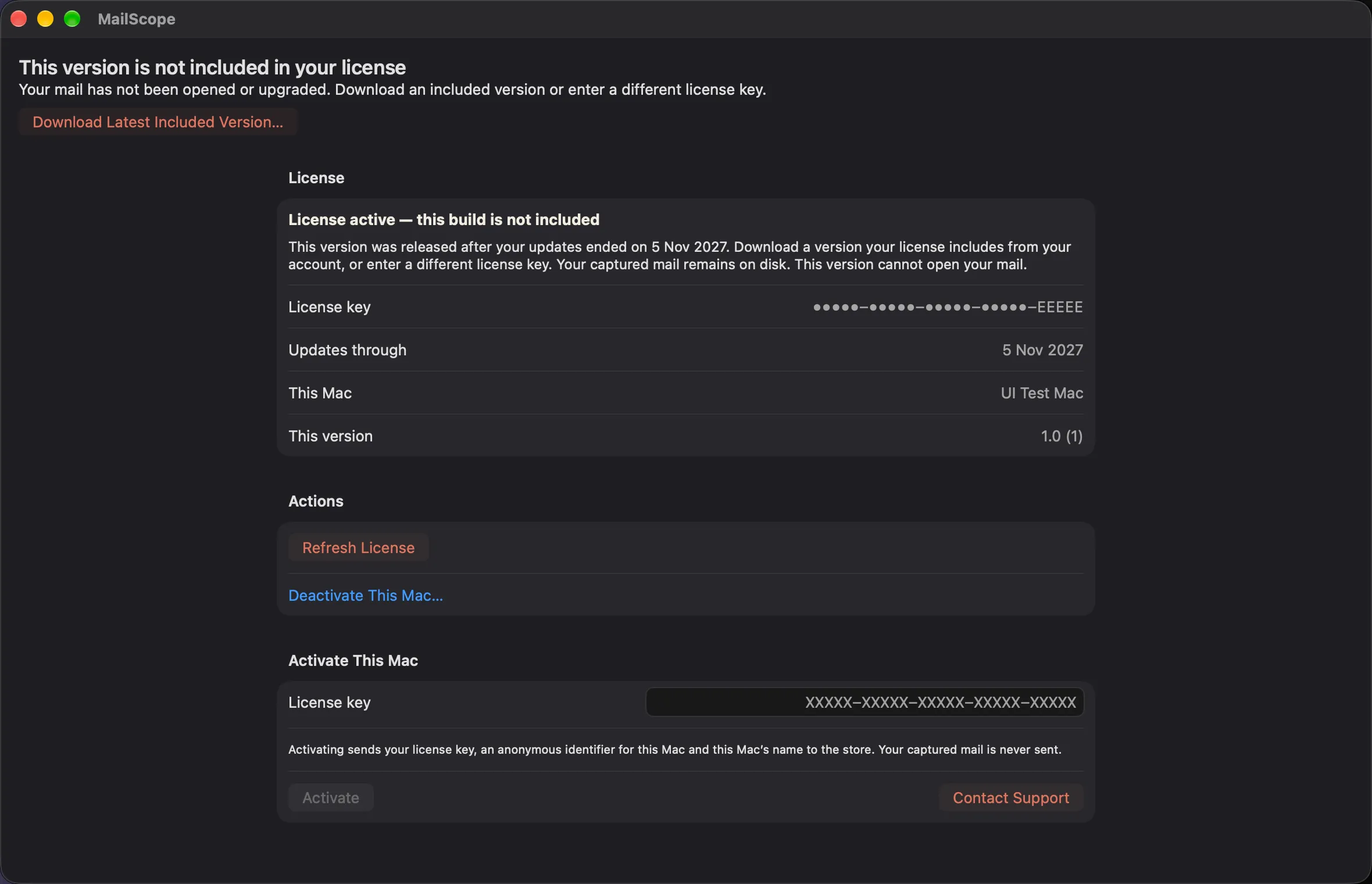
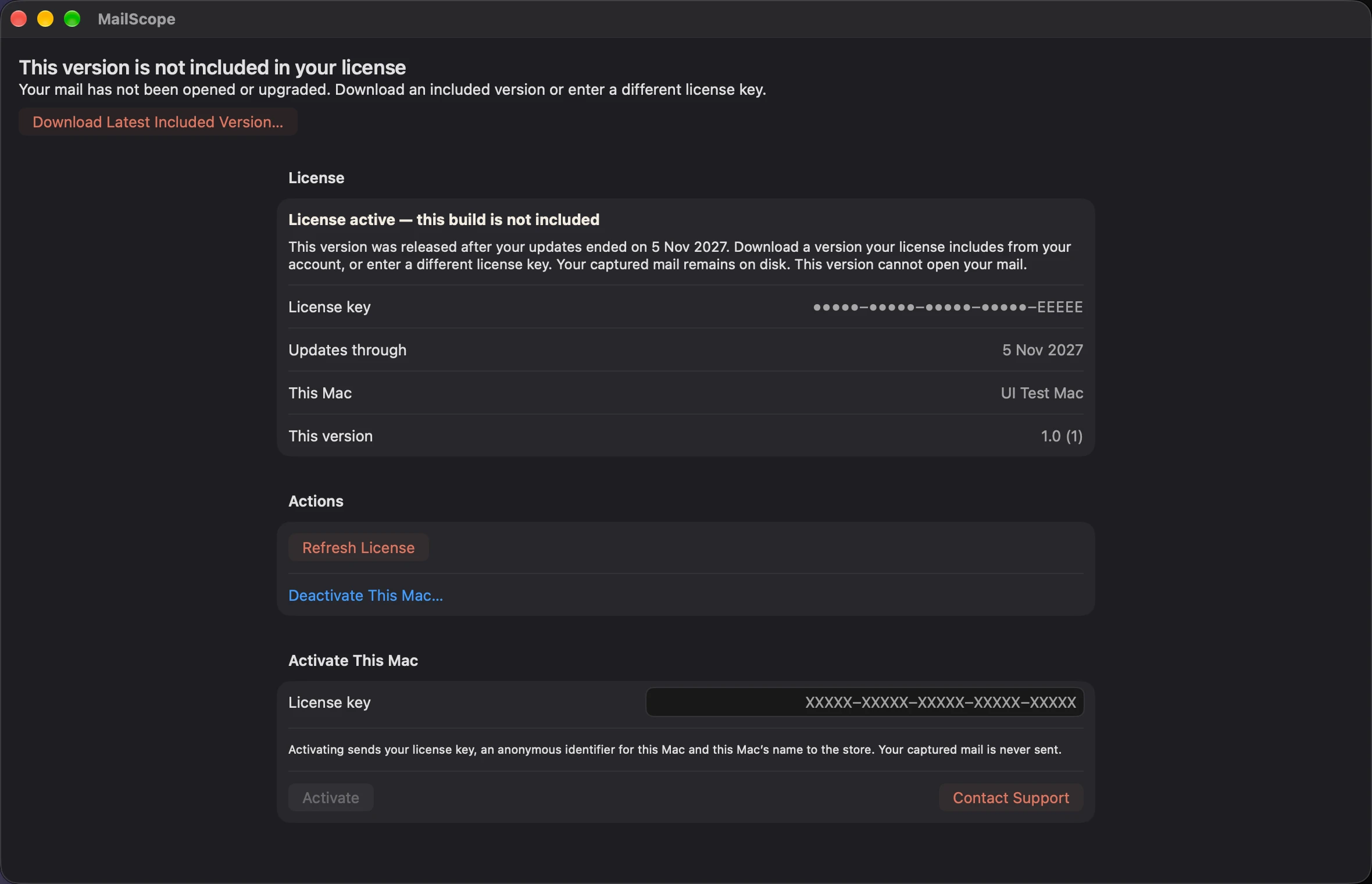
Build not included
Light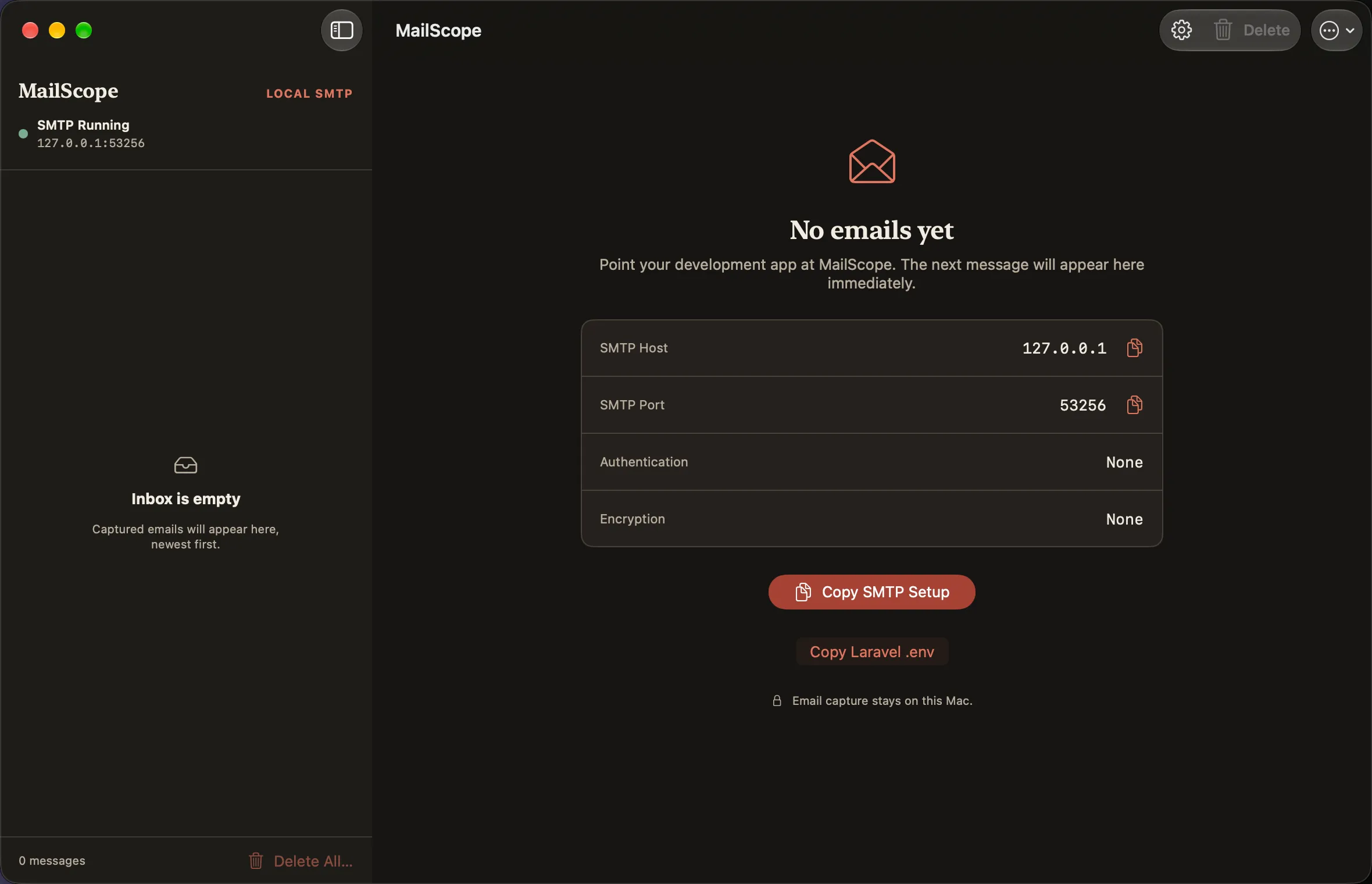
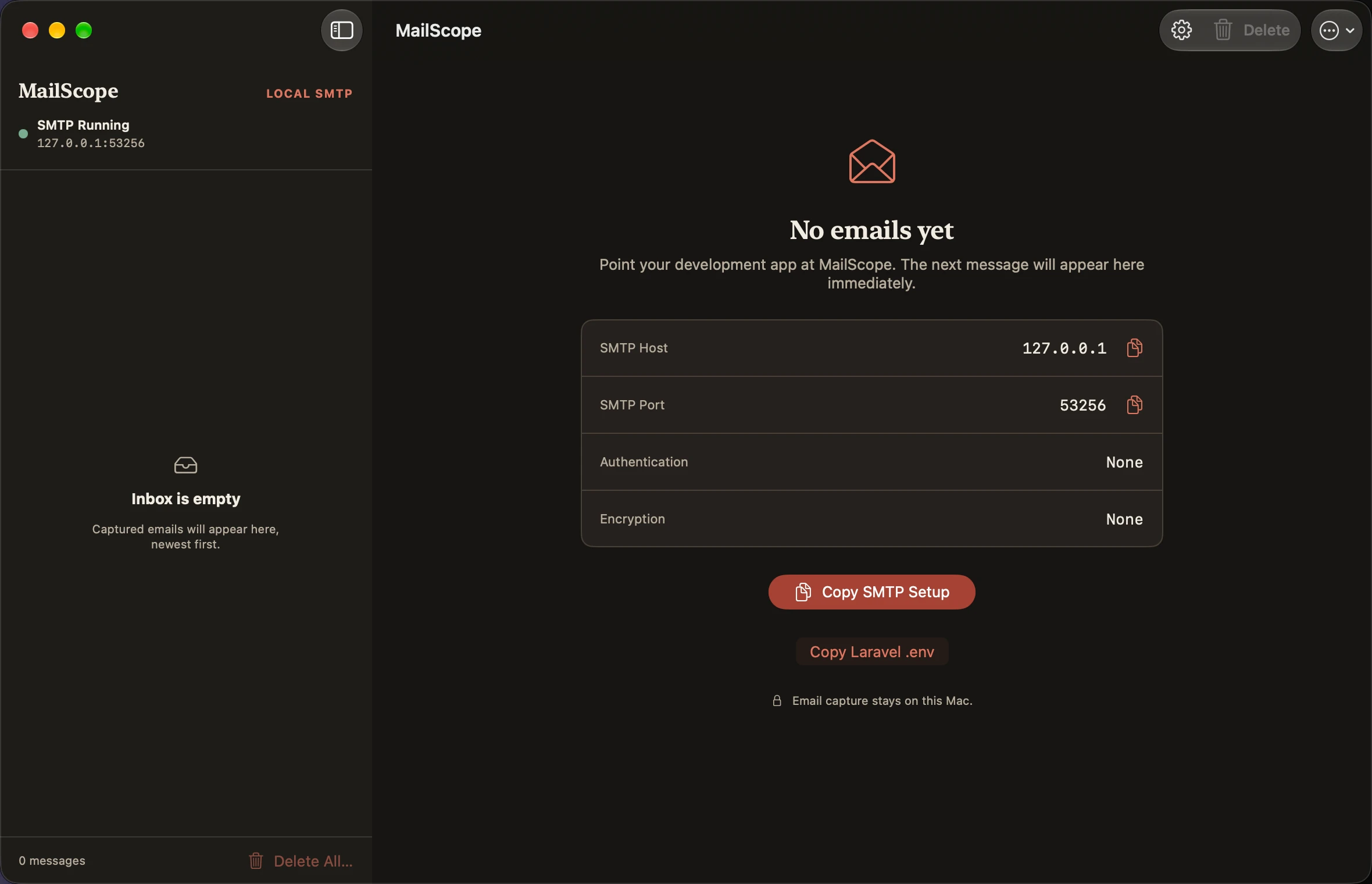
Empty inbox
Dark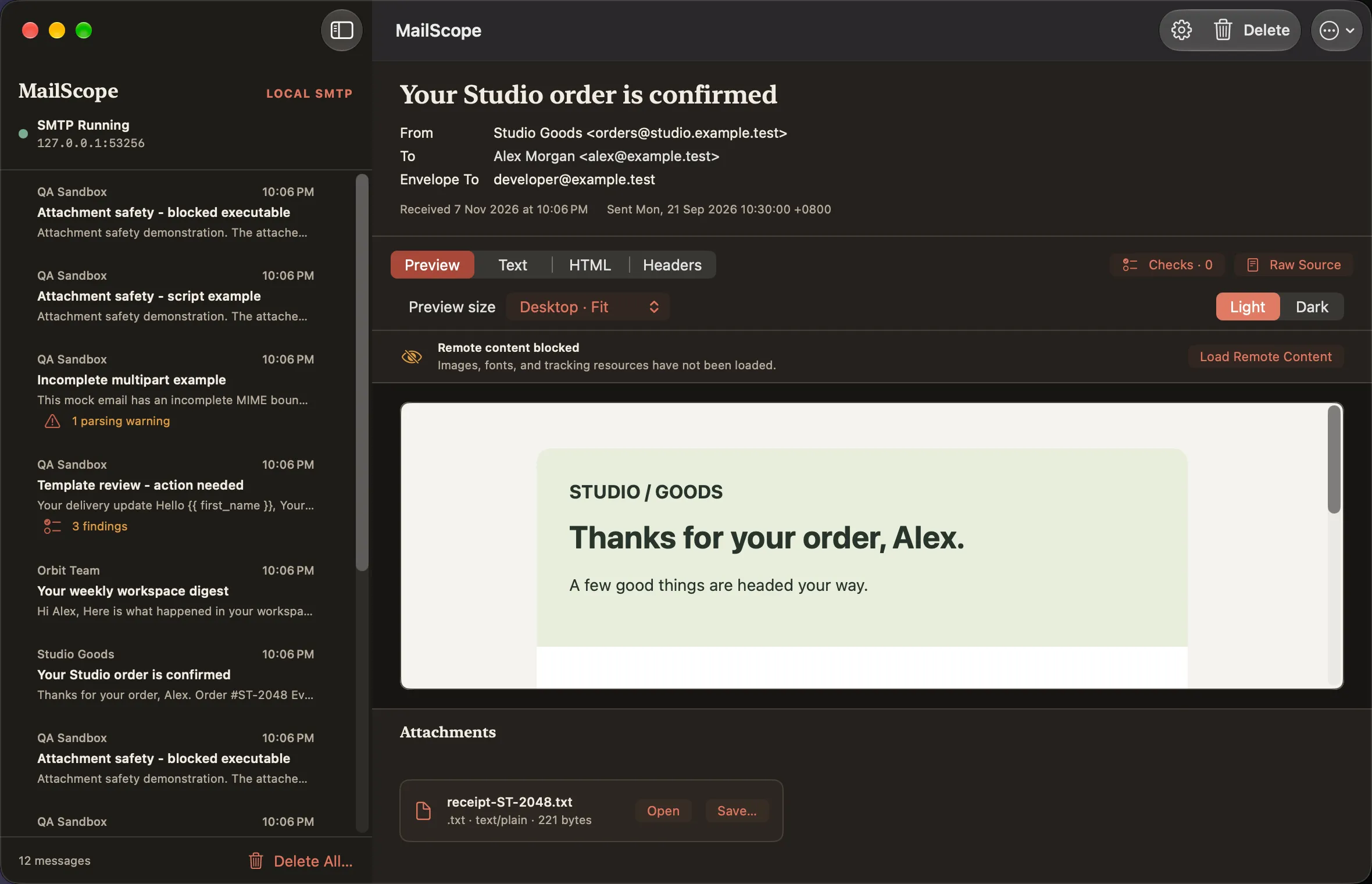
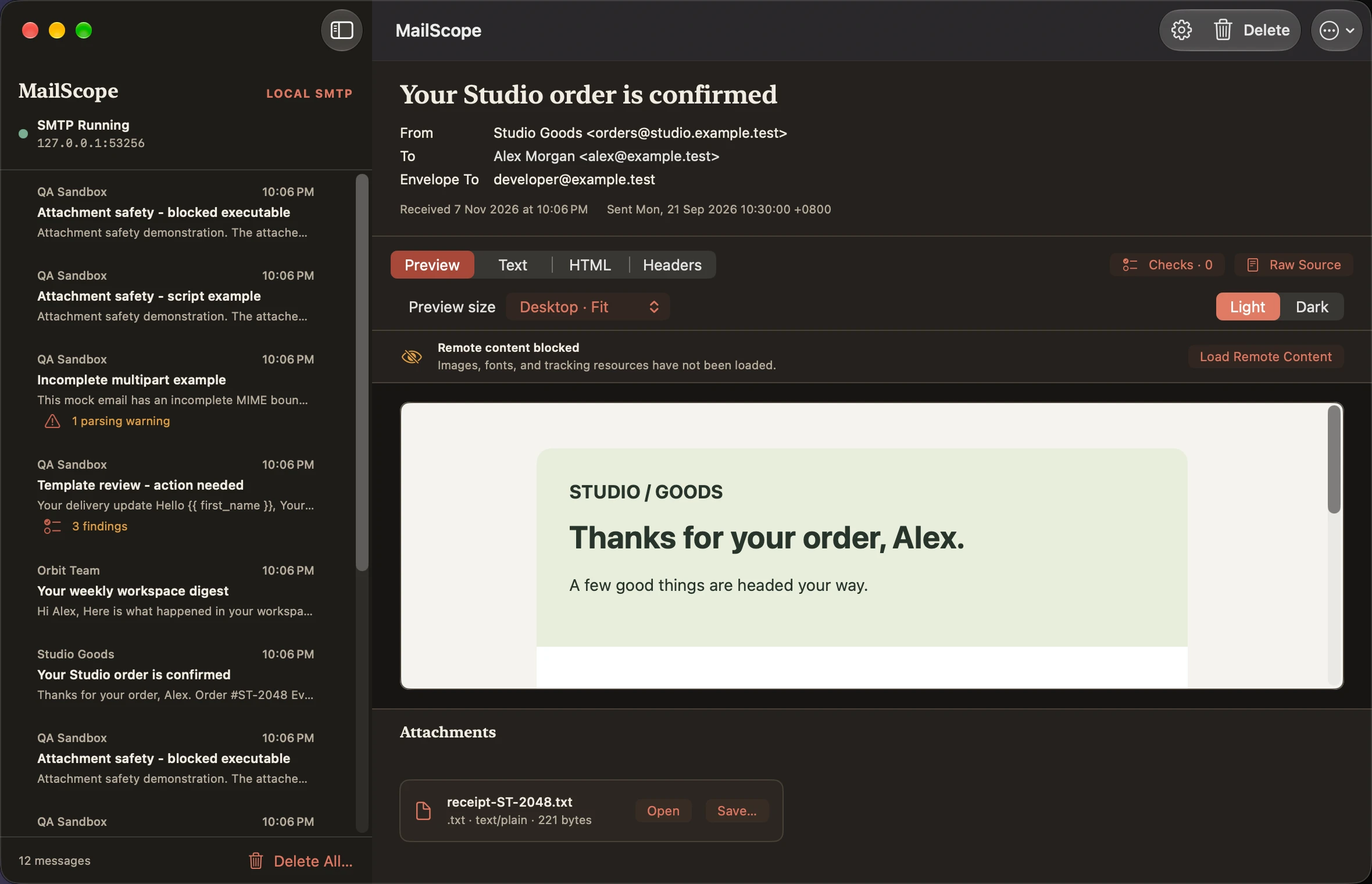
Desktop preview
Dark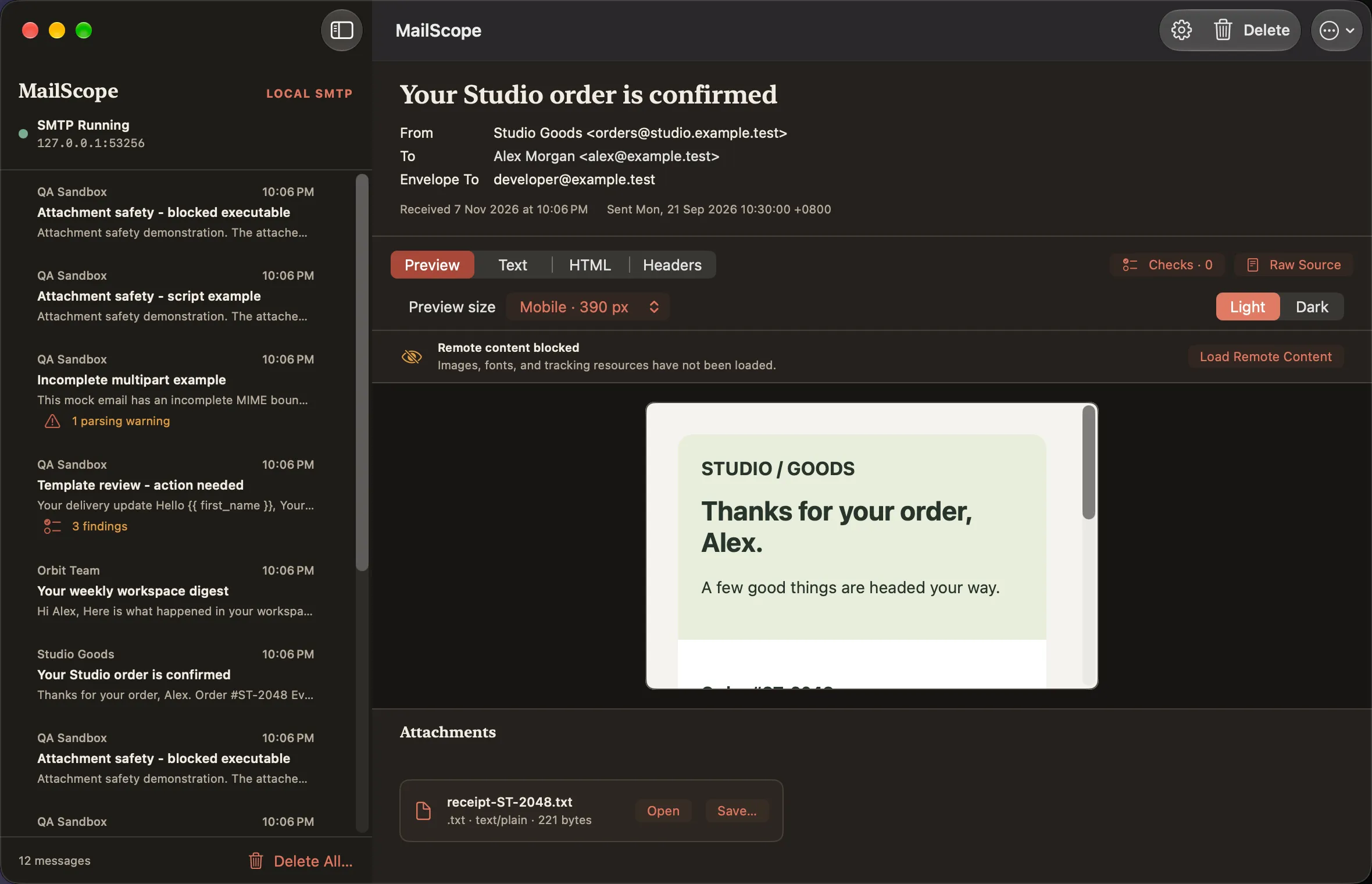
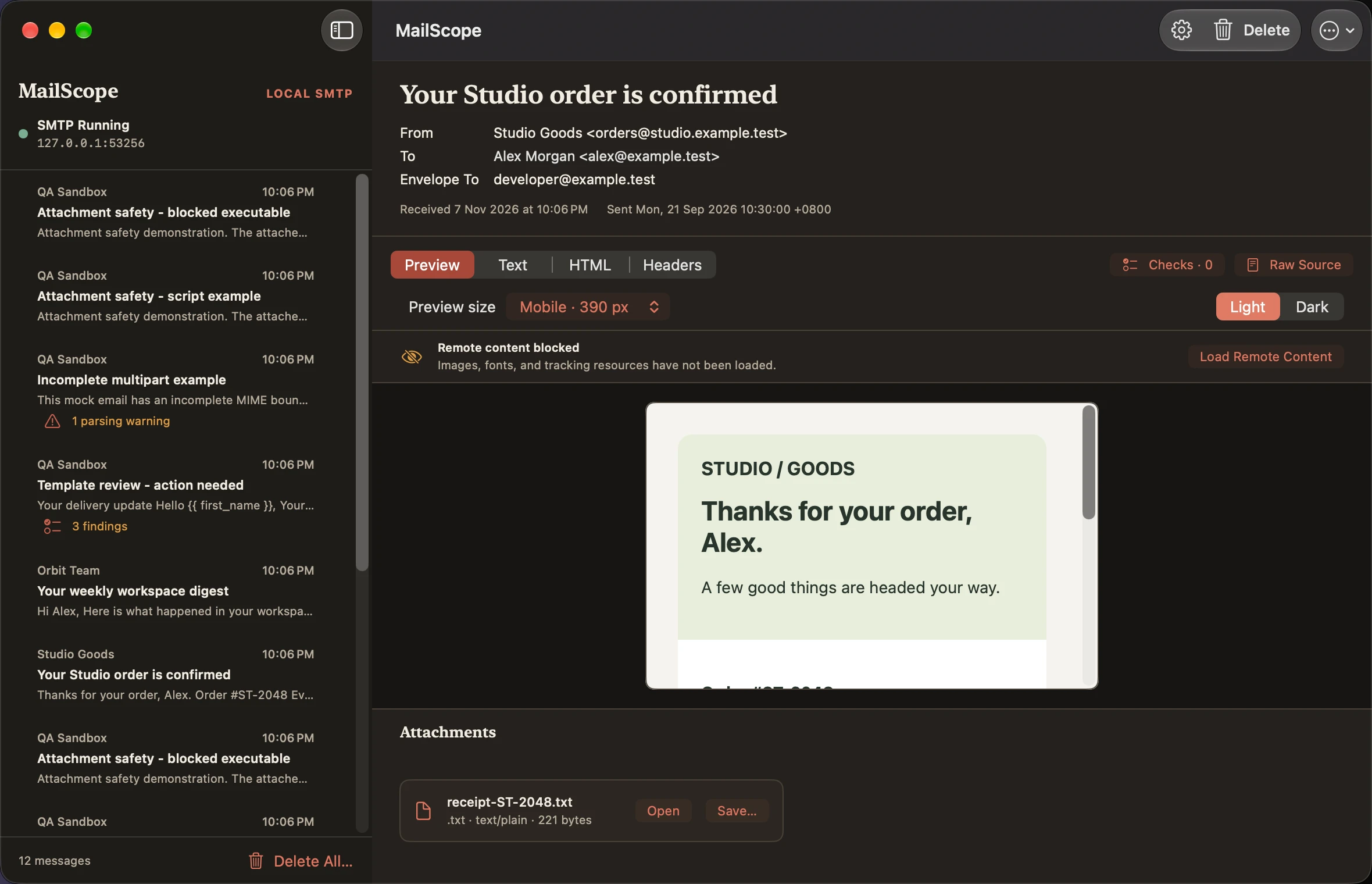
Mobile preview
Dark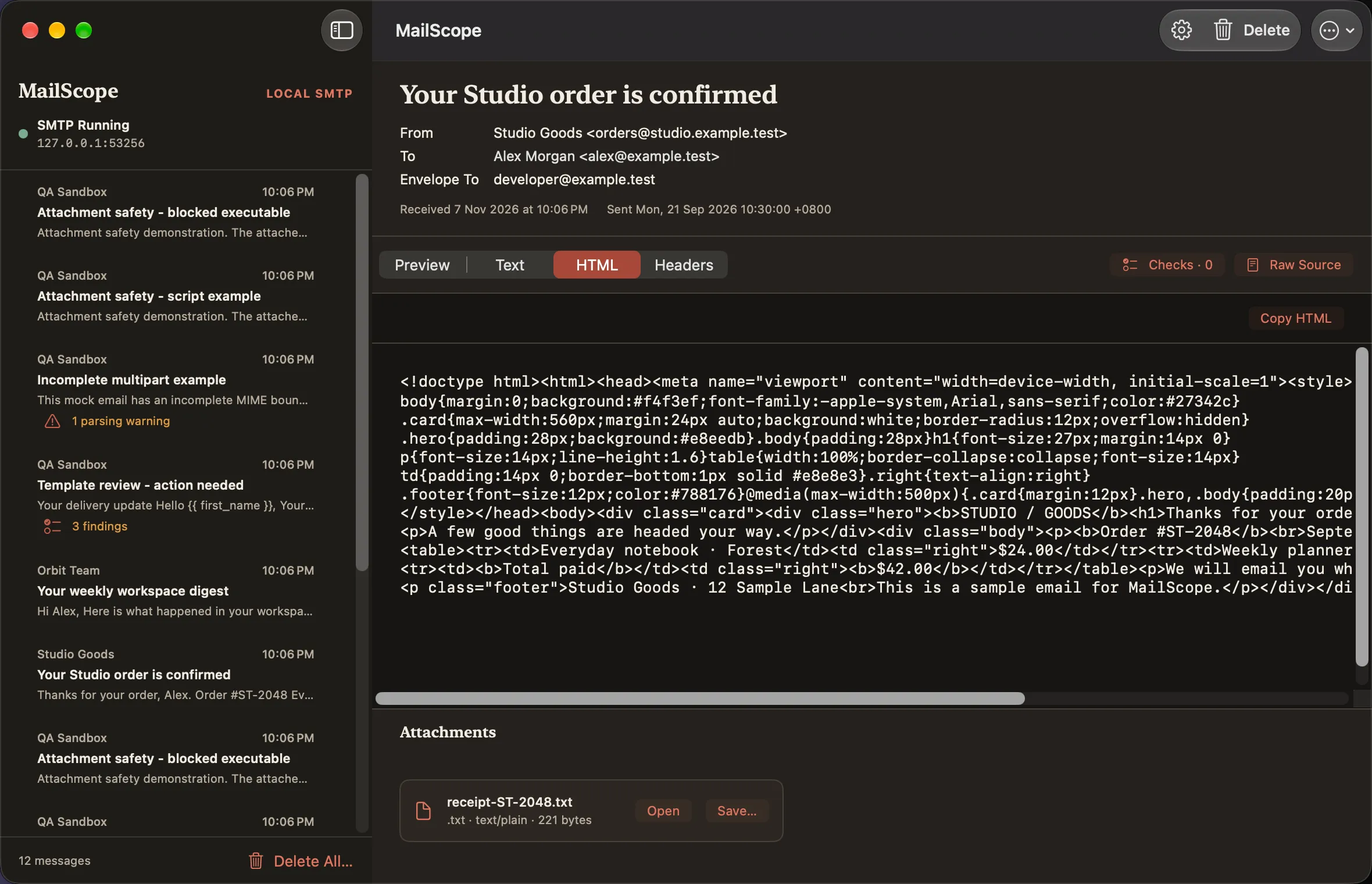
HTML source
Dark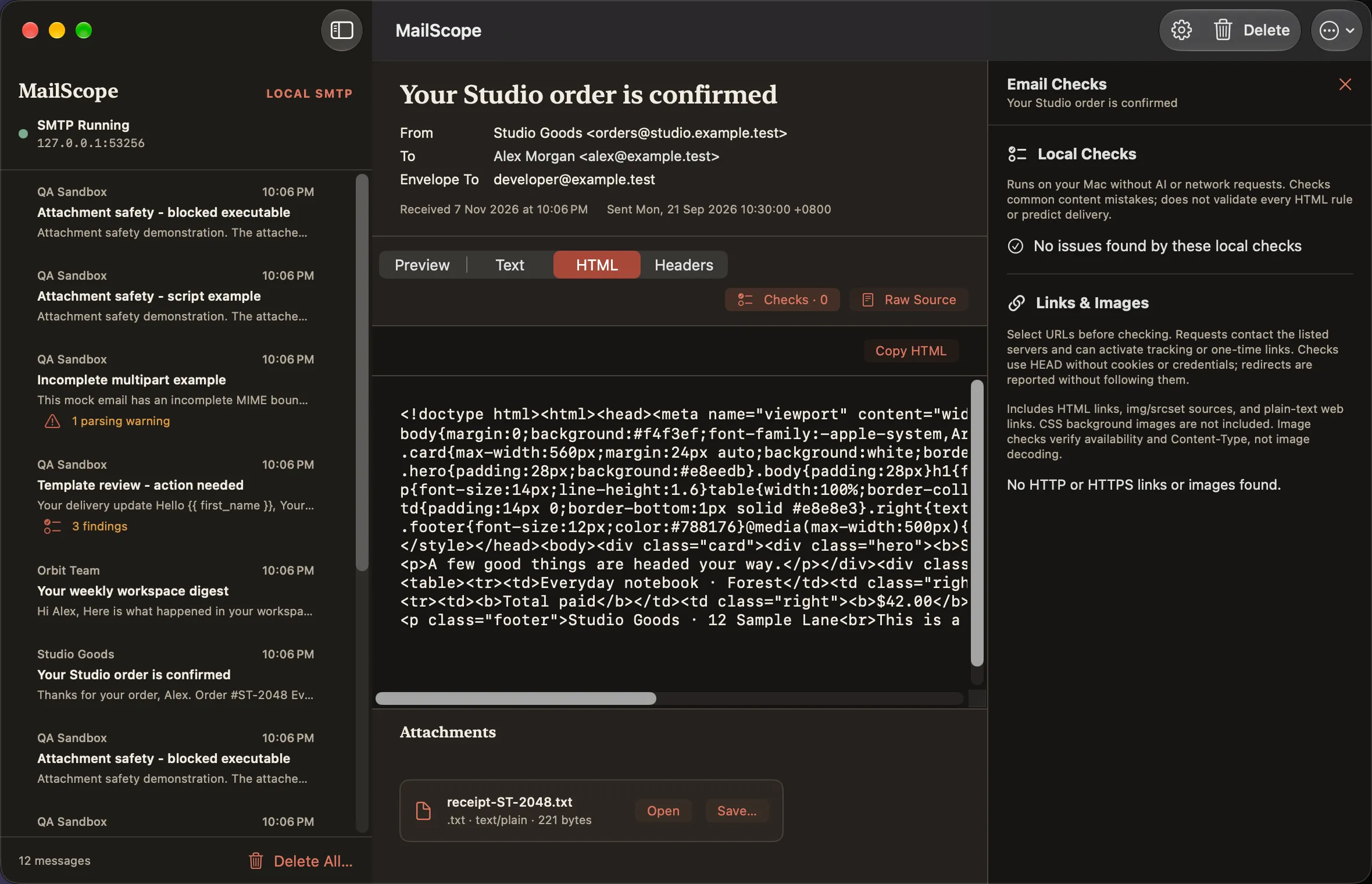
Local checks
Dark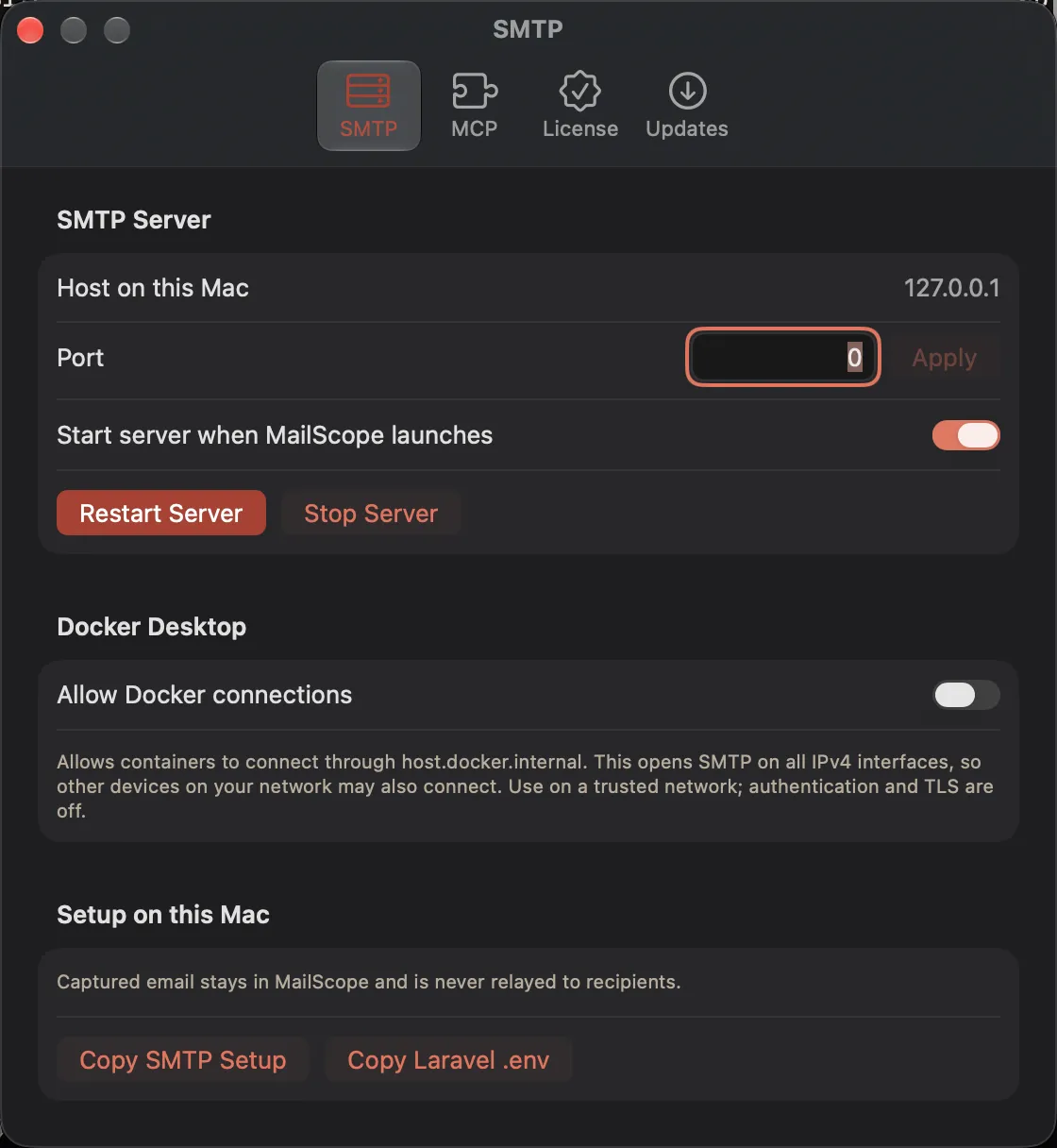
SMTP settings
Dark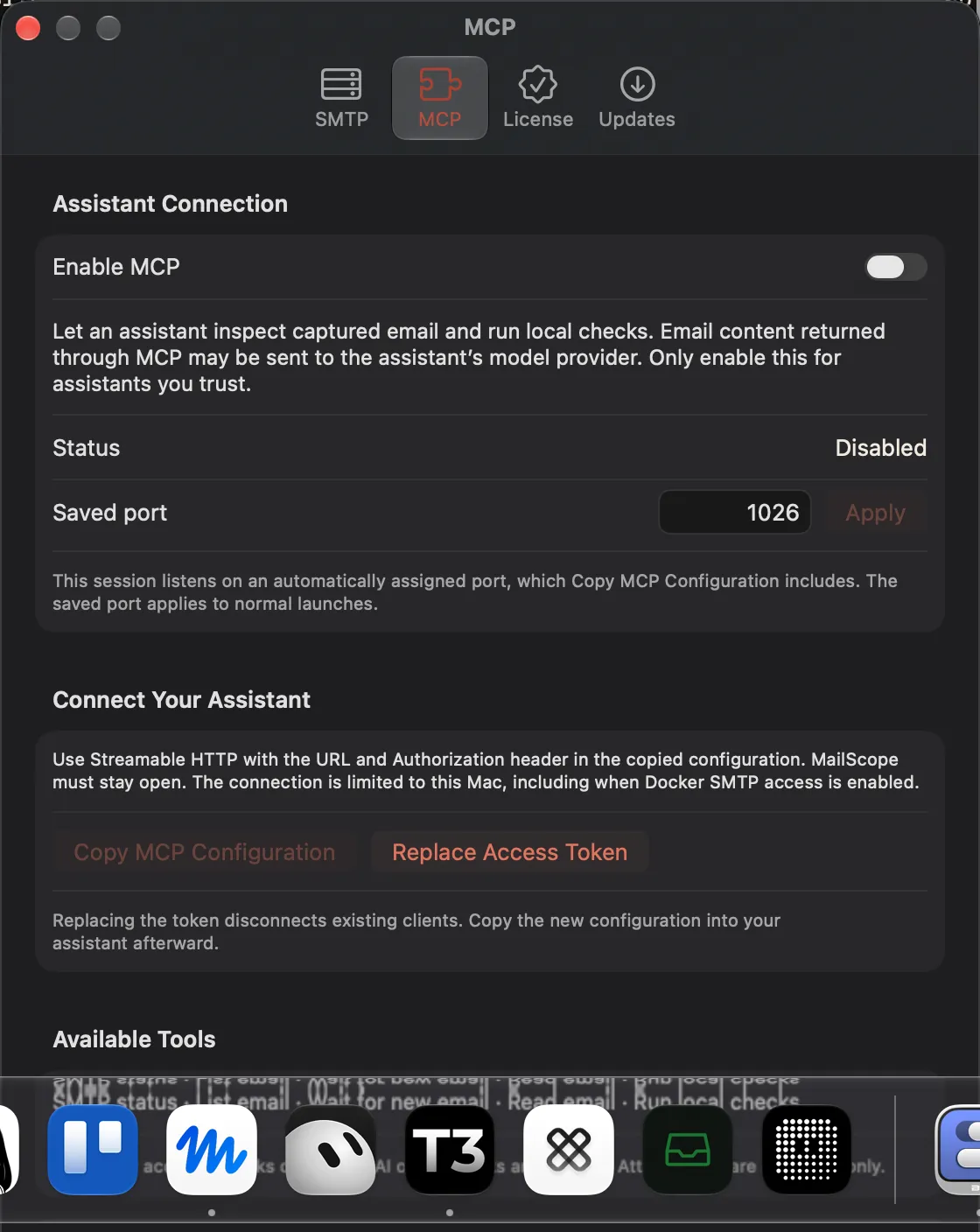
MCP settings
Dark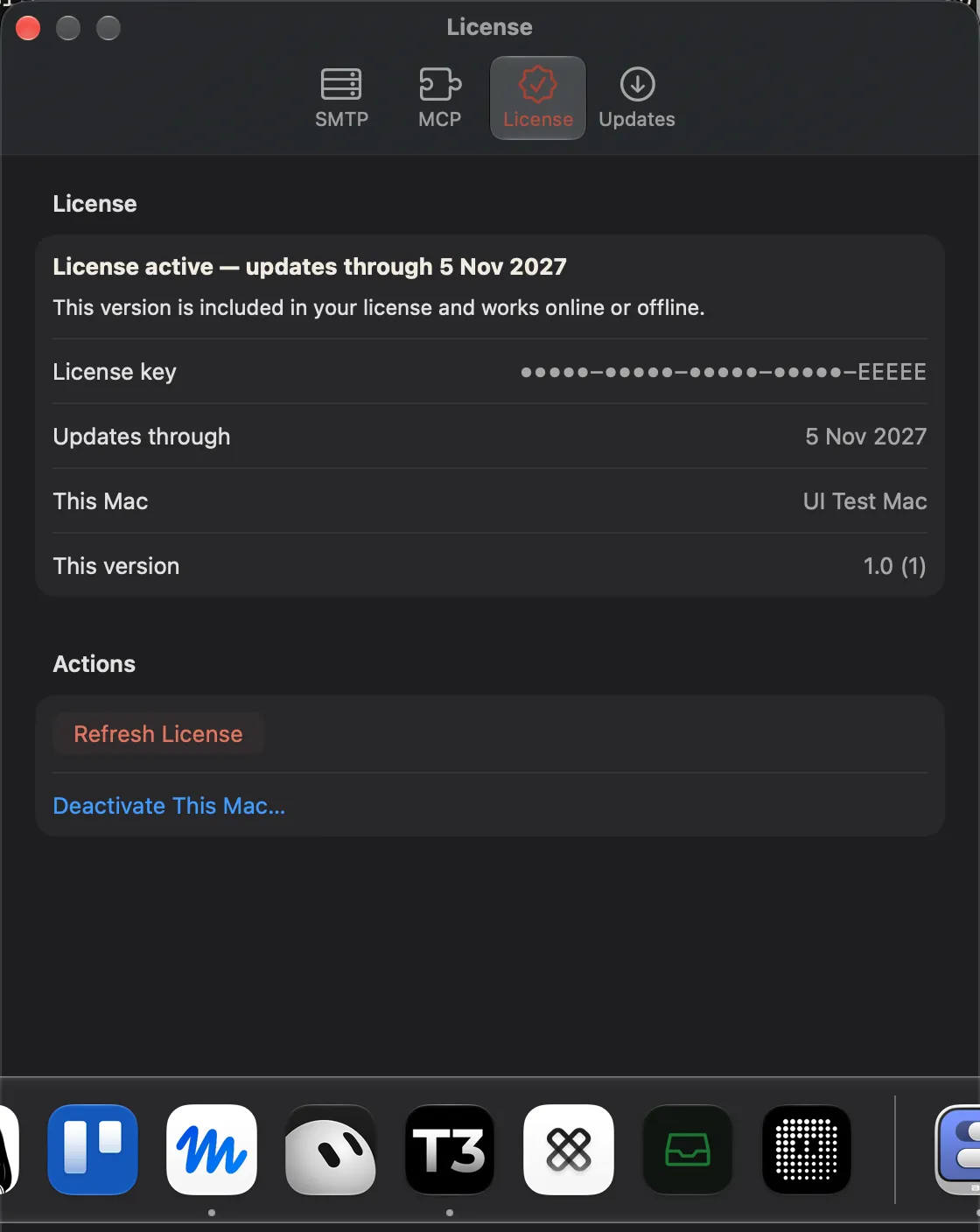
License active
Dark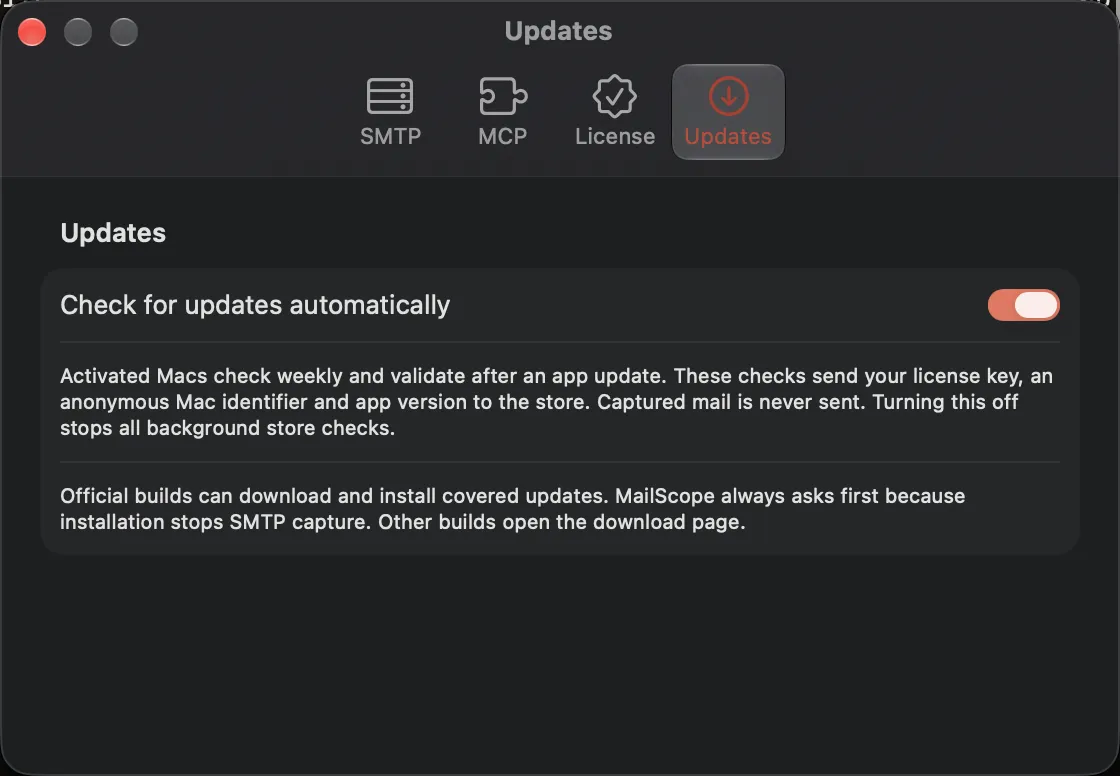
Updates settings
Dark